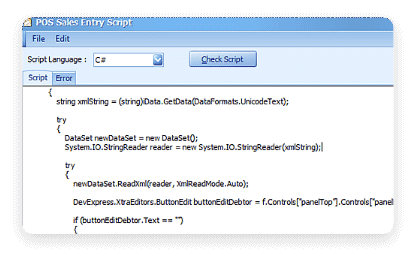
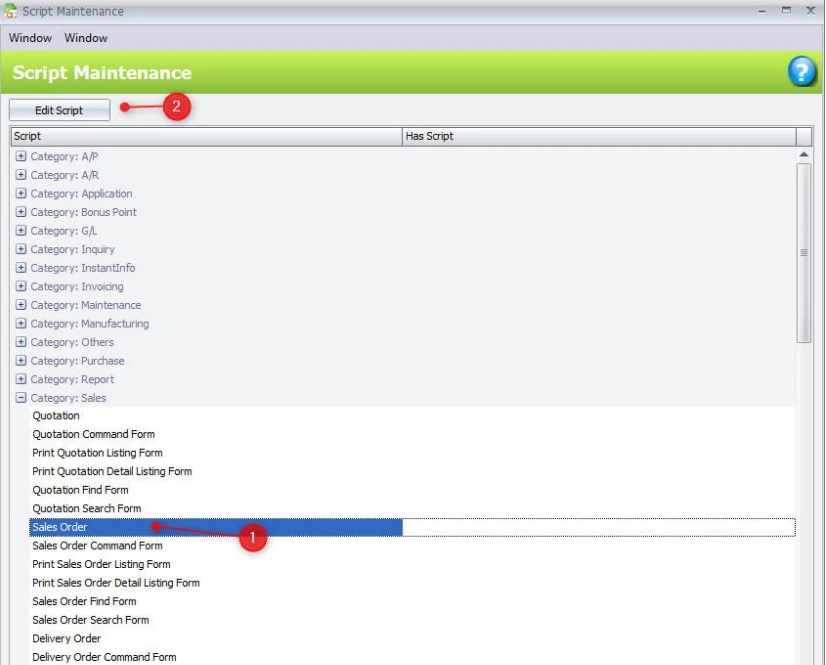
AutoCount Scripting Module
Customization and Automation
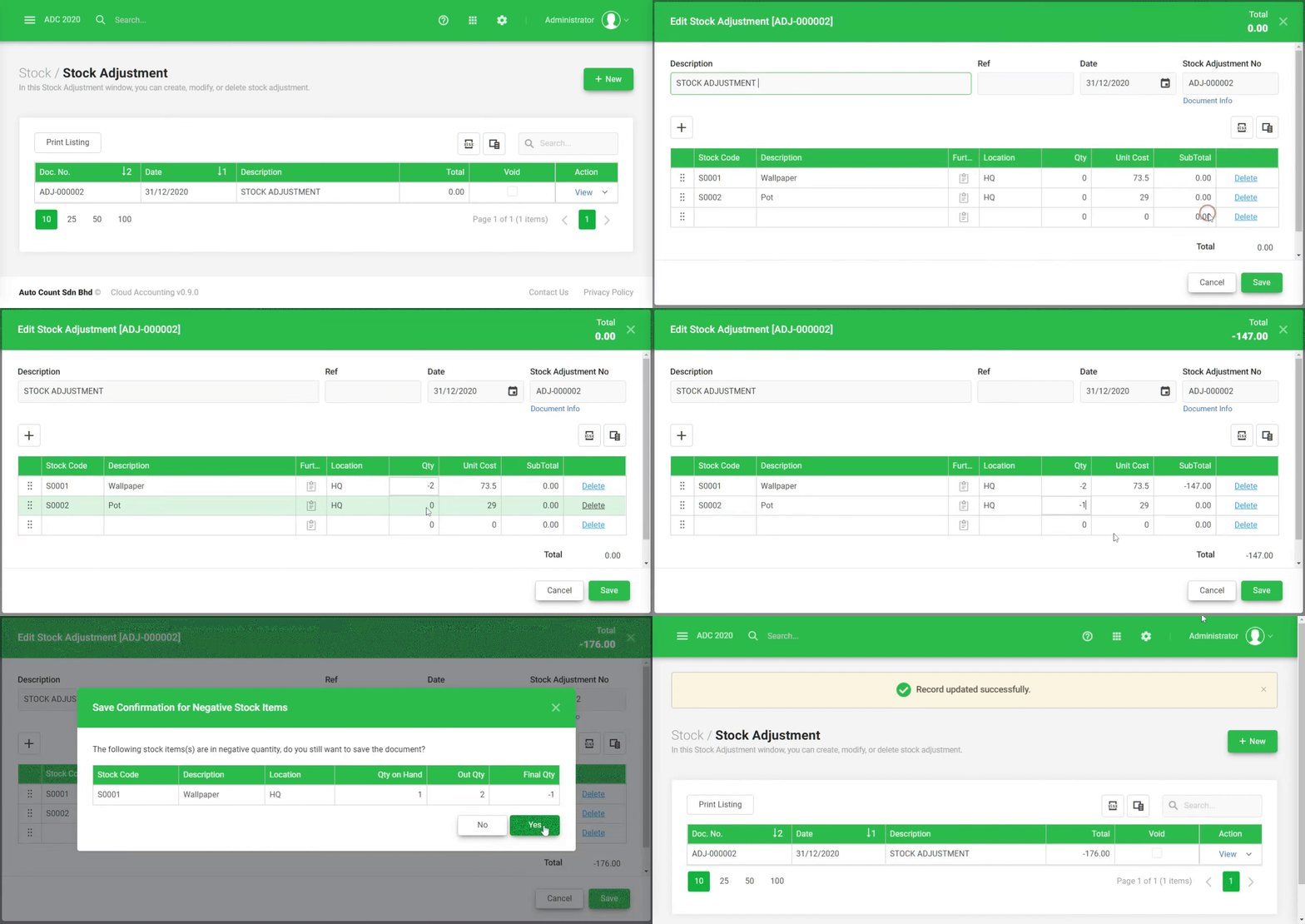
- Automate Repetitive Tasks
Create scripts to automate routine tasks like invoice generation, data imports, and report scheduling, reducing manual effort. - Custom Workflow Creation
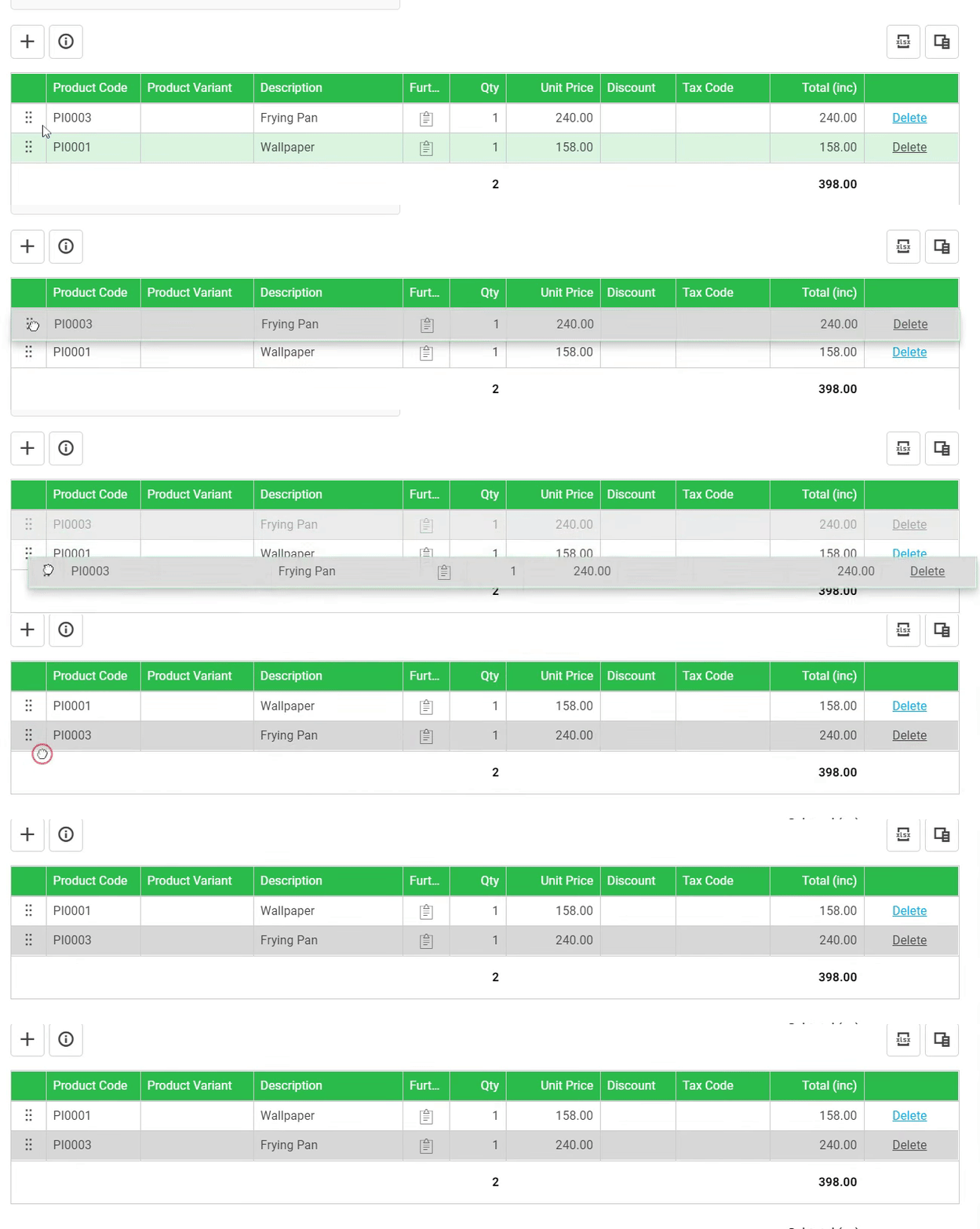
Design specialized workflows to suit unique business processes, such as automated stock transfers, order processing, or inventory checks. - Tailored Reporting
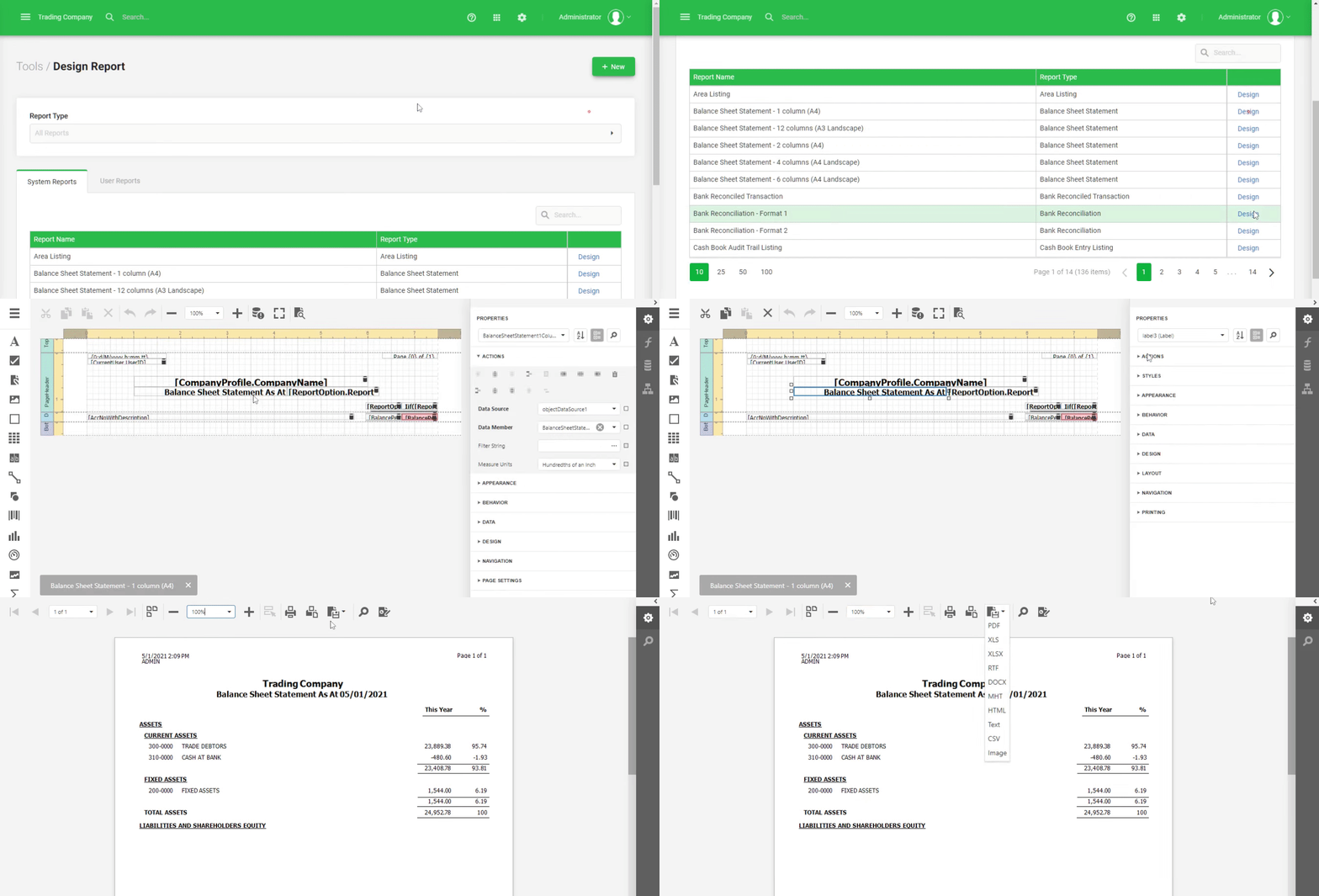
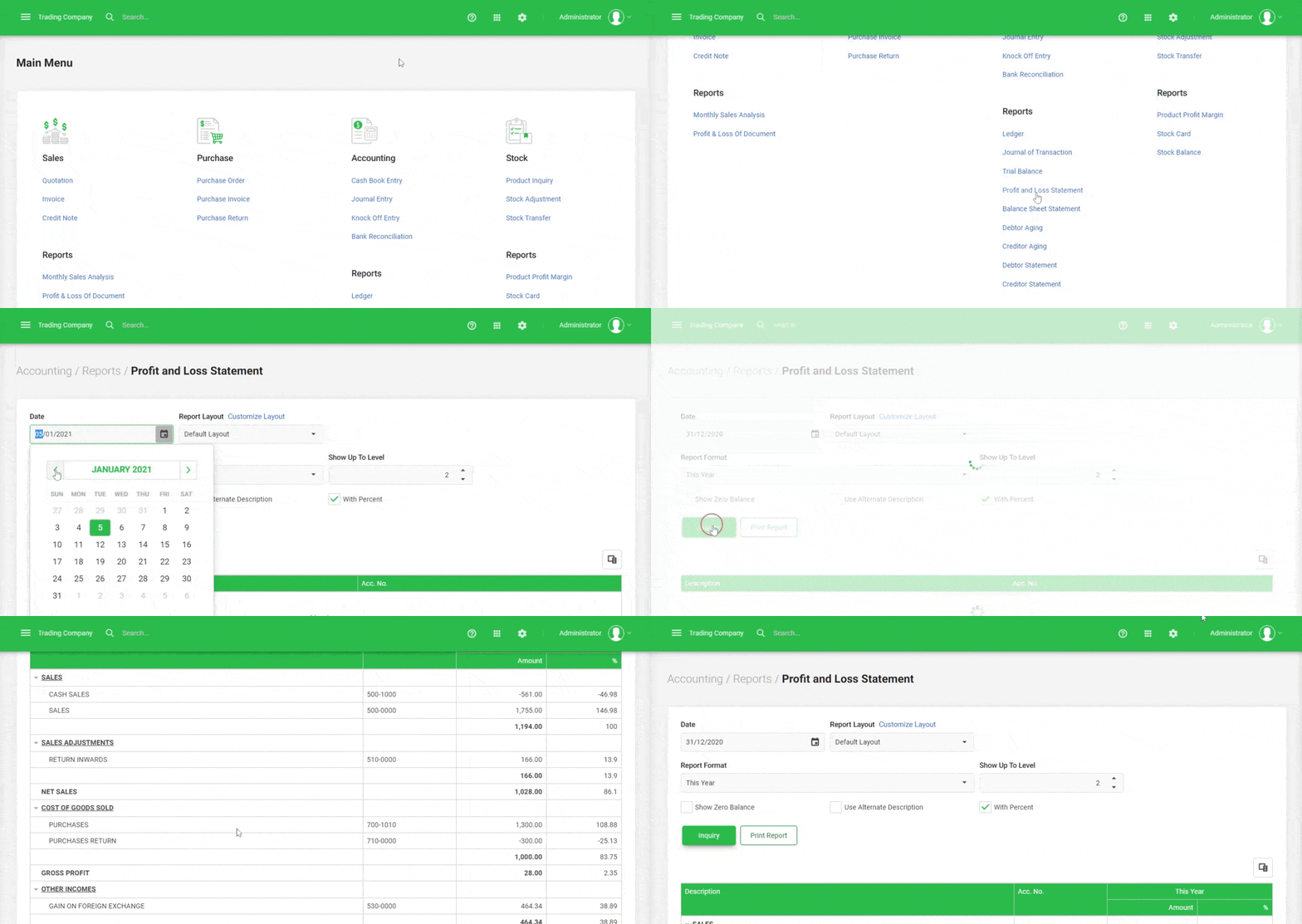
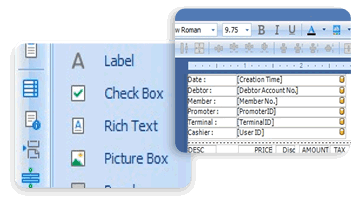
Write scripts to generate custom reports, pulling specific data points from multiple modules, allowing for deep insights and data visualization. - Custom Alerts and Notifications
Set up automated notifications based on specific conditions like low stock levels, pending approvals to keep your team informed.
Integration with Other Modules
- Seamless Integration with AutoCount Modules
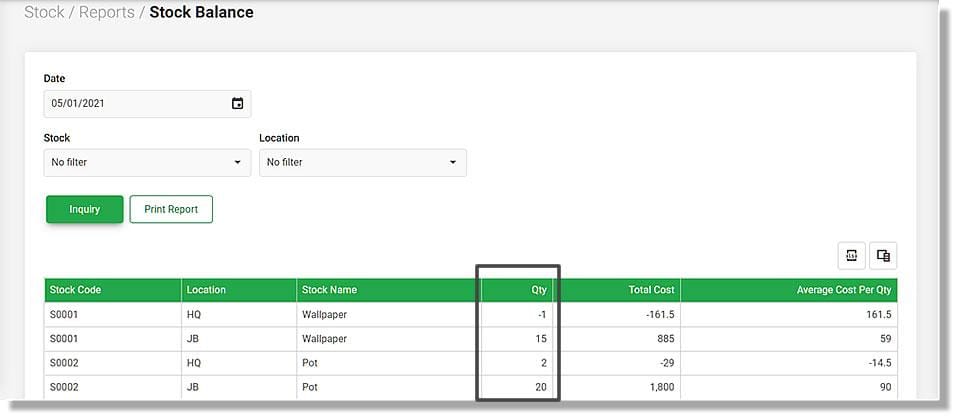
Utilize AutoCount Scripting to integrate and extend the functionality of other modules like Sales, Purchases, Inventory and others streamlining cross-department processes. - API and External System Integration
Create scripts to connect AutoCount with external systems such as CRM, ERP, or eCommerce platforms for improved data synchronization.
Advanced Data Processing
- Custom Data Manipulation
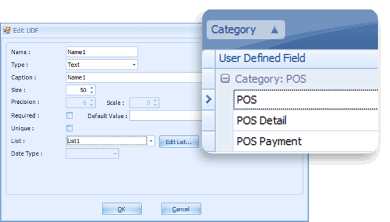
Write scripts to process and modify data in unique ways, such as adjusting financial data based on custom rules or processing batch inventory updates. - Complex Calculations
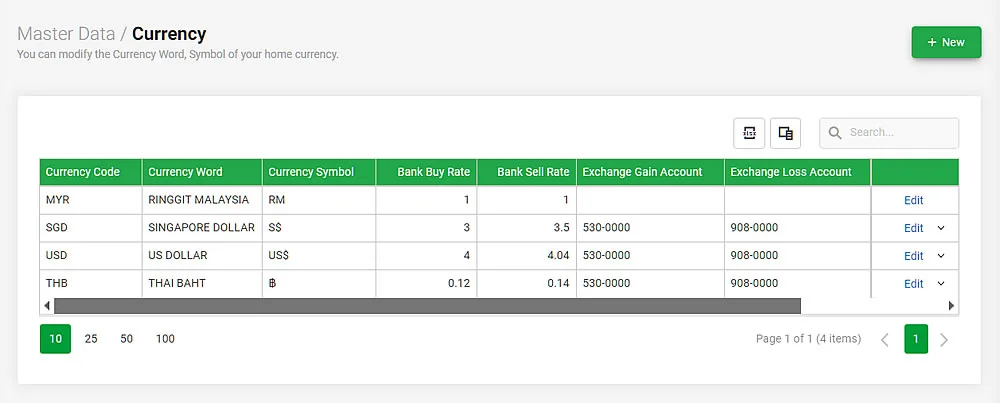
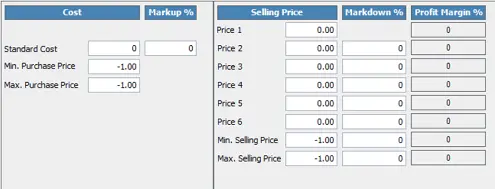
Implement custom calculations that go beyond standard AutoCount features, such as advanced pricing rules, profit margin adjustments, or custom financial analyses.
User Control and Security
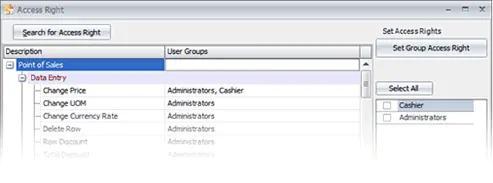
- Role-Based Permissions for Script Management
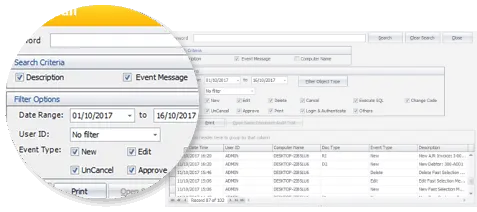
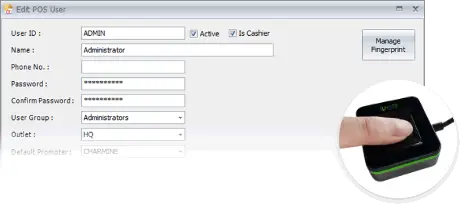
Control who can write, edit, or execute scripts to ensure sensitive business processes are only modified by authorized personnel. - Script Versioning and History Tracking
Keep track of script changes and versions to maintain control over modifications and ensure transparency across all customizations.
Monitoring and Debugging
- Debugging Tools for Script Testing
Use built-in debugging features to test and refine your scripts, ensuring that they run smoothly before full implementation. - Script Execution Monitoring
Monitor script execution status and performance, ensuring automated tasks run as expected without interruptions.