
AutoCount Plugins
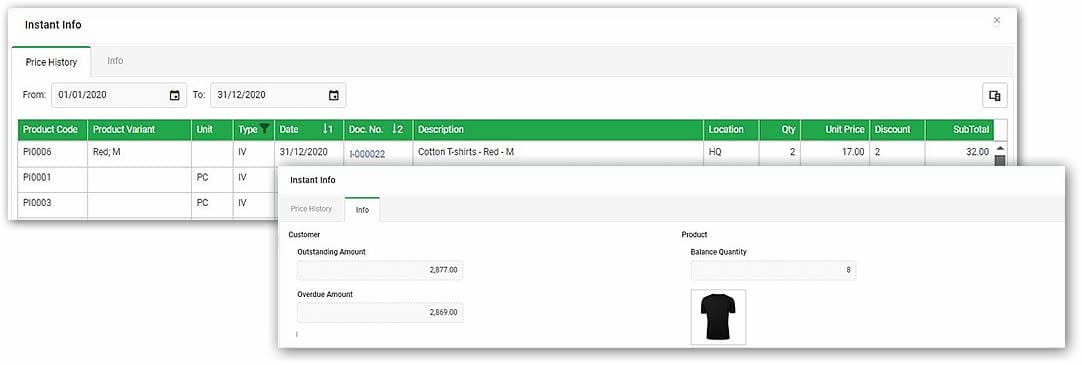
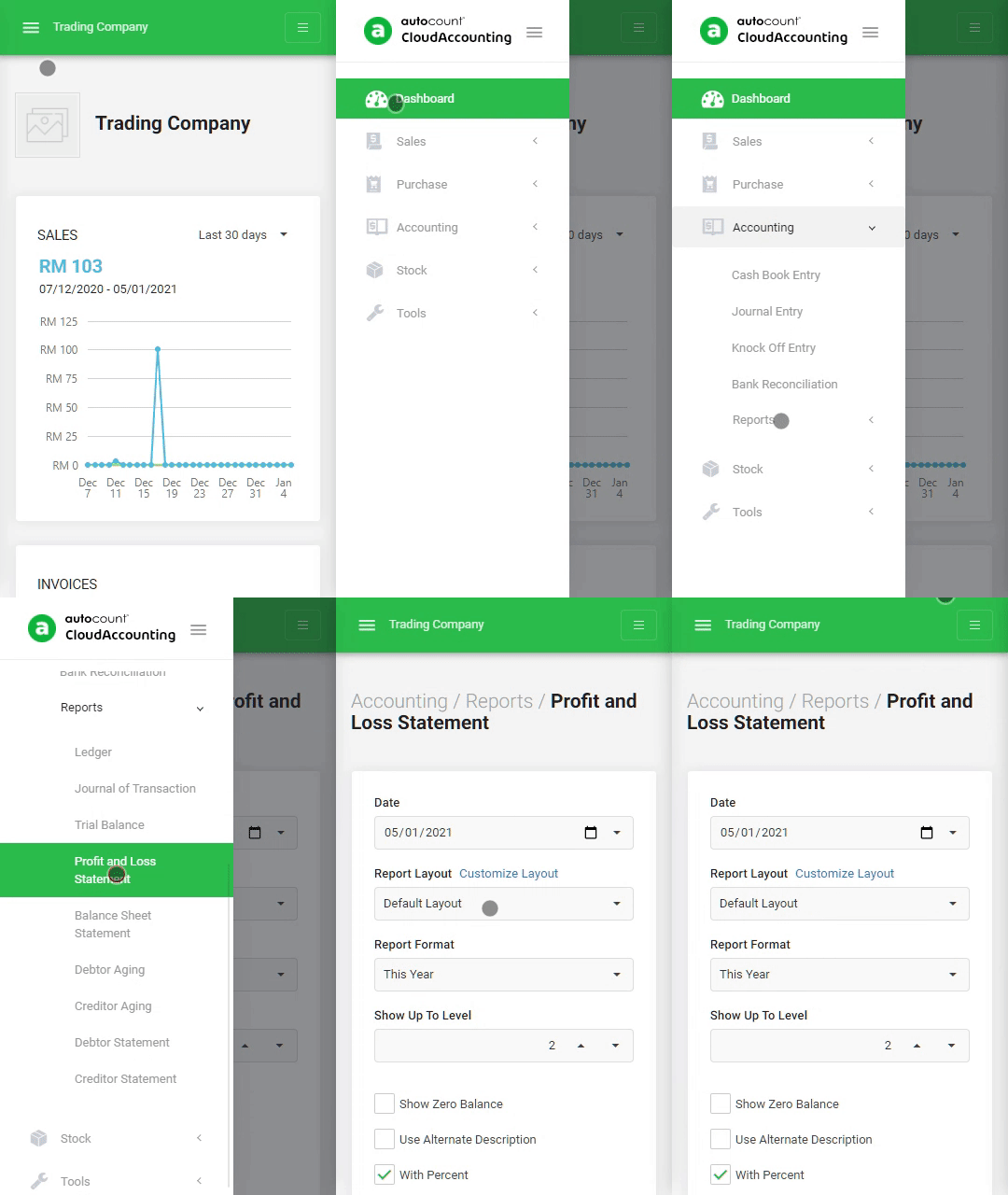
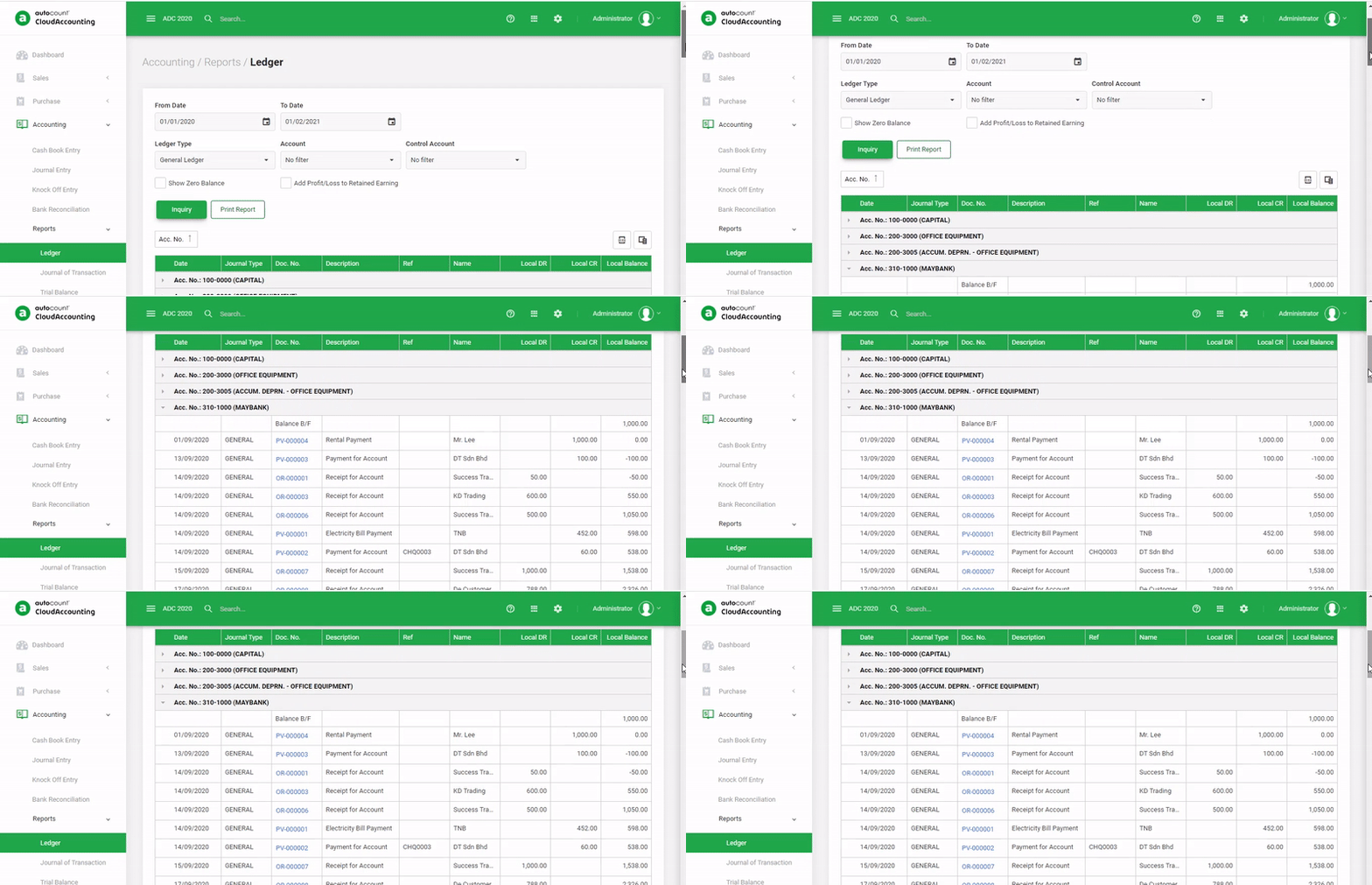
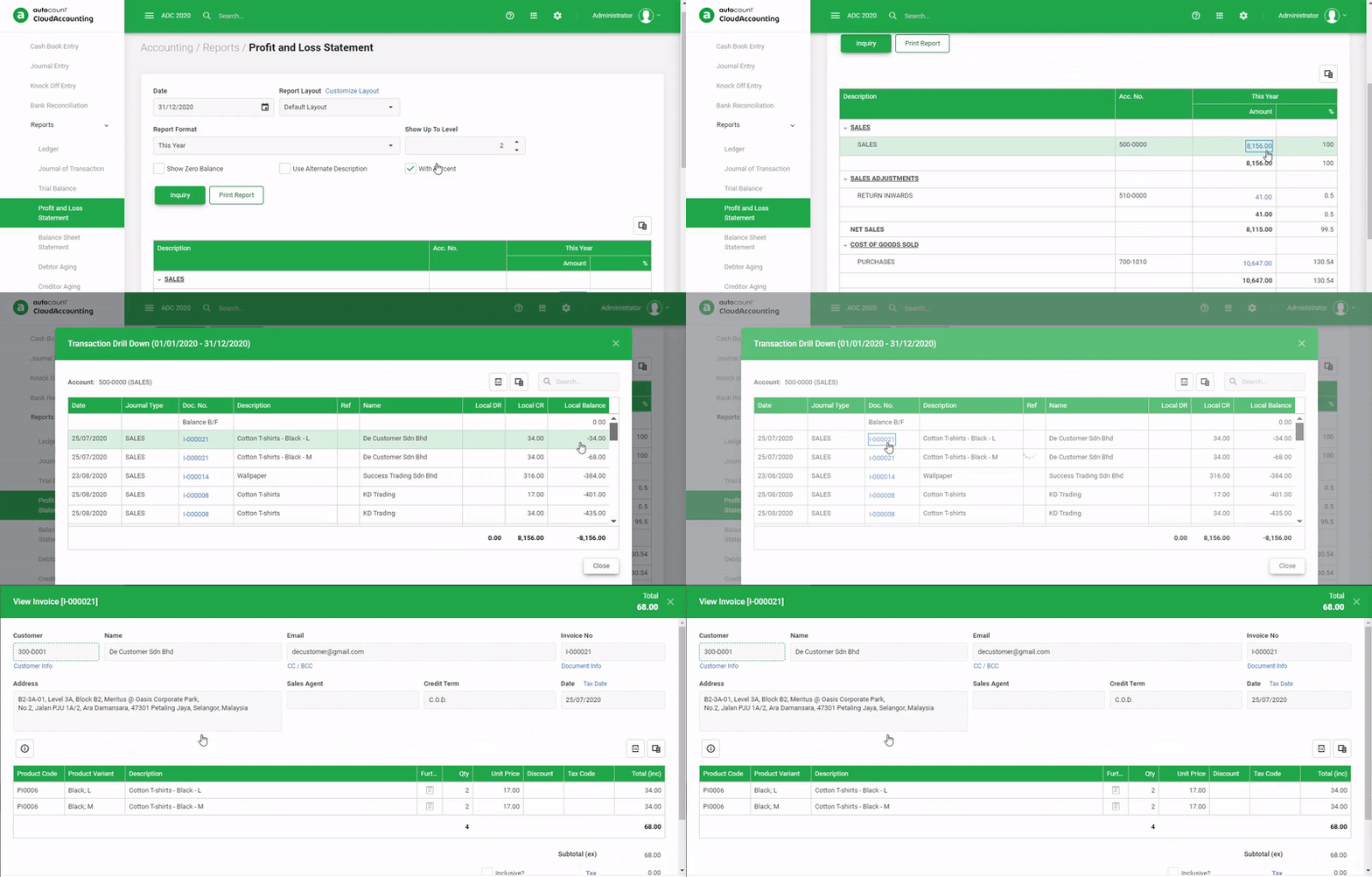
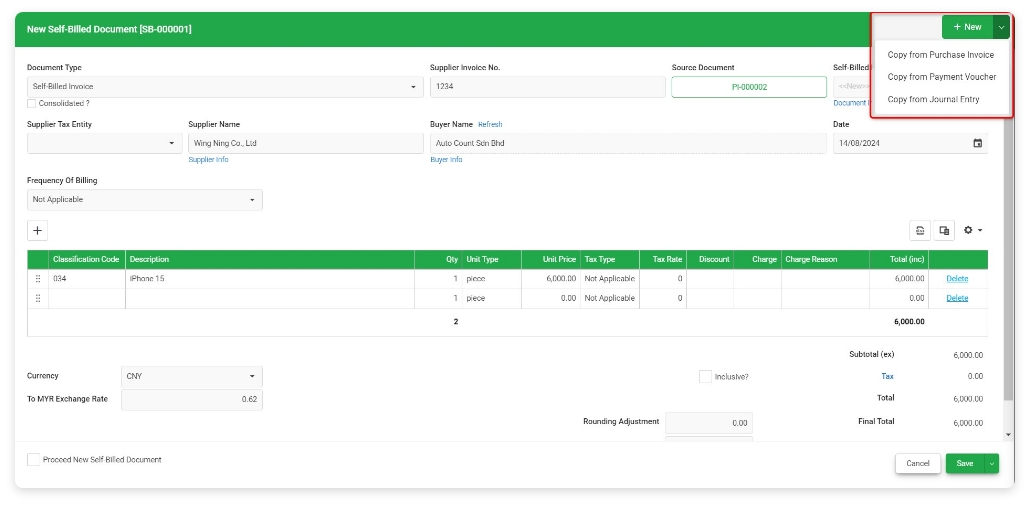
AutoCount Plugin connects your system with AutoCount Accounting for seamless data sync and automation. It enables real-time financial integration to reduce manual work and improve accuracy. Perfect for streamlining business operations and accounting processes. More than 100 AutoCount Plugins are ready for you to choose.
Introduction

AutoCount Accounting software is a robust solution designed to streamline financial management. However, its true potential is unlocked through the use of AutoCount Plugins. These plugins allow businesses to customize and enhance their software, tailoring it to specific needs while boosting overall efficiency.
Understanding AutoCount Plugins

AutoCount Plugins are add-ons that extend the functionality of AutoCount Accounting software. With over 100 plugins available, they support automation, reporting, security, and system integration. These plugins integrate seamlessly with AutoCount, helping businesses customize the system to fit their needs.
Key Benefits of using AutoCount Plugin
The AutoCount Plugin gives you lots of good things. It makes the AutoCount Accounting software work better and gives users a special experience.
Customization
Plugins allow businesses to modify AutoCount to better align with their specific workflows and processes.
Efficiency
Automating routine tasks through plugins reduces manual input, minimizing errors and freeing up valuable time.
Scalability
As your business grows, you can integrate additional plugins to handle new requirements without overhauling the entire system.
Enhanced Security
Plugins can add layers of security, protecting sensitive financial data and ensuring compliance with industry standards.
100 of Autocount Plugins
CRM
Event / Appointment Plugin
Lead Management Plugin
Solution Contract Plugin
Service Management Plugin
To-Do-List Plugin
Finance
Advanced Credit Term Plugin
ARAP Batch Knock-off Plugin
Fixed Assets Plugin
Giro For Multi Bank Plugin
Payment Approval Plugin
Integration Plugin
DMS Import Plugin
Import Plugin
Integrator Plugin
Universal Import Plugin
General Plugin
AR Temporary Receipt Plugin
Dispatch Note (Sales & Stock Transfer) Plugin
Email Approval Plugin
Item Approval Price Book Plugin
MyKad Reader Plugin
Prompt Notification Plugin
E-Commerce
EasyStore Plugin
Lazada Plugin
Shopee Plugin
Shopify Plugin
Unicart Plugin
WooCommerce Sync Plugin
Report Enhancement
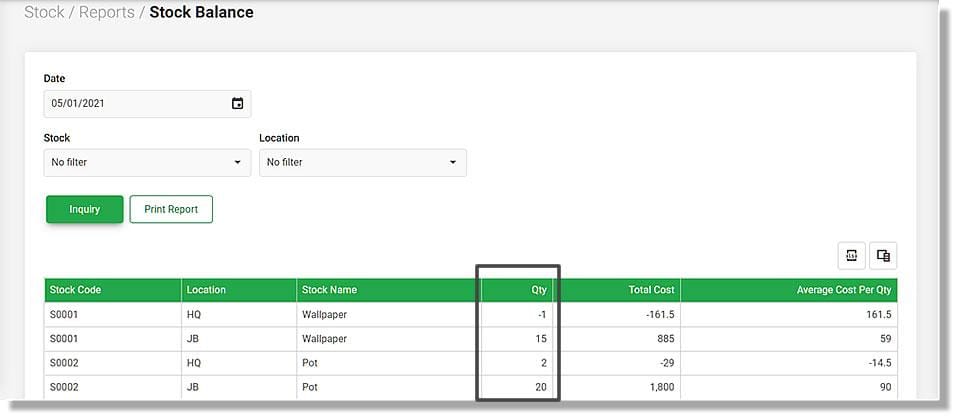
5 Years Period Stock Aging Report Plugin
Aging By Project Report Plugin
KPI
Super Employee Apps Plugin
Manufacturing
Basic Picking Plugin
BOM Import Plugin
Material Requetsion Planning Plugin
Pick List Plugin
Picking Plugin
Production Order Plugin
Production Planning Plugin
Racking Management System
Stock Re-Order & Mini MRP Plugin
Multi-Branch / Multi-Company
Inter Company Posting Plugin
Multi-company Billing Plugin
Intercompany Billing v2 Plugin
Multi-company Posting v2 Plugin
Procurement Planning Plugin
Reorder By Location Plugin
Stock in Transit Plugin
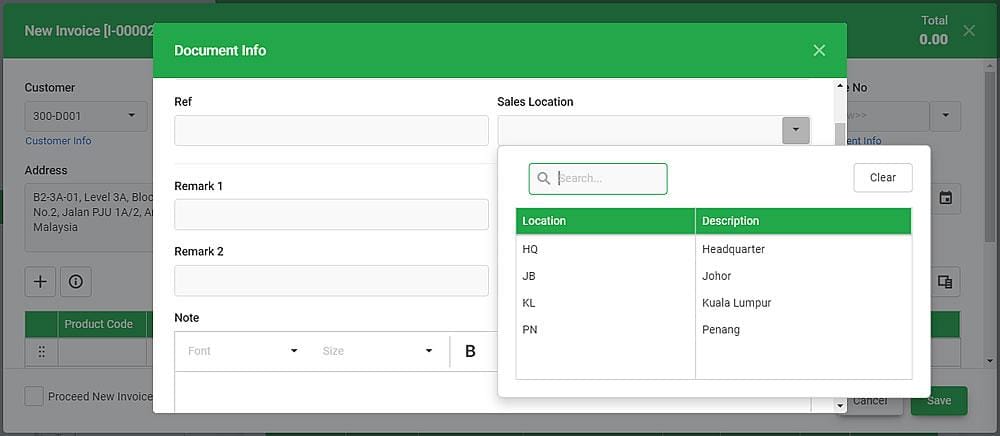
Inventory Transfer Multi-Location Plugin
POS Plugin
Powerful Purchase Order Generation Plugin
Multi Dimensional POS Analysis Plugin
Centralized Membership Plugin
E-Member System Plugin
Item Storage Plugin
Locker System Plugin
Mall Integration Plugin
Member POS Transactions History Plugin
Barcode Scan Plugin
POS Integration With Sarawak Pay Plugin
Price Checker Plugin
Recall Bill Multi Counter Plugin
Self Payment Kiosk Plugin
Weighing Plugin
Special Industry
Basket Plugin
Car Tint Film Plugin
Courier Plugin
Decoration Plugin
Dental Plugin
Deposit & Sales Order Plugin
Developer Property Sales Management Plugin
Easy Recurring Plugin
Goldsmith Plugin
International School Billing Management Plugin
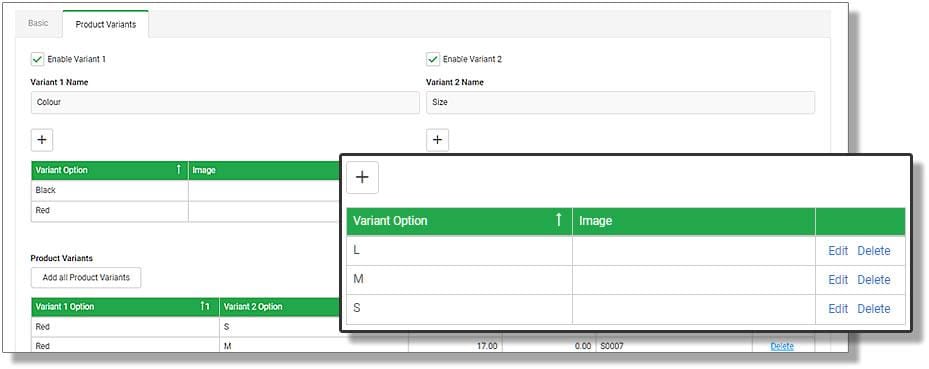
Item Matrix Plugin
Leasing Plugin
Meter Reading Plugin
Optical Shop Plugin
Photocopier Management Plugin
Poultry Sales Management Plugin
Progressive Billing Plugin
Quarry Management Plugin
Recurring Invoice Plugin
Sticker Label Management
Timber Management Plugin
Tourism Tax Plugin
Tyre Retreat Management Plugin
Vehicle Plugin
Warranty Plugin
Workshop Plugin
Operation Enhancement
Agent Validation Plugin
Barcode Generator Plugin
Batch Transfer Plugin
Bill Remark Plugin
Credit Memo Plugin
Document Integrity Management Plugin
Easy Batch No Plugin
Easy Mail Plugin
Easy Photo Plugin
HRD Claim Monitor Plugin
Mdec Grant Management Plugin
Multi-Dimensional Sales Analysis-Advance Plugin
Multi-Dimensional Stock Analysis
Batch Transfer Sales Order & Delivery Order Plugin
Repacking Plugin
Sales & Purchase Approval Control Plugin
Sales Commission Plugin
Multi-Dimensional Stock Analysis
Batch Transfer Sales Order & Delivery Order Plugin
Mobile App
B2B Self Order Apps Plugin
B2C Self Apps Plugin
DO/IV Verification Plugin
Driver Apps Plugin
Load Apps Plugin
Pick Pack Apps Plugin
Purchase Verify Goods Received App Plugin
Salesman Apps Plugin
Inventory Forecast Plugin
Items Inquiry App Plugin
Goods Take App Plugin
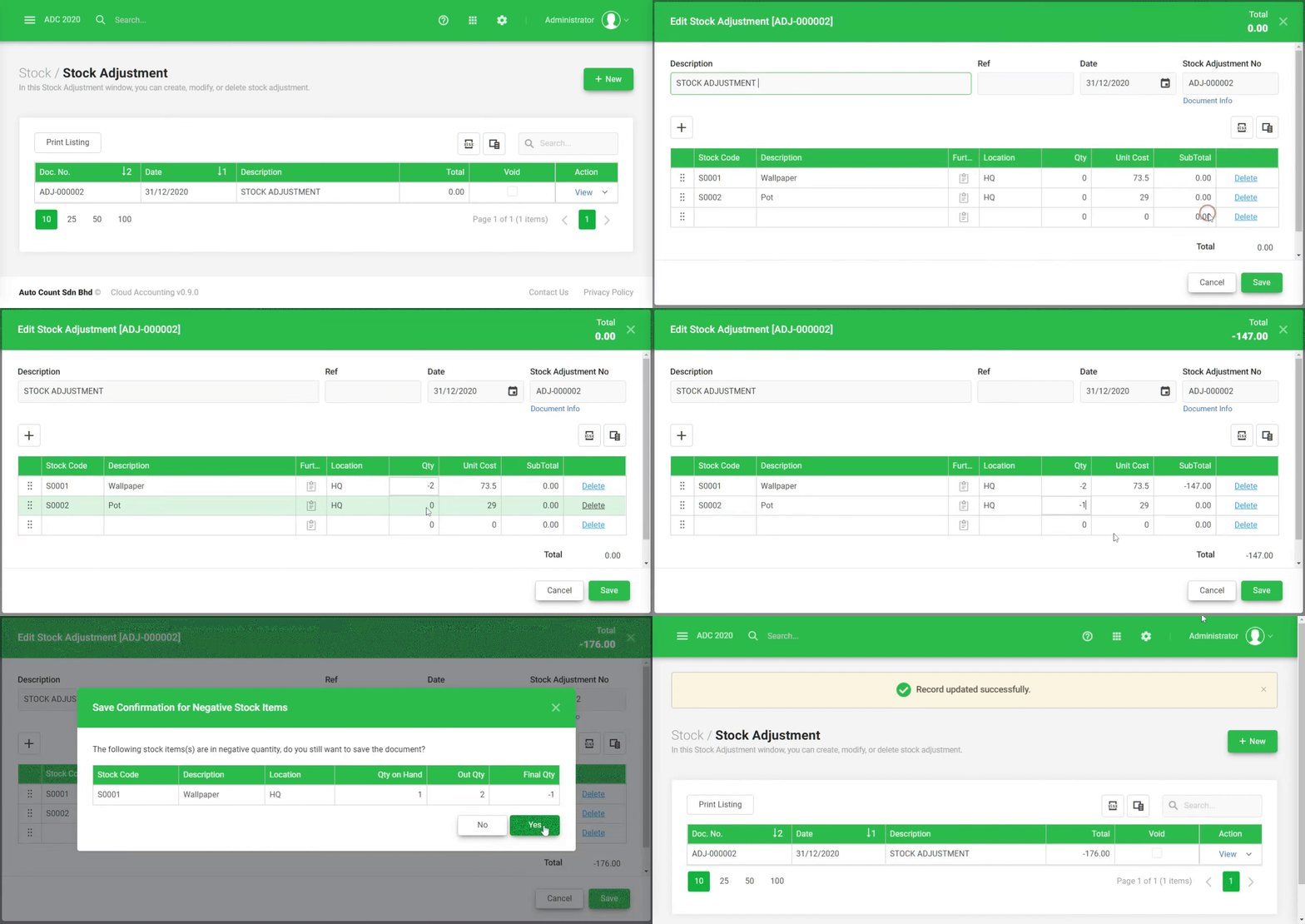
Stock Take Module (Include Stock Inquiry) Plugin
TD Ordering Apps Plugin
TD Stock Apps Plugin
Choosing the Right Plugins

Identify Your Needs
Determine which business processes need enhancement or automation for better efficiency and productivity.

Check Compatibility
Ensure the plugin is compatible with your current version of AutoCount and any other systems you may be using.

Evaluate Support & Updates
Option for plugins that are regularly updated and backed by strong customer support to ensure long-term reliability.

Consider Cost vs Benefits
Weight cost of the plugin against the potential efficiency gains, time savings, and error reduction it offers.
How AutoCount Plugin Can Transform Your Business Operations?
The AutoCount Plugin can change how your business works in many ways, making things faster, automatic, and better for you.

Customization
AutoCount can be customized to fit your business needs, industry requirements, and workflow preferences for better flexibility.

Task Automation
Automate time-consuming tasks and reduce manual data entry so employees can focus on more important business activities.

Enhanced Reporting & Analytics
Generate detailed reports and gain insights into your business performance to identify areas for improvement and growth.

Security & Data Integrity
The Plugin keeps your business data safe, secure, and compliant with data protection standards for better privacy.

Customer Relationship Management
Store all customer information in one system for easier communication and more personalized engagement tracking.

Streamlined Workflows
Improve workflow efficiency by connecting departments and enabling smooth information sharing across your business.
Why AutoCount Plugins Matter
Why Customization is Cost-Effective?
AutoCount customization is cost-effective because it uses ready-made plugins, reducing the need to build features from scratch. This saves development time, man-hours, and overall cost while still meeting business needs.
Future of AutoCount Plugins
The plugins will continue to evolve with new technologies like AI analytics, mobile features, and stronger cloud and e-commerce integration to support growing and modern business needs efficiently and effectively.
Conclusion
This plugins help businesses improve efficiency, security, and customization in accounting. By choosing the right plugins, companies can automate tasks, improve reporting, and optimize overall operations.
Frequently Asked Questions
What is an AutoCount Plugin?
An AutoCount Plugin is an add-on that extends the functionality of the AutoCount Accounting software, offering features such as automation, reporting, and security enhancements.
How do I install an AutoCount Plugin?
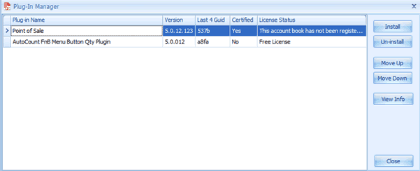
You can install a plugin through the Plug-In Manager found under the “Tools” menu in AutoCount. Select the desired plugin and follow the installation prompts.
Are AutoCount Plugins free?
Some plugins are available for free, while others may require purchase for premium features.
Can I use multiple plugins at the same time?
Yes, you can use multiple plugins concurrently, but it is important to ensure they are compatible with each other to avoid conflicts.
What should I do if a plugin causes my AutoCount system to slow down?
Optimize the plugin’s settings, check for updates, or consult with support to resolve any performance issues.
How often are new plugins released for AutoCount?
New plugins and updates are released regularly to meet evolving business needs. It’s advisable to stay informed about new offerings via the AutoCount website or through the software’s community forums.