
Upgrade to AutoCount Accounting V2 On-Premises at
35% OFF
AutoCount Accounting helps Malaysian SMEs manage accounting, invoicing, inventory, and financial reporting more efficiently. Its user-friendly system and automation features help businesses save time, reduce errors, and improve productivity.

Top 6 Features of Acc V2
Why Choose AutoCount Accounting V2 On-Premises for Your Business
Find out why AutoCount Accounting V2 On-Premises is the first choice of accounting software in Malaysia.

EFFORTLESS Productivity

Enhancement HOTPICKS

Work CONVENIENTLY

FLOWS better

Power of FLEXIBILITY

Tailor Your Own Experience

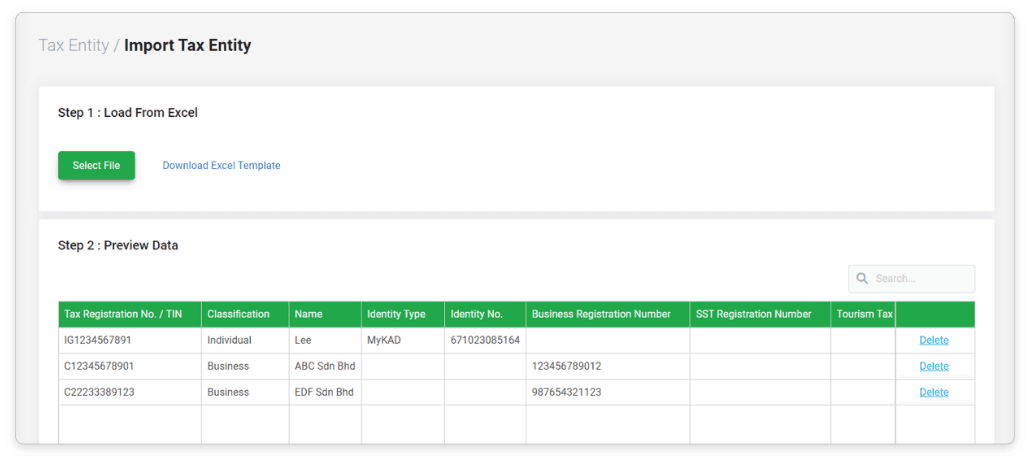
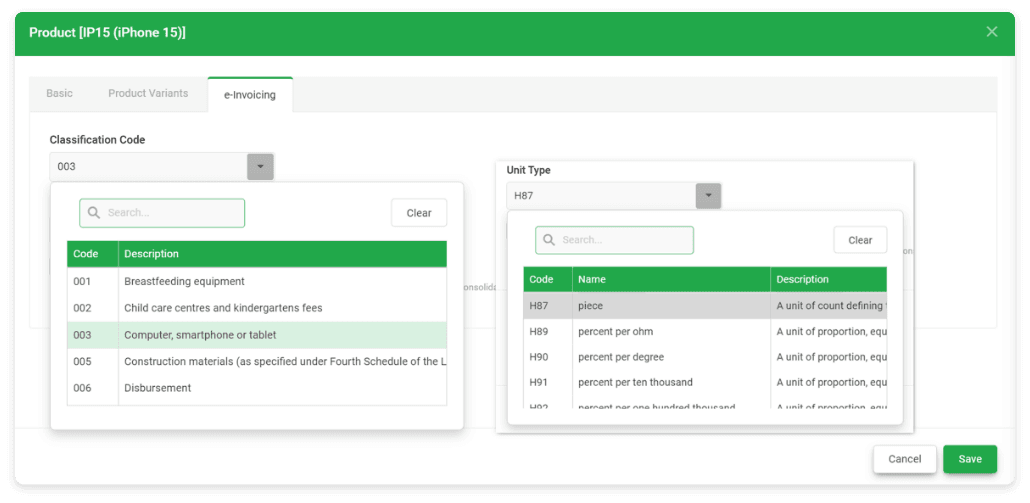
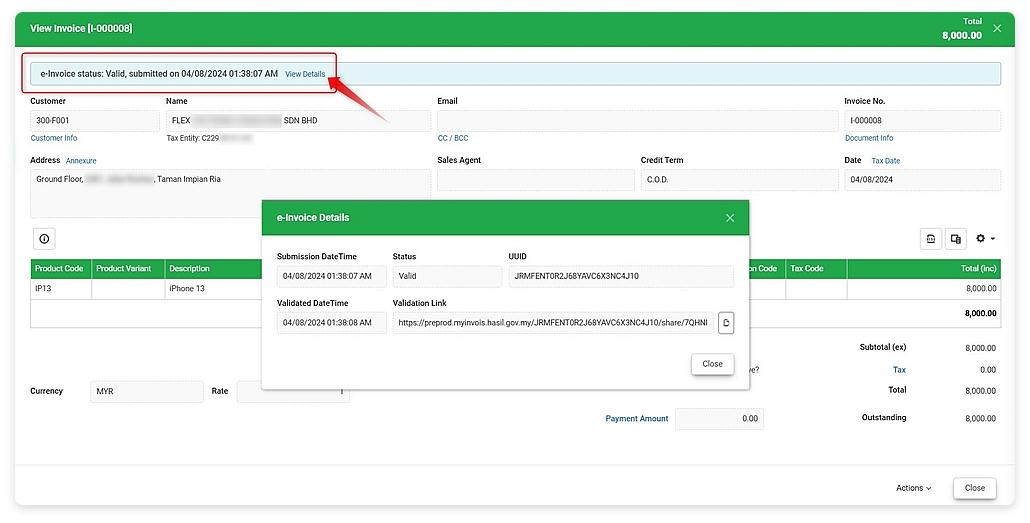
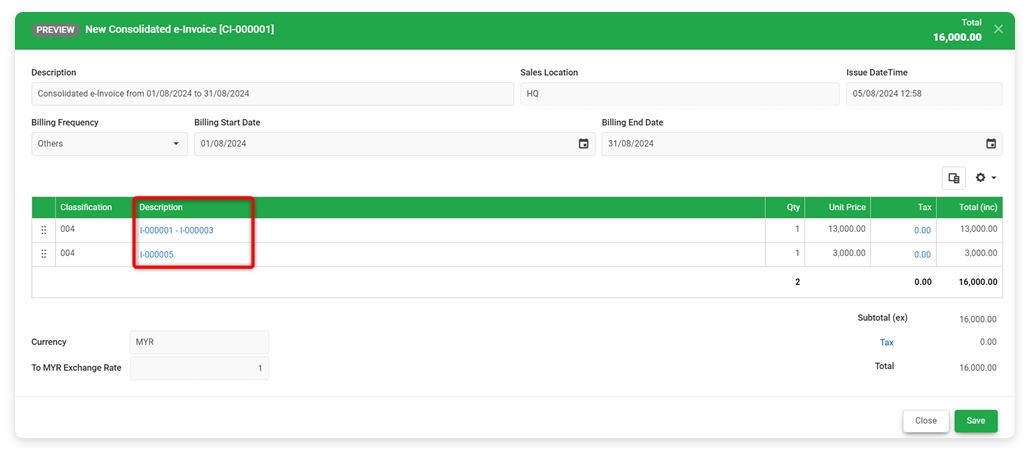
LHDN e-Invoice
EFFORTLESS Productivity
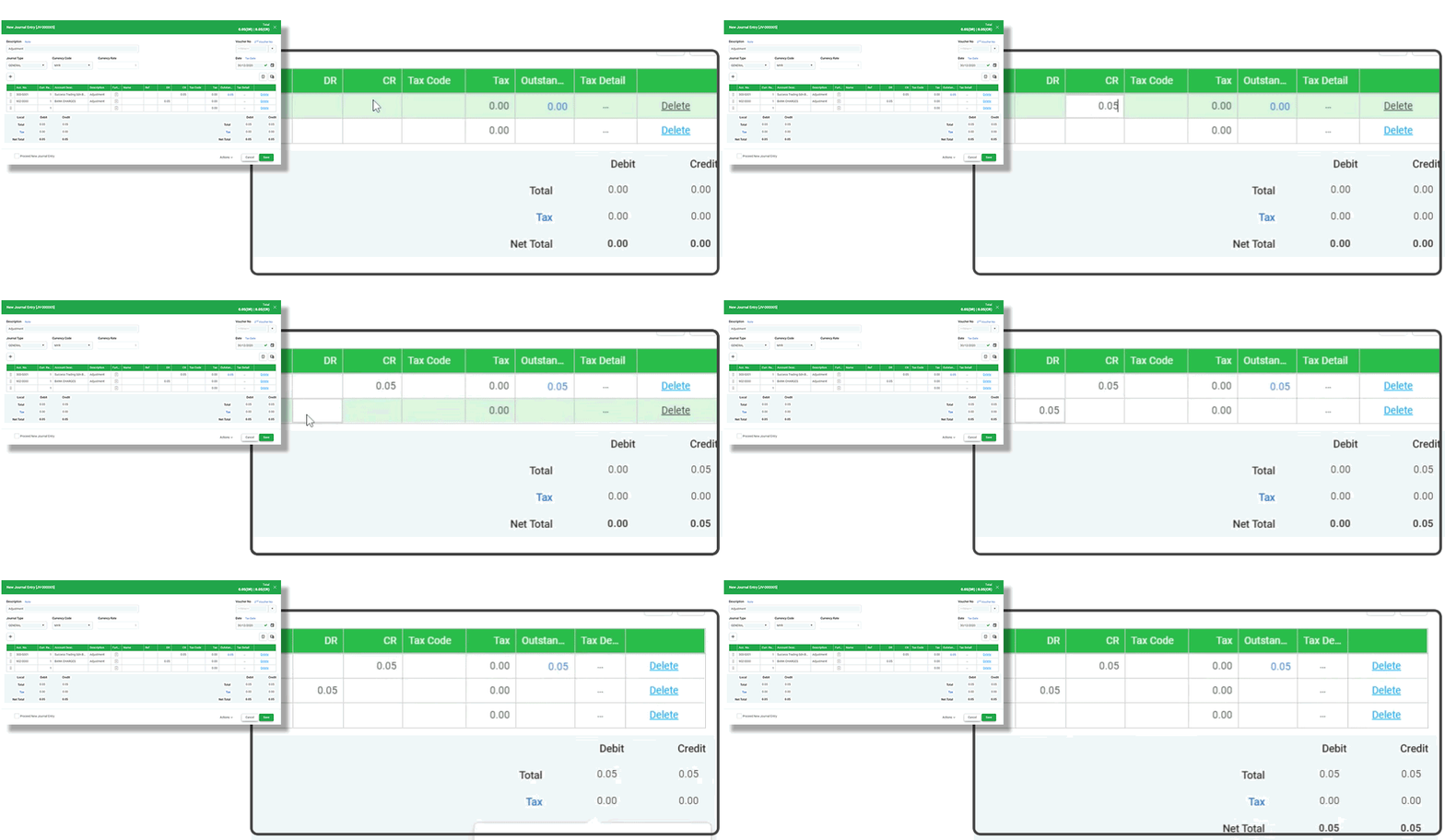
Create as many templates as you need for frequently used documents, and schedule all recurring transactions for future periods. Improve productivity and efficiency in daily routines with a few simple actions.
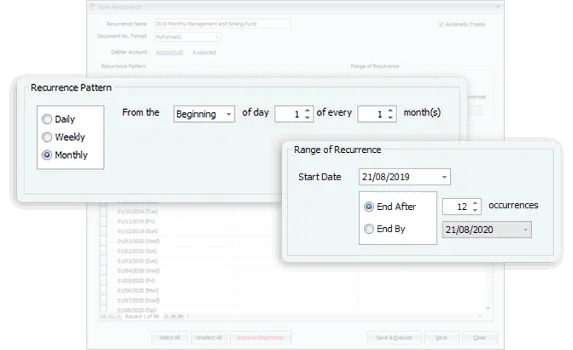
Schedule Your Recurring Entries
Automate recurring transactions and accounting entries with scheduled reminders or auto-generated entries to reduce repetitive work.
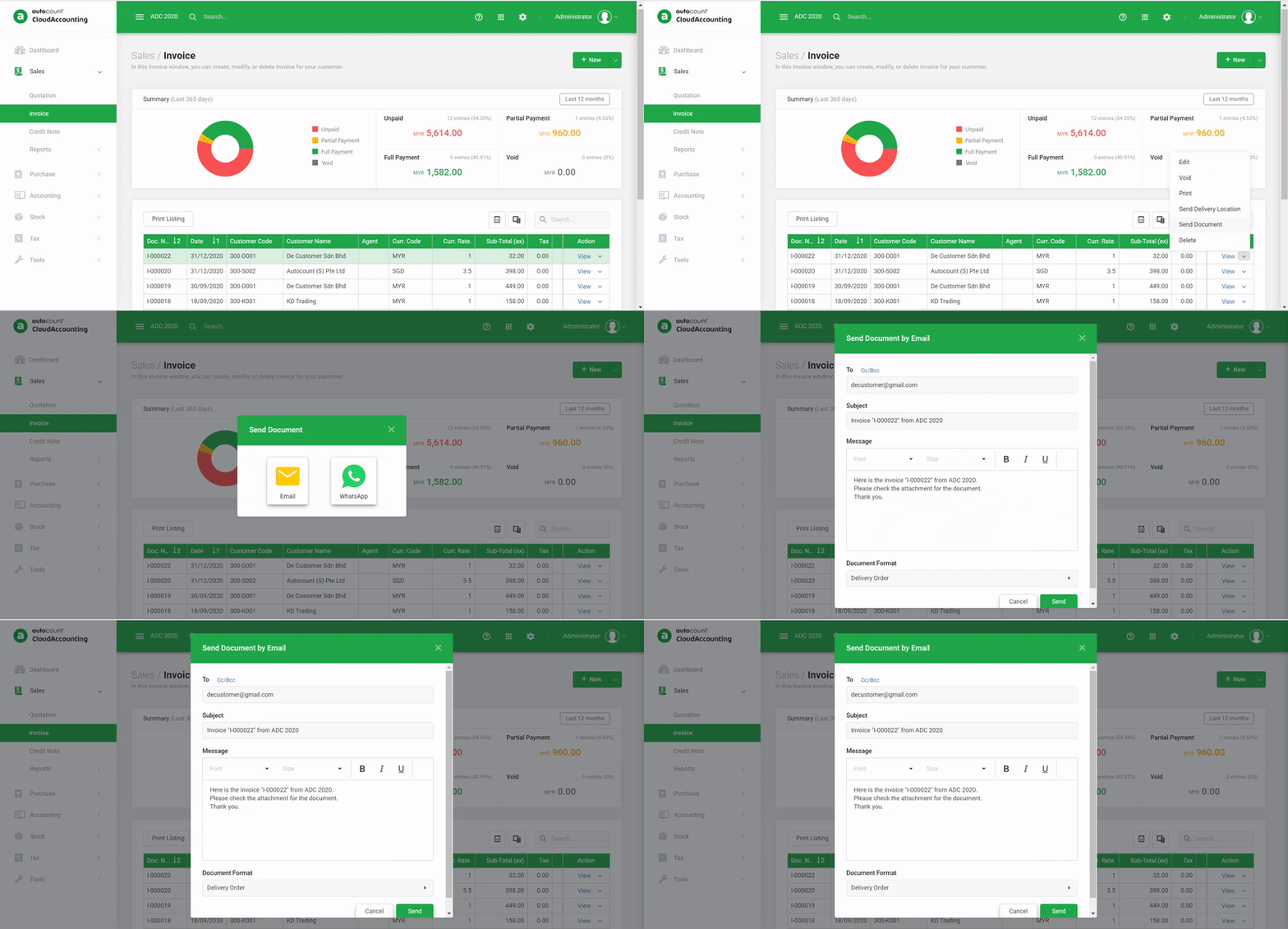
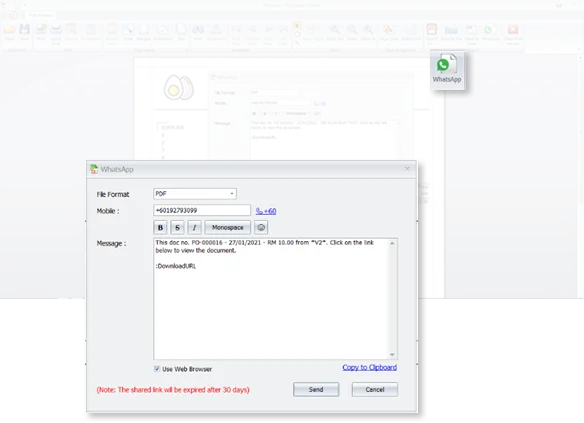
Send Documents/Location via WhatsApp
Easily send documents, reports, and locations through WhatsApp with instant download links and faster communication.
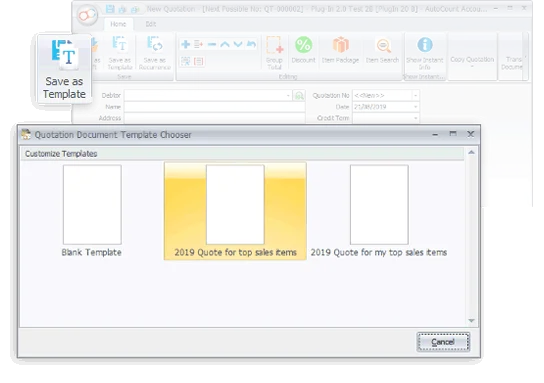
Use of Document Templates
Create reusable document templates for faster billing and smoother processing of quotations, invoices, sales orders, and more.
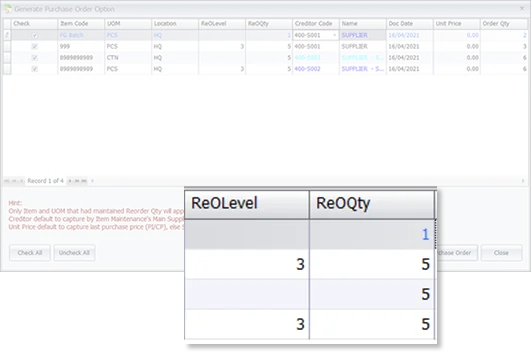
Generate PO from Reorder Advice
Quickly generate purchase orders from reorder suggestions to improve stock replenishment and increase ordering efficiency.
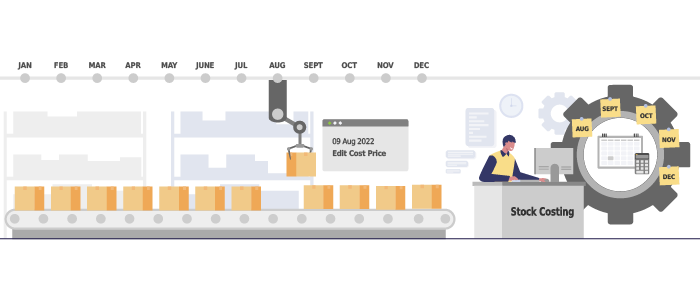
Smarter Intelligent Costing
AutoCount automatically manages accurate inventory costing to reduce stock costing errors and improve business operations.
Enhancement HOTPICKS
Compare to version 1.9, this version 2.0 is loaded with numerous enhancement and enrichment. Here are 5 most sought after features
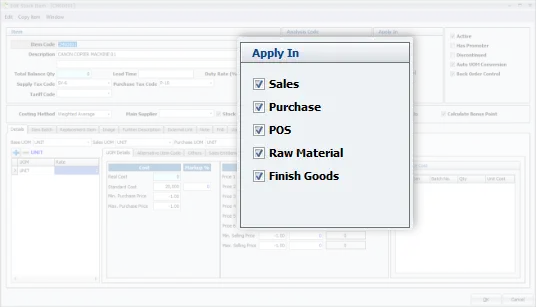
Applicability of Stock Items
Control how stock items are used in sales, purchases, raw materials, and others for smoother inventory management.
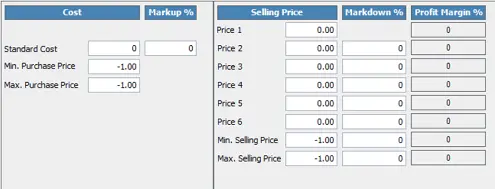
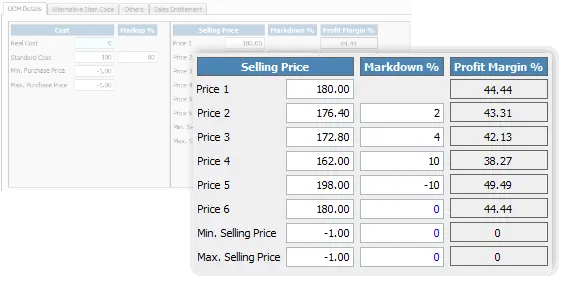
6 Levels Selling Price With Auto-Adjustment
Set up to 6 selling price levels for different customers with automatic price updates based on cost changes.
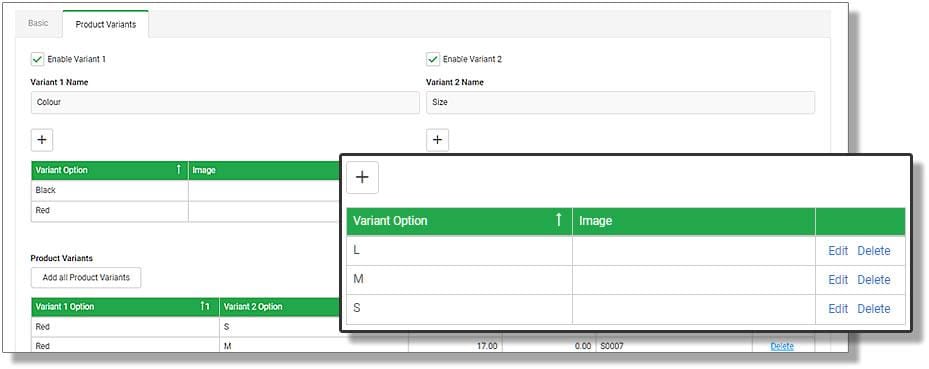
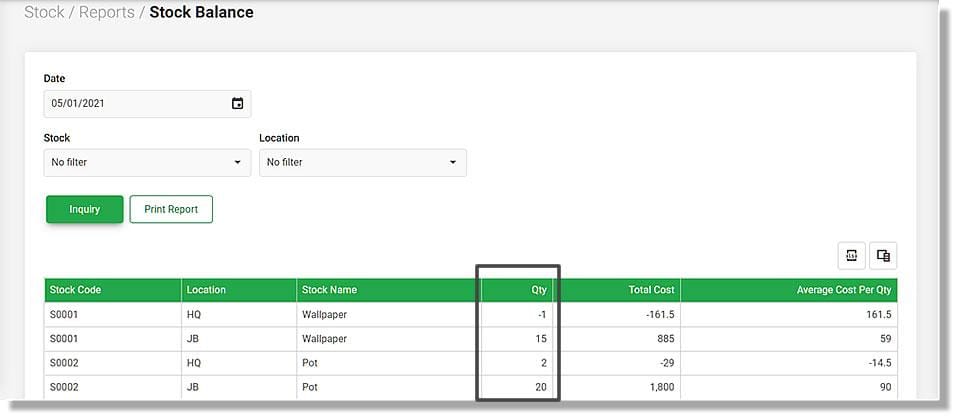
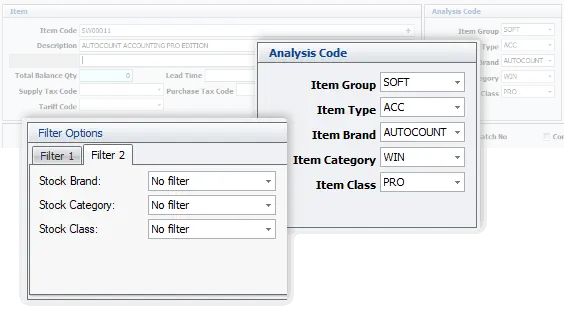
Better Stock Filtering/Analysis
Filter and analyze stock easily by group, type, brand, category, and class for better inventory control.
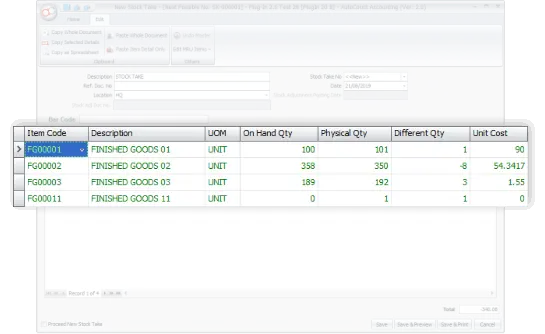
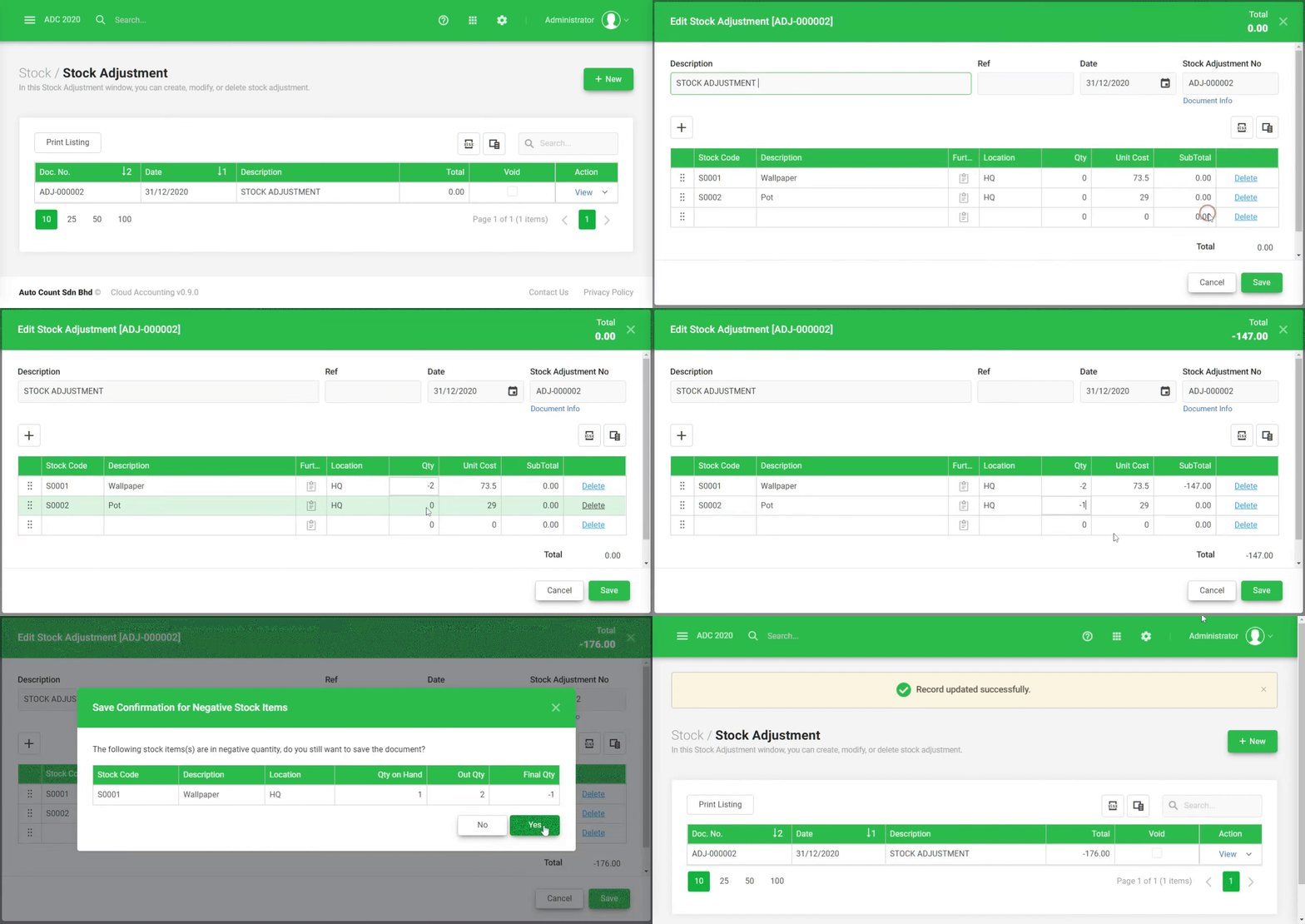
Auto-Generate Stock Adjustments
Automatically identify stock differences after stock take, create stock adjustment entries for better inventory control.
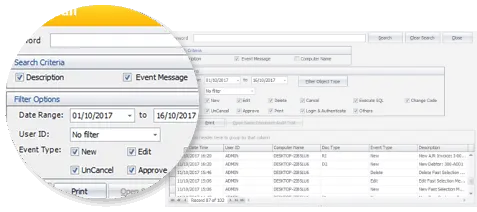
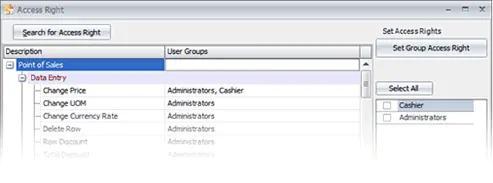
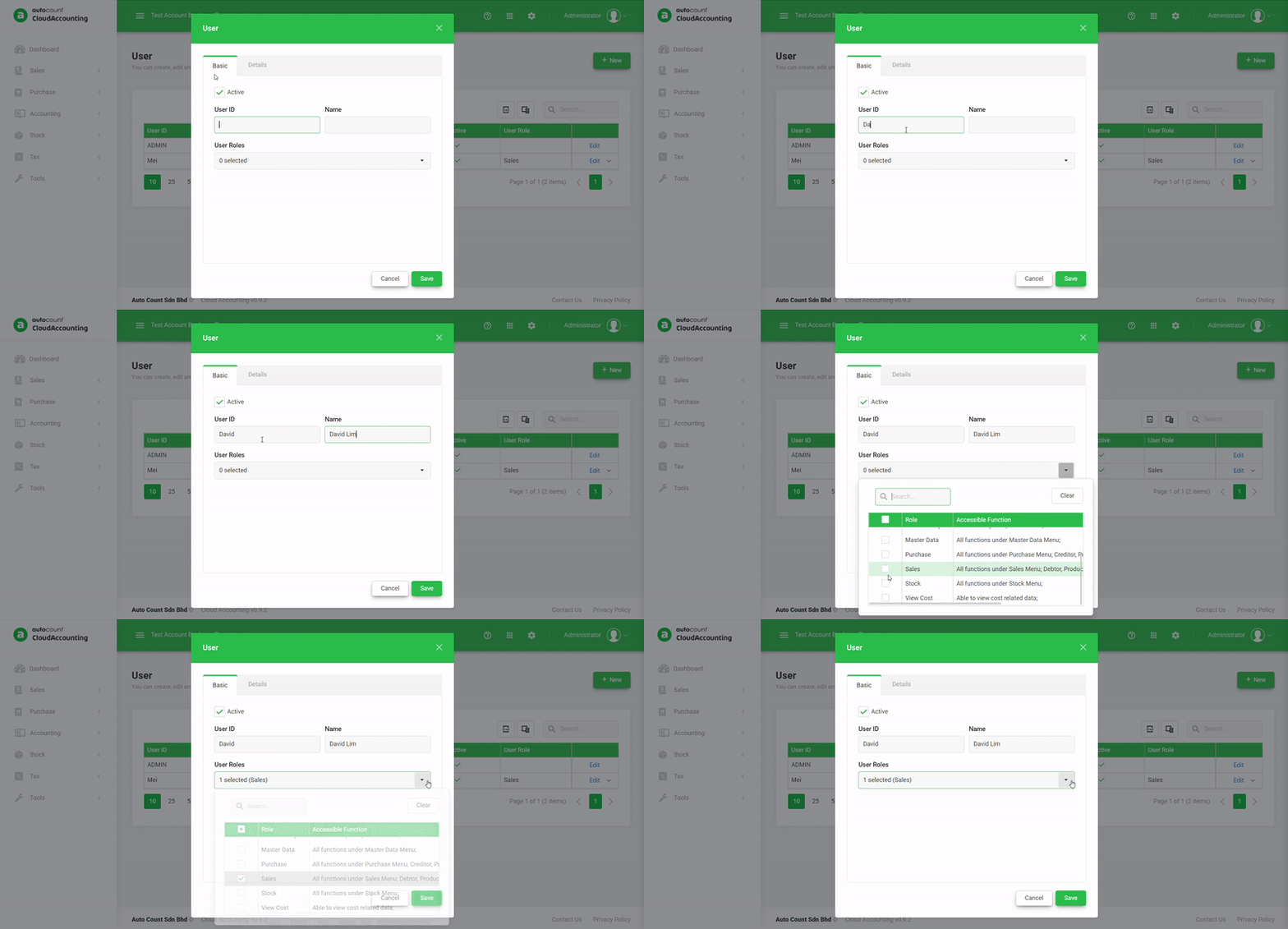
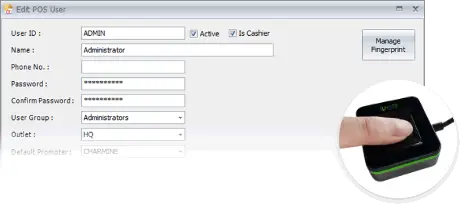
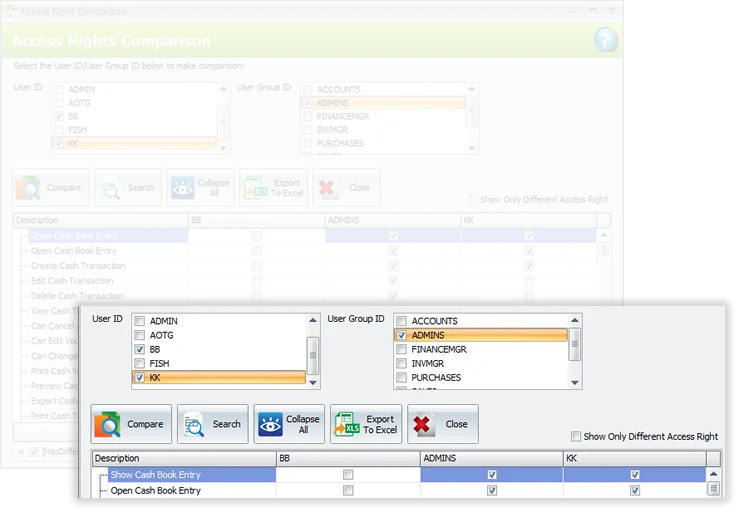
Enhanced User Access Rights Setting
Manage user permissions easily with access comparison tools, Excel export, and quick permission copying between users.
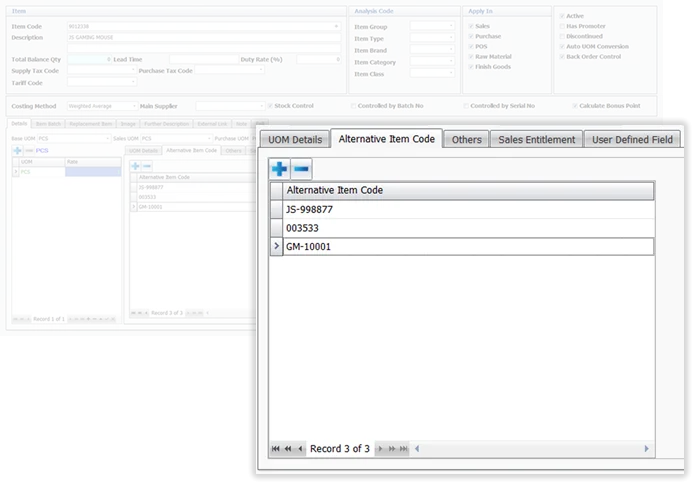
Unlimited Alternative Item Codes
Assign unlimited alternative item codes like barcodes, supplier codes and others for faster item search and data entry.
Work CONVENIENTLY
Sometimes a tiny change, be it a change in habit or the tools, can make a big difference in the result. We looked into your requirements, even the tiniest one, hoping to offer greater working experience of convenience.
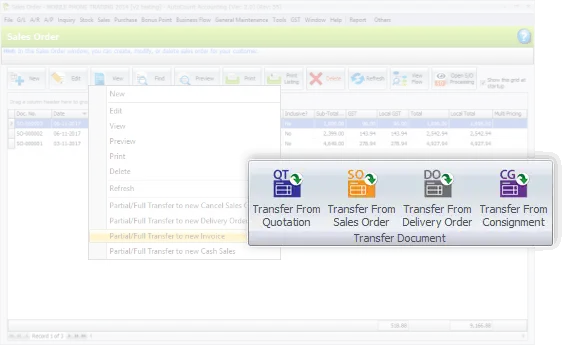
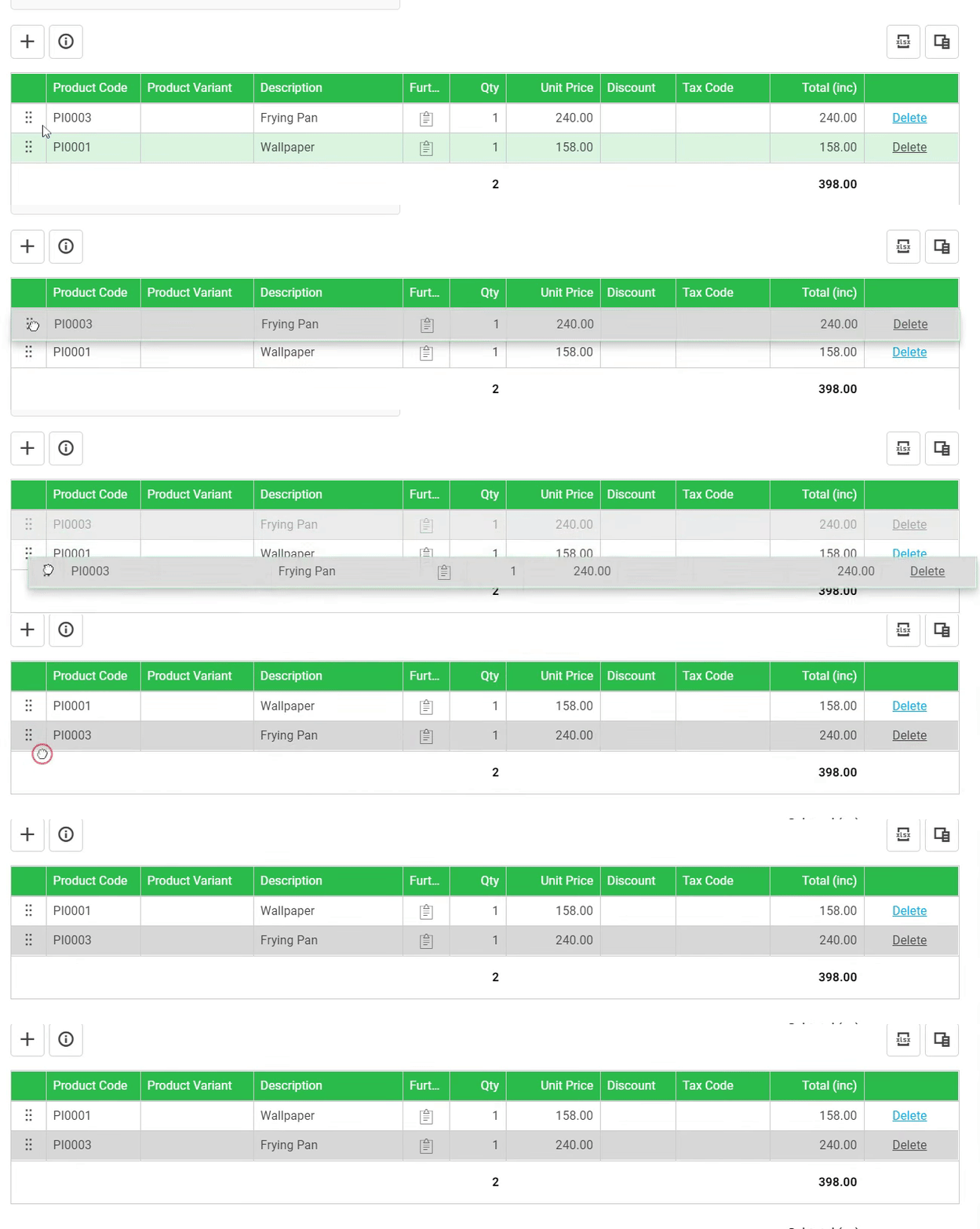
Transfer of Documents in Either Way
Create documents using flexible transfer options, either from existing documents or to new ones for better workflow.
Easier Credit Control
Get instant alerts when credit limits are exceeded, helping you approve transactions and reduce financial risks.
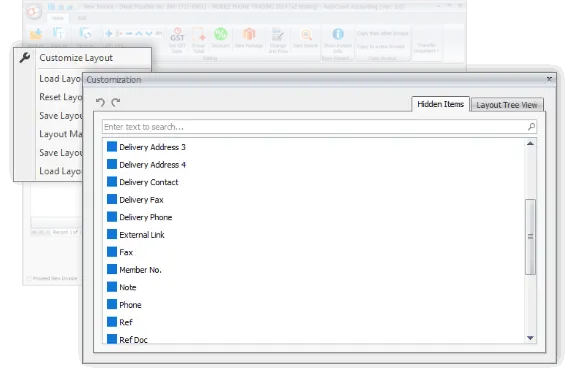
Define Your Own Input Layout
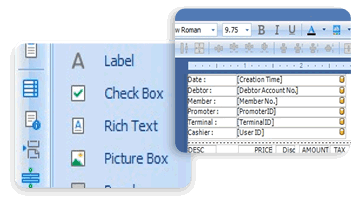
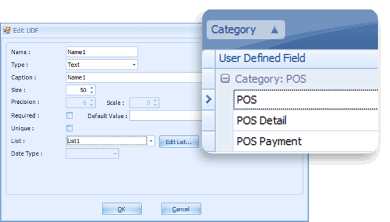
Customize input fields in sales, purchase, and inventory documents to capture additional information as needed.
It FLOWS better
This version also emphasizes on better flows of recording, transaction and tracking. Special highlights are the process of consignment, deposit, purchasing, and related documents flow.
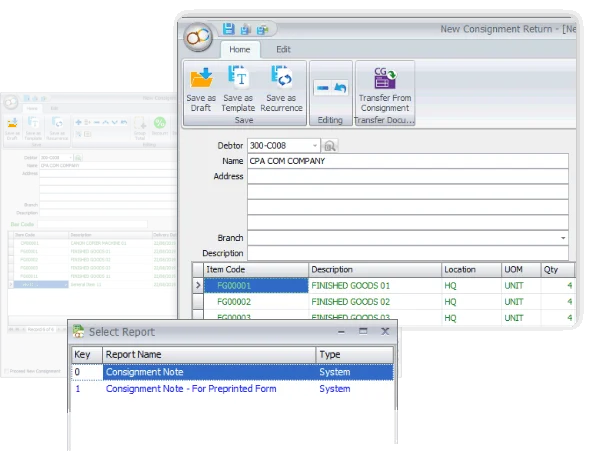
Refined Consignment Module
Manage consignment transactions easily with complete tracking of returns, invoices, and stock status in one system.
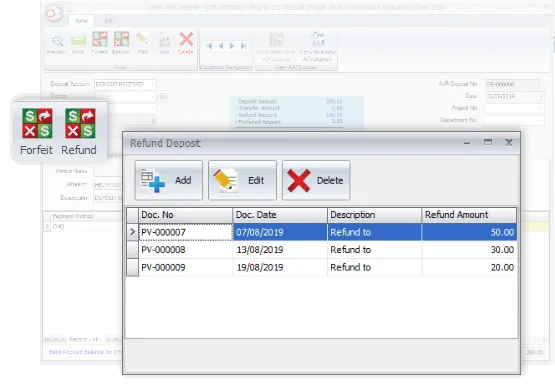
Deposit – Apply, Refund & Forfeit
Record customer deposits and manage applications, refunds, or forfeits for better financial accuracy and control.
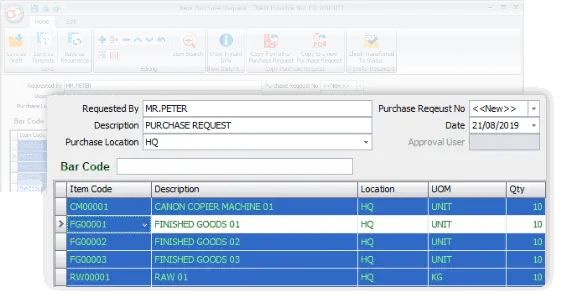
New Document – Purchase Request
Create internal purchase requests to improve approval processes before issuing quotations and purchase orders.
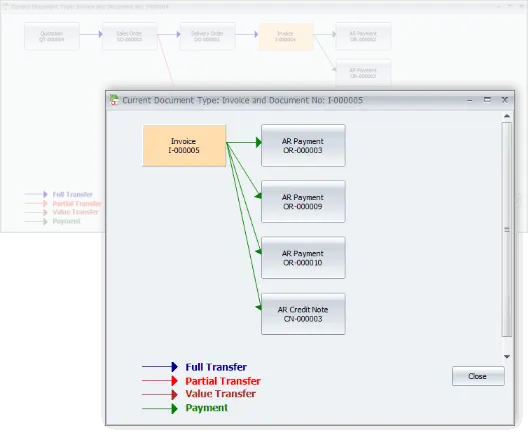
The Flow of Related Documents
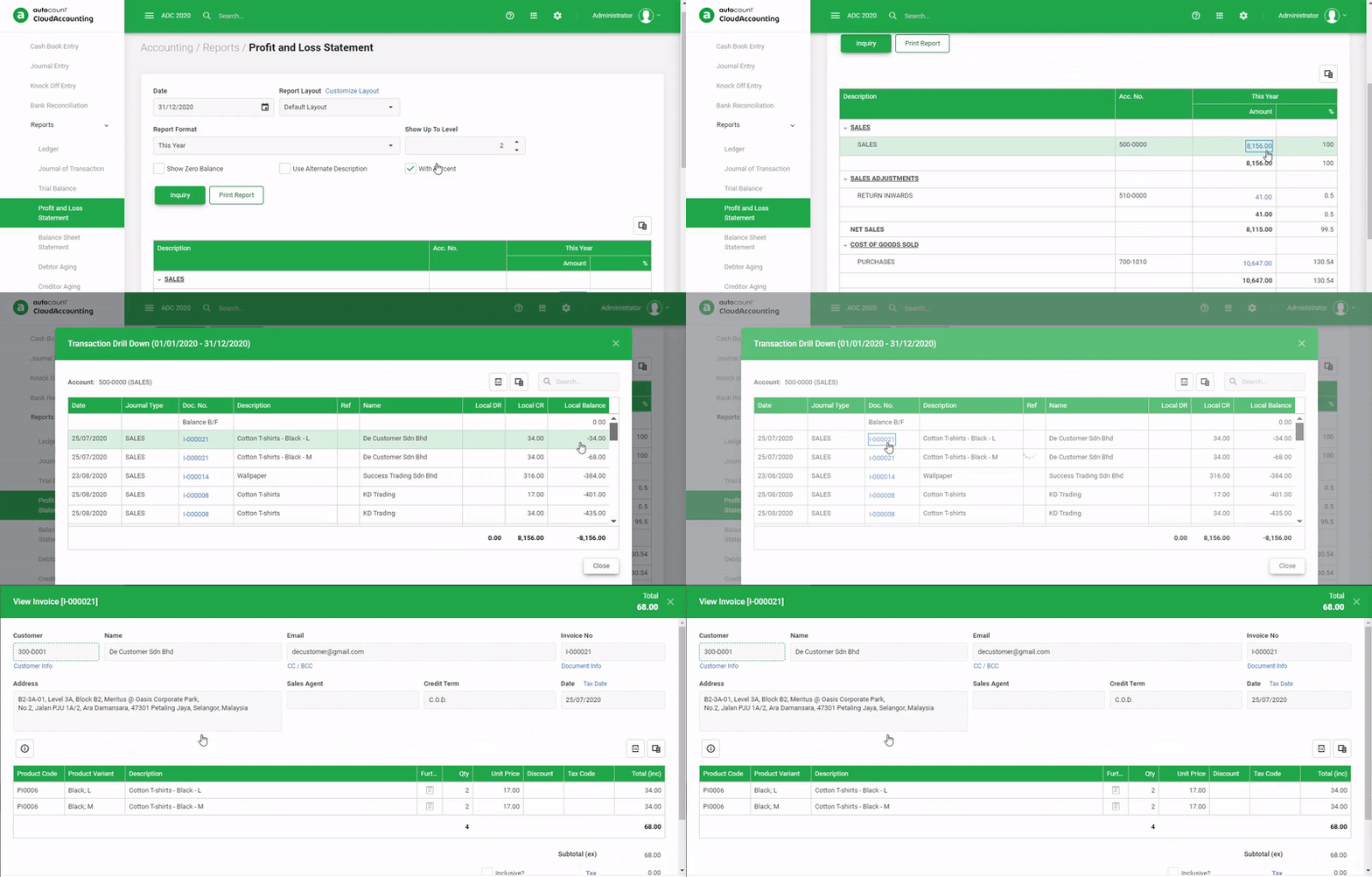
View full document flow in one screen from initial records to invoices, payments and credit notes with easy drill-down access.
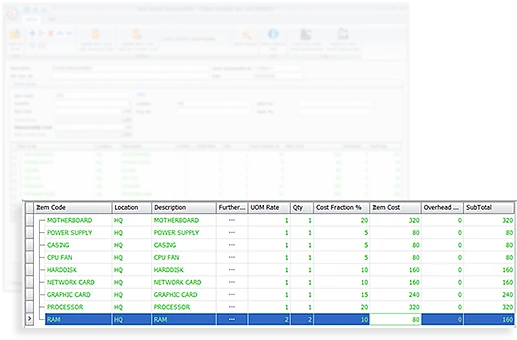
Stock Disassembly
Split products into multiple components while automatically tracking quantities and costing for inventory control.
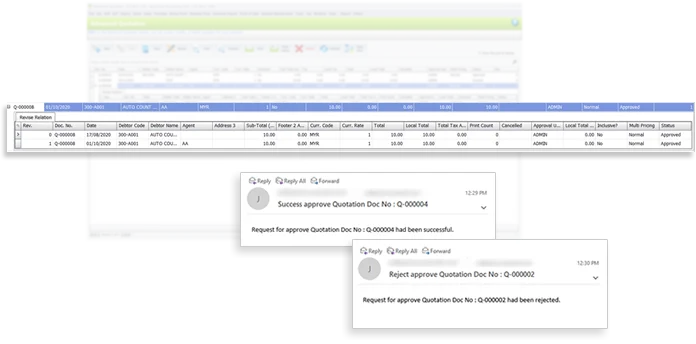
Advanced Quotation
Manage quotations more efficiently with approval workflows, version control, and email notifications for approvals.
The power of FLEXIBILITY
From general software users to advanced users, we offer more options in this software. This includes, among all, the Advanced Keyword Search, Stock Item Inquiry With Details, and Formula Editor.
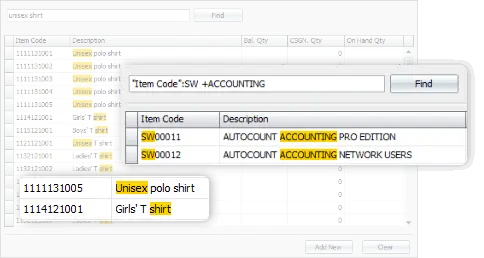
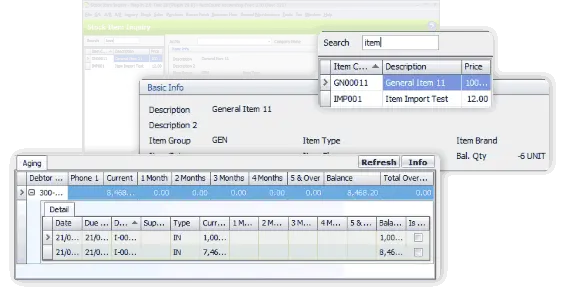
Advanced Keyword Search
Find records faster with advanced keyword that displays both partial and full matching results.
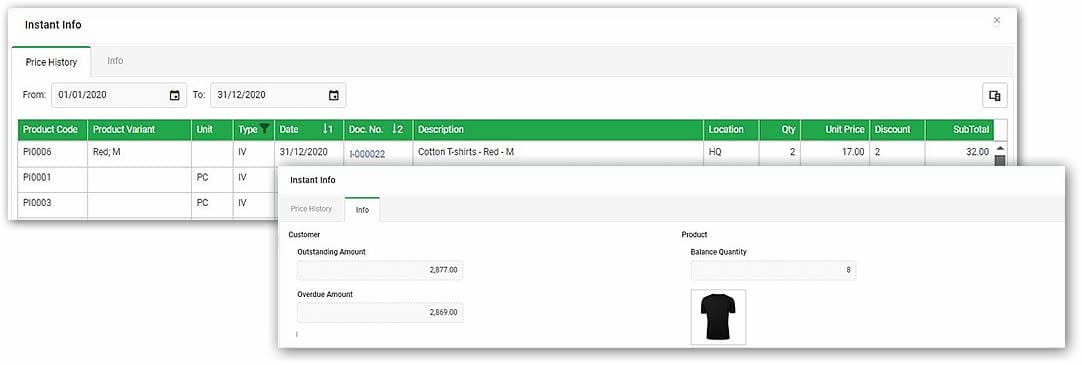
Stock Item Inquiry With Details
View stock item information clearly in a single screen with improved Stock Item Inquiry layout.
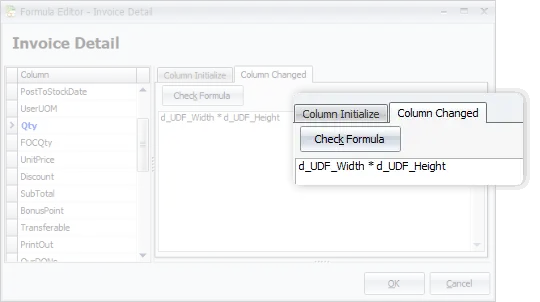
Use of Formula Editor
Customize document fields with formulas for advanced calculations and flexible reporting.
Make it PERSONAL
You may have some personal preferences when comes to colors, shortcuts and favorite functions. Every time you login, it appears as what you wanted it to be.
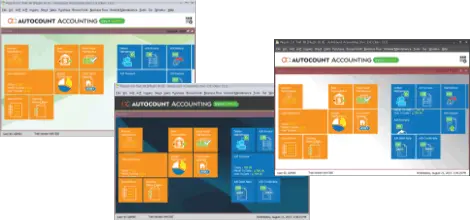
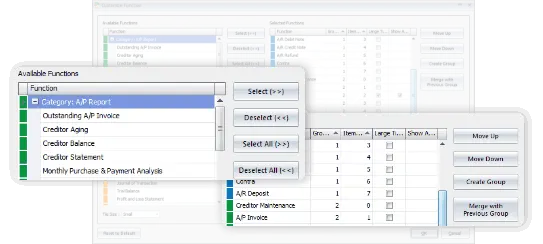
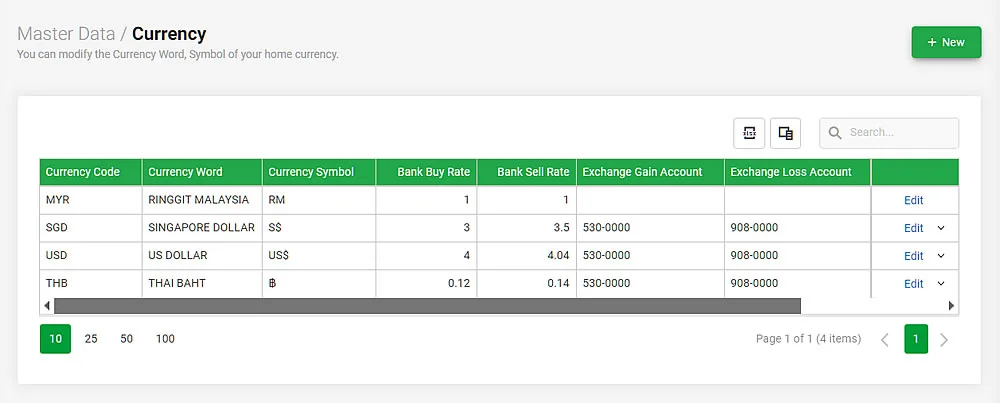
Choose Your Theme Color
Personalize software experience by choosing theme color for more comfortable workspace.
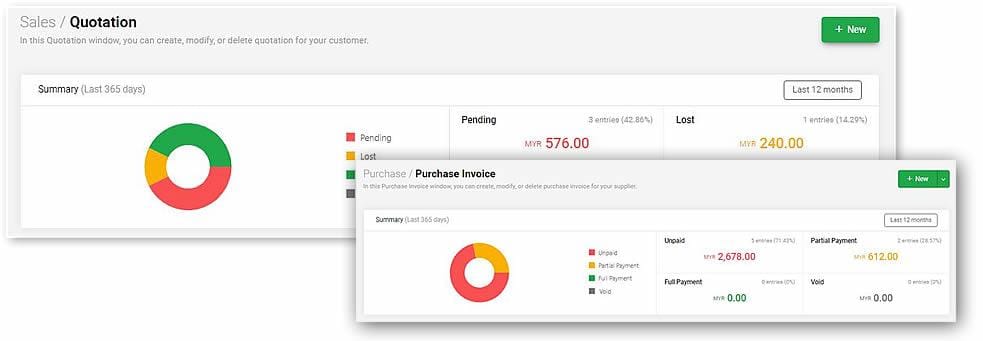
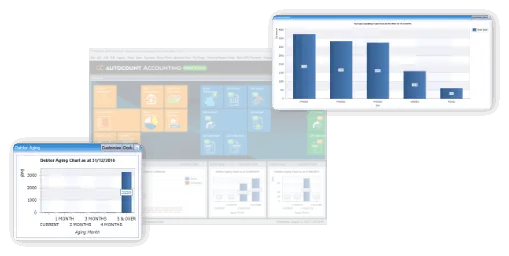
Quick Access Data Charts
Customize the main page with your frequently used functions for quicker and easier access.
Favorite Tiles on Main Page
Set favorite functions as main page tiles to improve daily workflow efficiency.
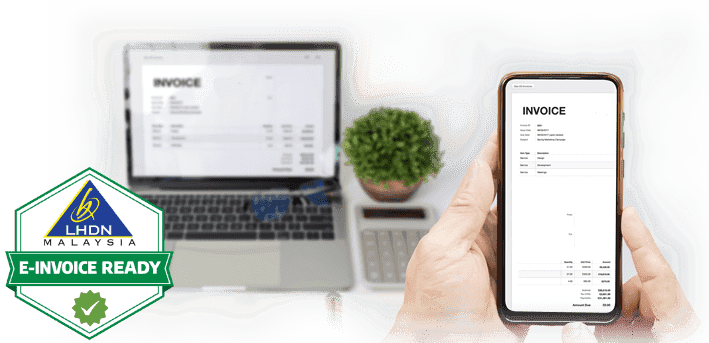
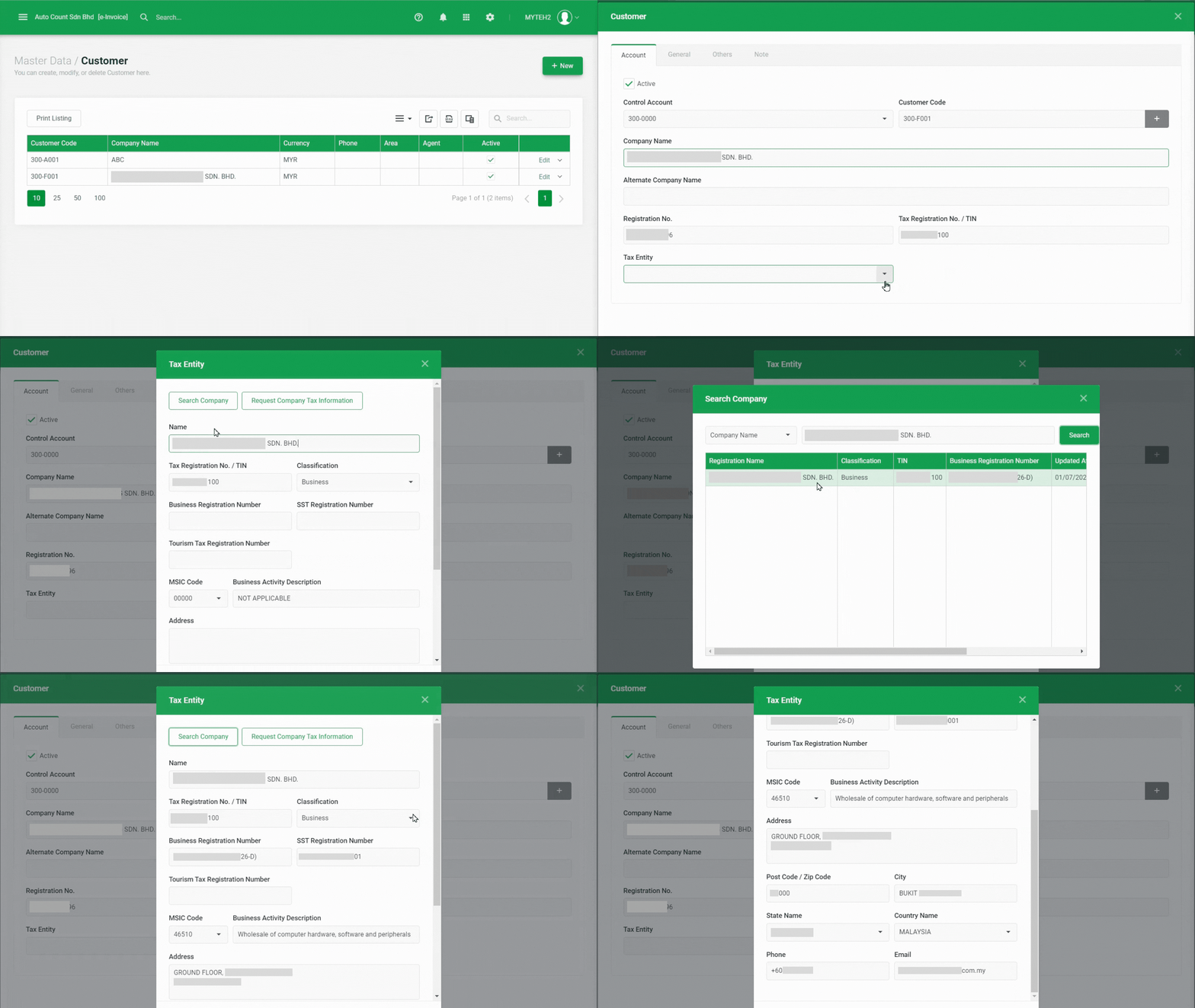
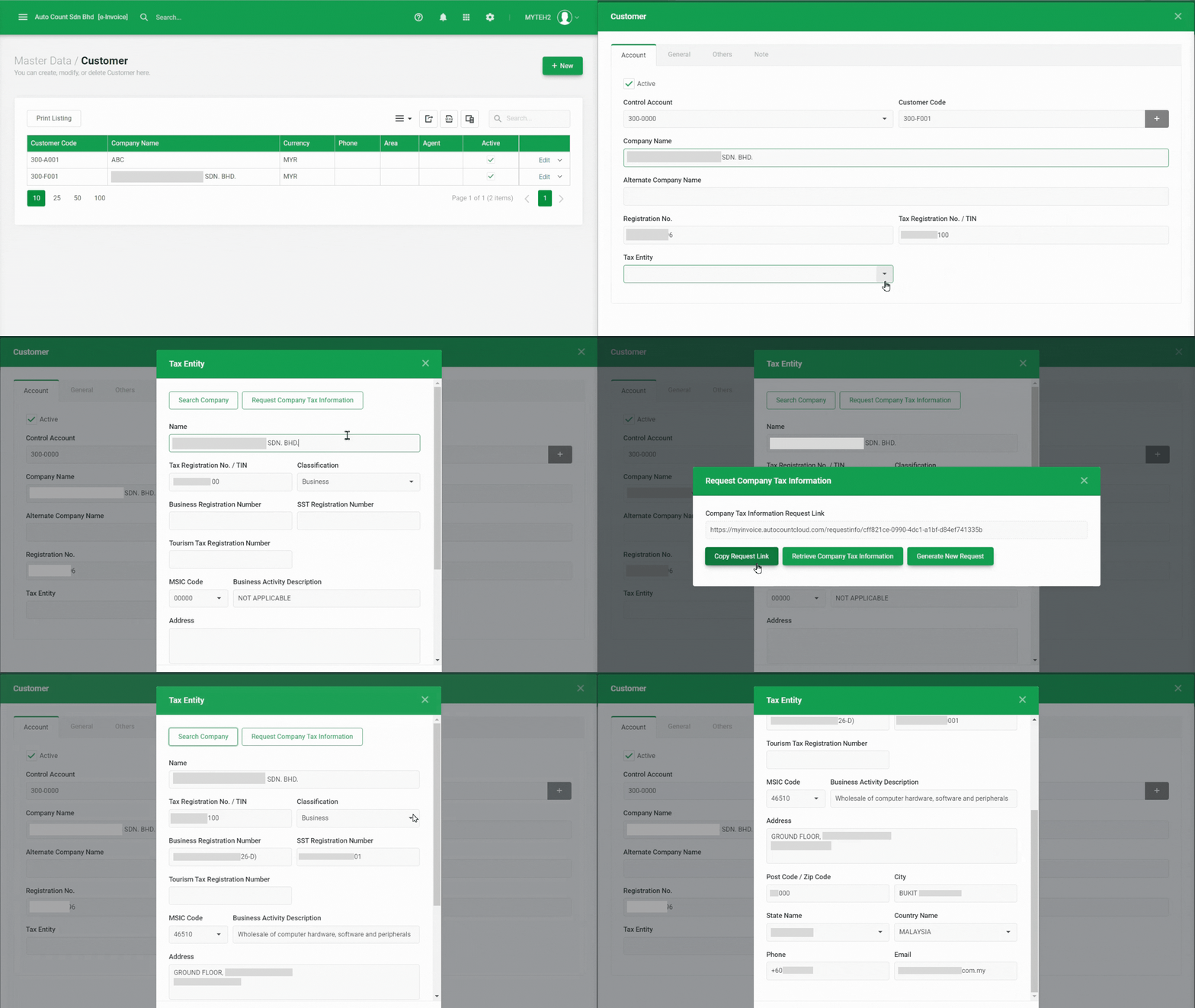
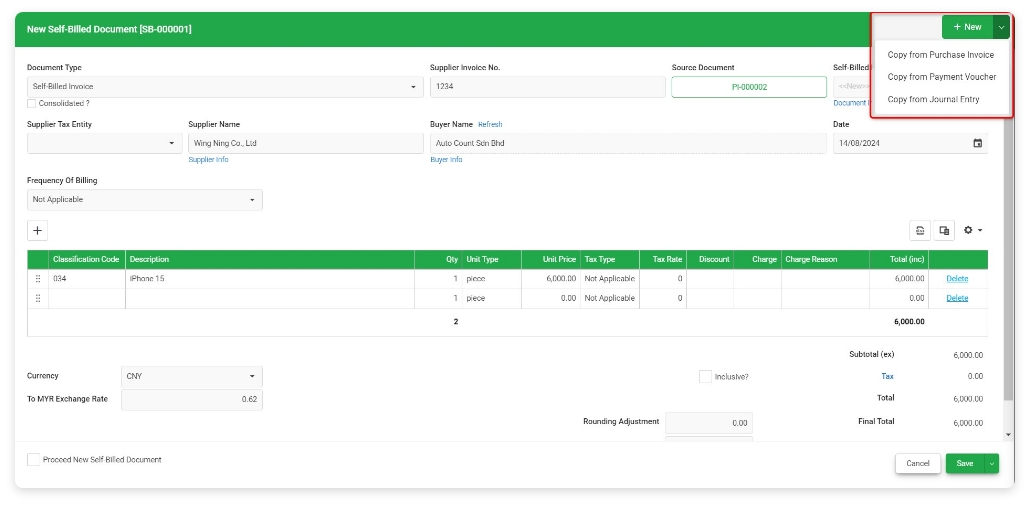
Generate, submit, process, and receive e-Invoice from LHDN MyInvois, boost efficiency, enhance accuracy, and ensure full compliance with LHDN regulations.
LHDN e-Invoice Ready
Learn AutoCount Accounting in Just 60 minutes
All our user setup video guide materials has been broken down into digestible chunks and you can learn at your own pace. These videos contain everything you need to know to get started with AutoCount Accounting. Enjoy!
Explore Other AutoCount Solutions
Discover other popular AutoCount software for every business Need.