AutoCount Inventory Physical Adjustment
- Stock Reconciliation Tool
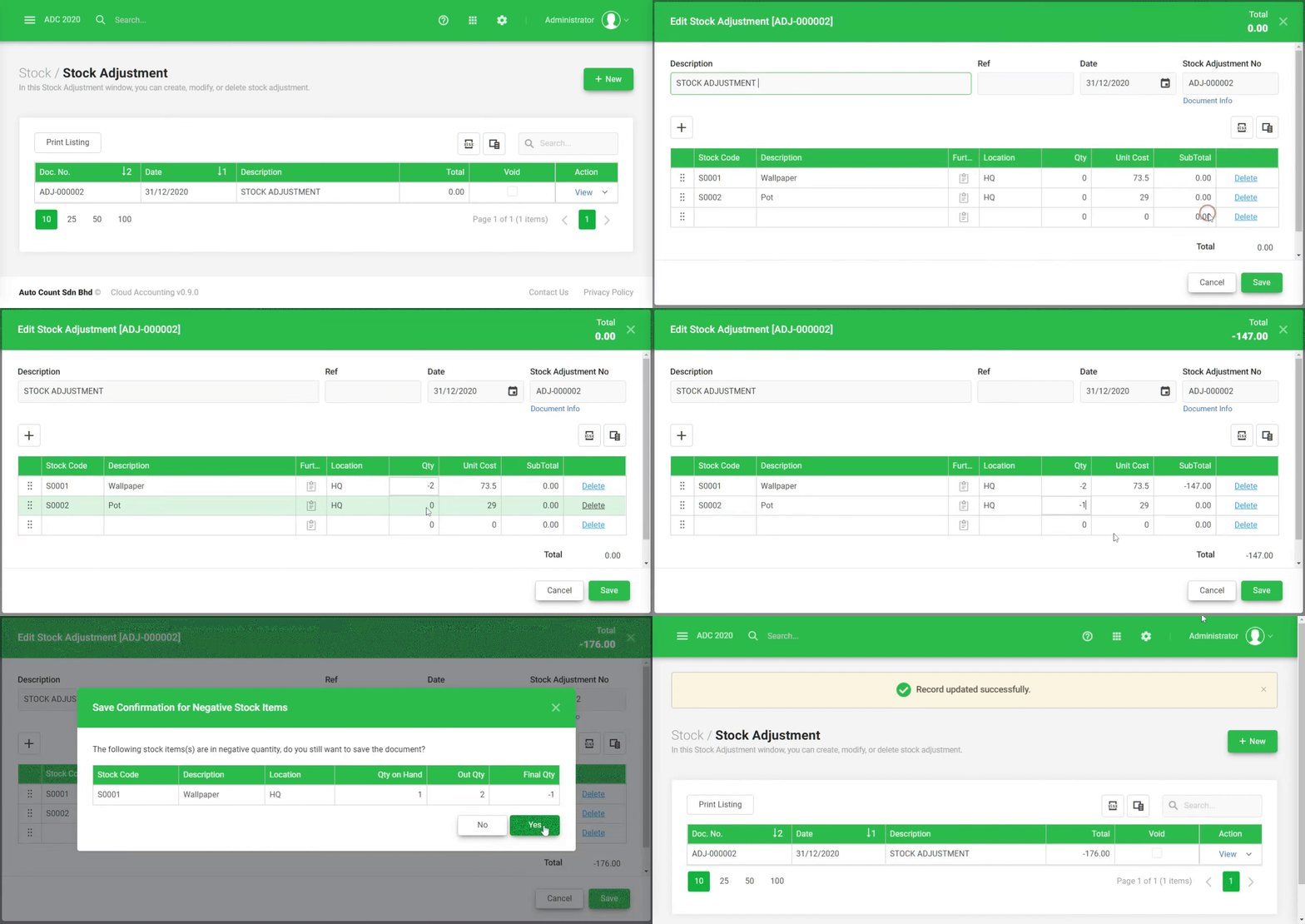
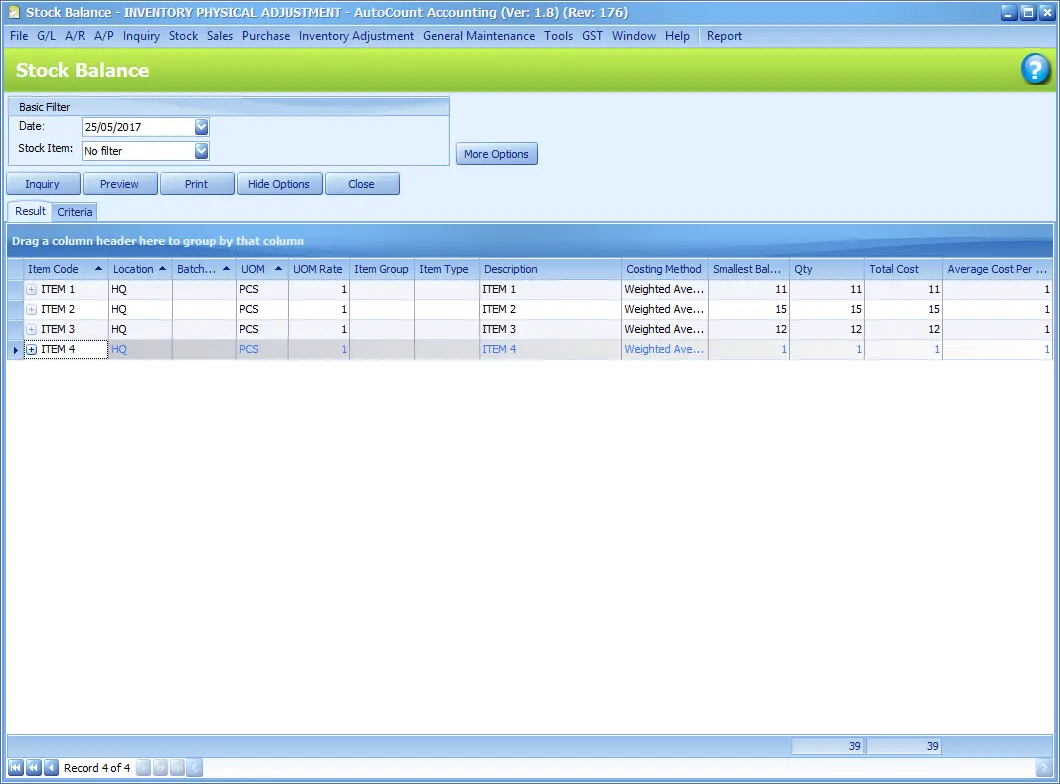
Used to align system-recorded stock quantities with actual physical stock found during stock take or inventory audits. - Accurate Inventory Records
Ensures that inventory data in the system reflects real-world stock levels, reducing errors in reporting and ordering. - User-Friendly Interface
Provides a simple, intuitive screen for entering physical counts and comparing them against current system quantities. - Automatic Adjustment Entries
Automatically creates adjustment transactions such as additions or deductions based on discrepancies between counted and recorded quantities. - Supports Barcode Scanning
Compatible with barcode scanners and handheld devices to speed up the stock count and adjustment process. - Batch and Location Support
Allows adjustments by batch number, serial number, or warehouse location for detailed inventory control. - Audit Trail
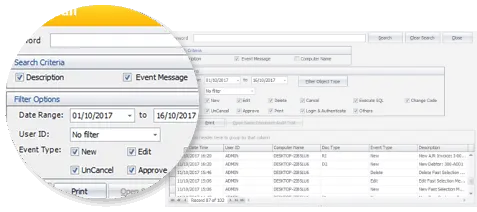
Tracks all adjustment history with user and timestamp logs, ensuring accountability and traceability. - Customizable Reasons and Remarks
Lets users input reasons for adjustments like damage, loss, overstock, helping with analysis and future prevention. - Integration with Reports
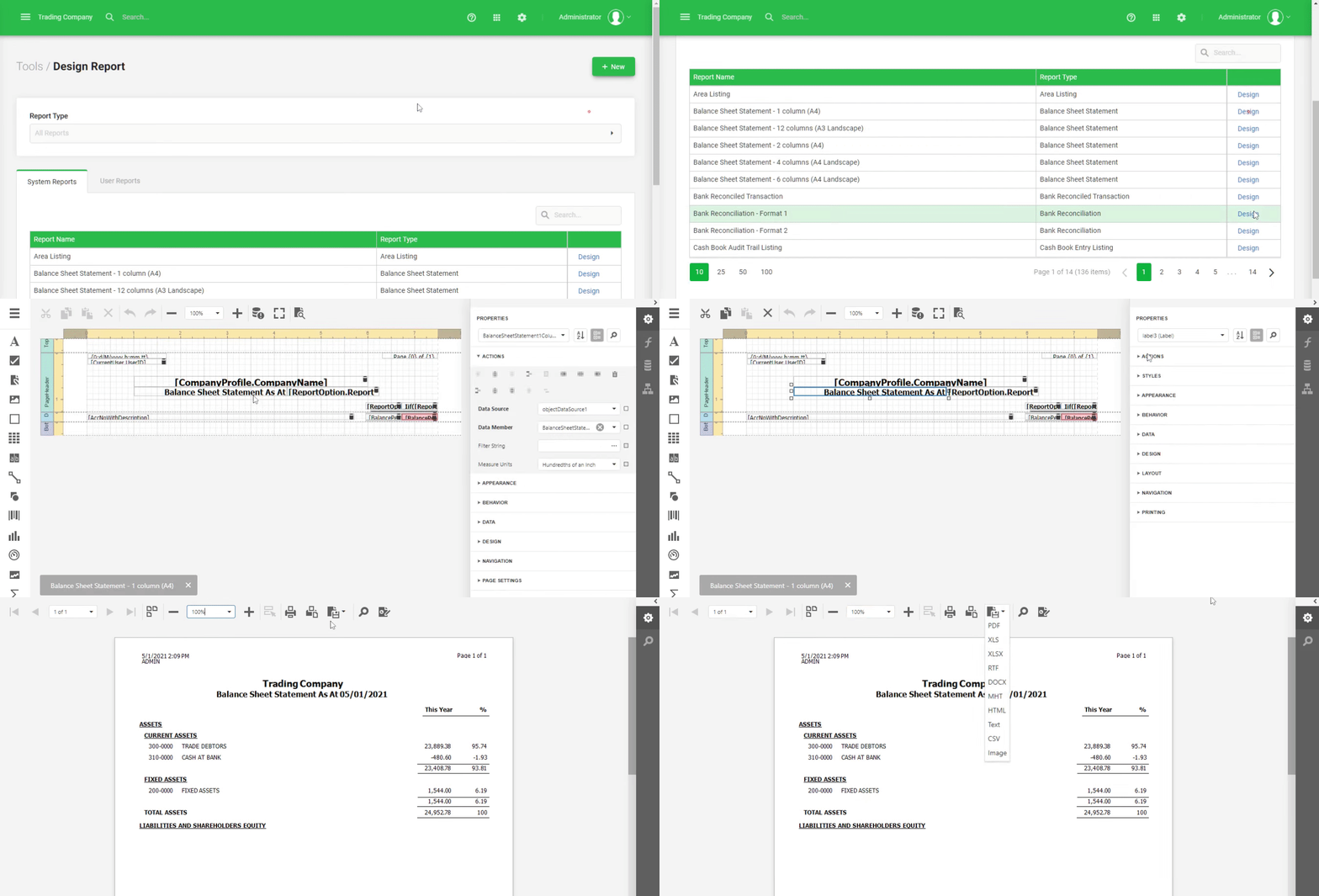
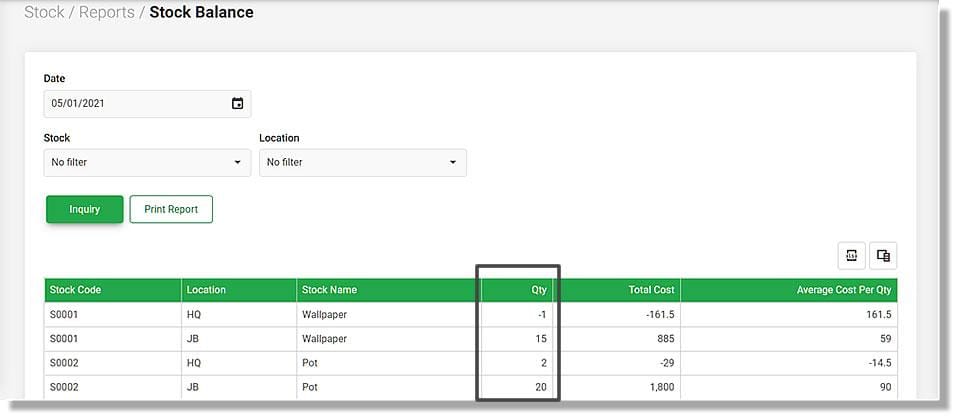
Adjustments are reflected in stock reports and summaries, ensuring accurate valuation and performance insights. - Ideal for Regular Stock Take
A key feature for routine stock reconciliation, annual audits, or when transitioning from manual to automated inventory systems.