AutoCount Item Scope
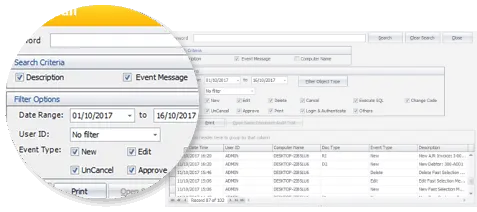
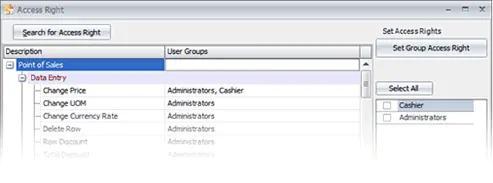
- Access Control by Item
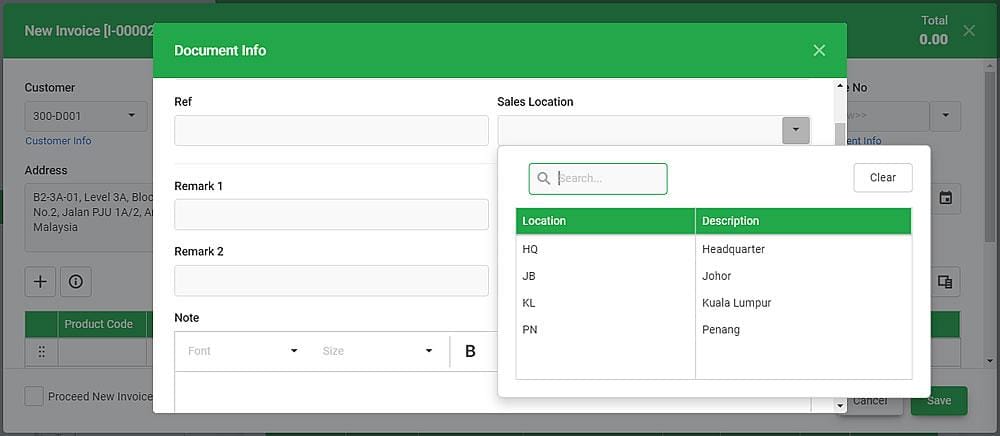
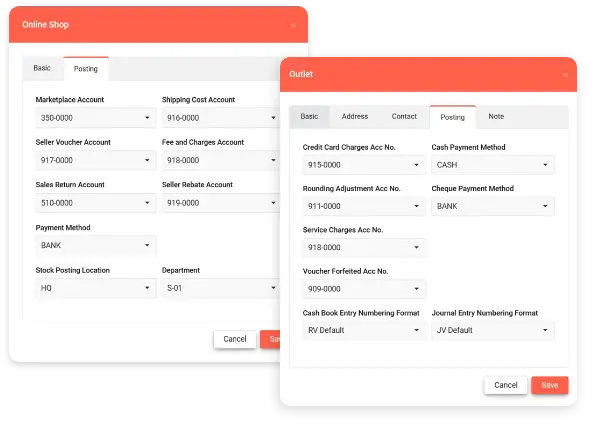
Restrict or allow visibility of specific items to selected users, departments, or locations to maintain control over sensitive or irrelevant data. - Branch-Level Item Management
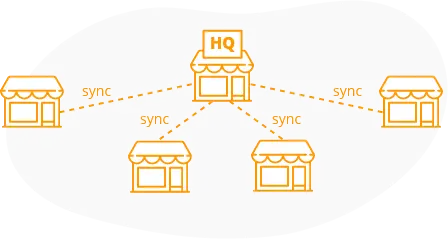
Assign specific items to specific branches, ensuring each location only sees the stock relevant to them. - User-Specific Item Access
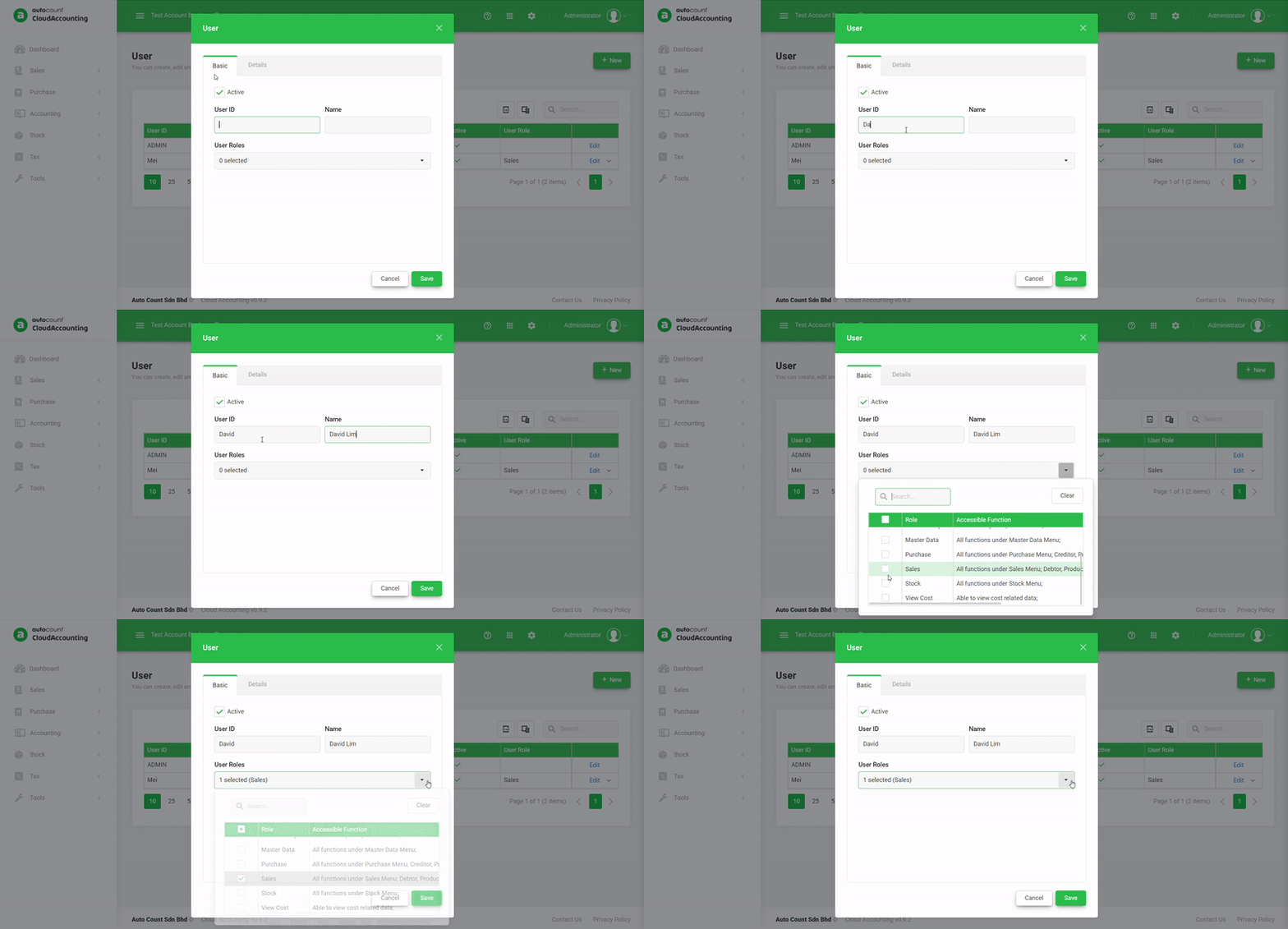
Define which users or user groups can view, use, or manage certain items in transactions or reports. - Improves Data Accuracy
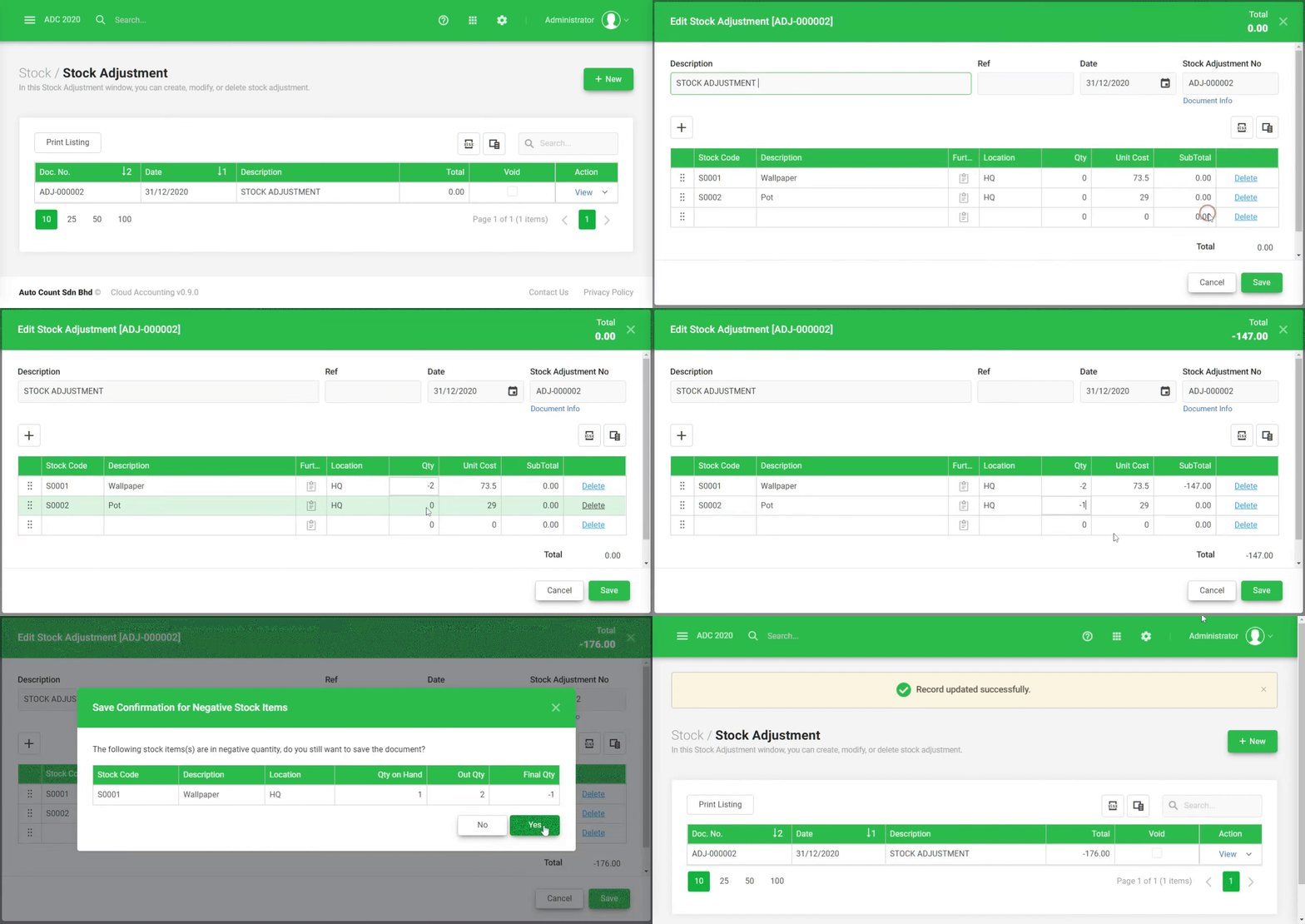
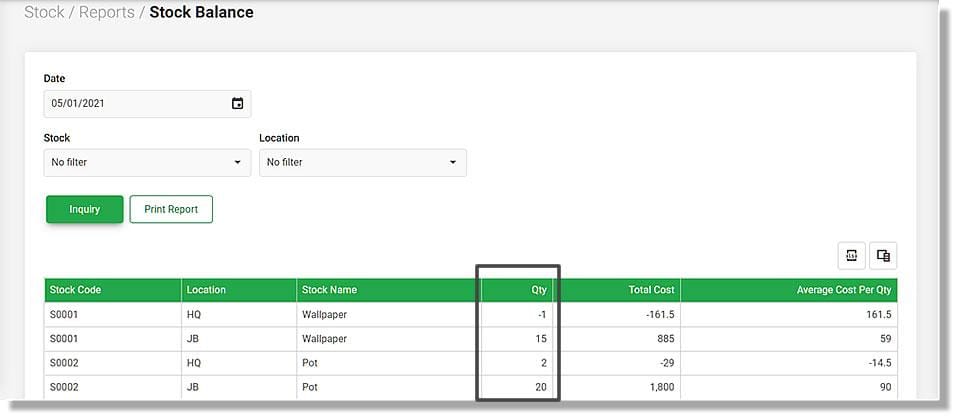
Prevents data clutter by showing users only the items they need, reducing selection errors during sales, purchases, or inventory updates. - Enhances Operational Efficiency
Streamlines processes by limiting item lists based on operational roles—e.g., warehouse staff sees raw materials, sales team sees finished goods. - Supports Item Filtering
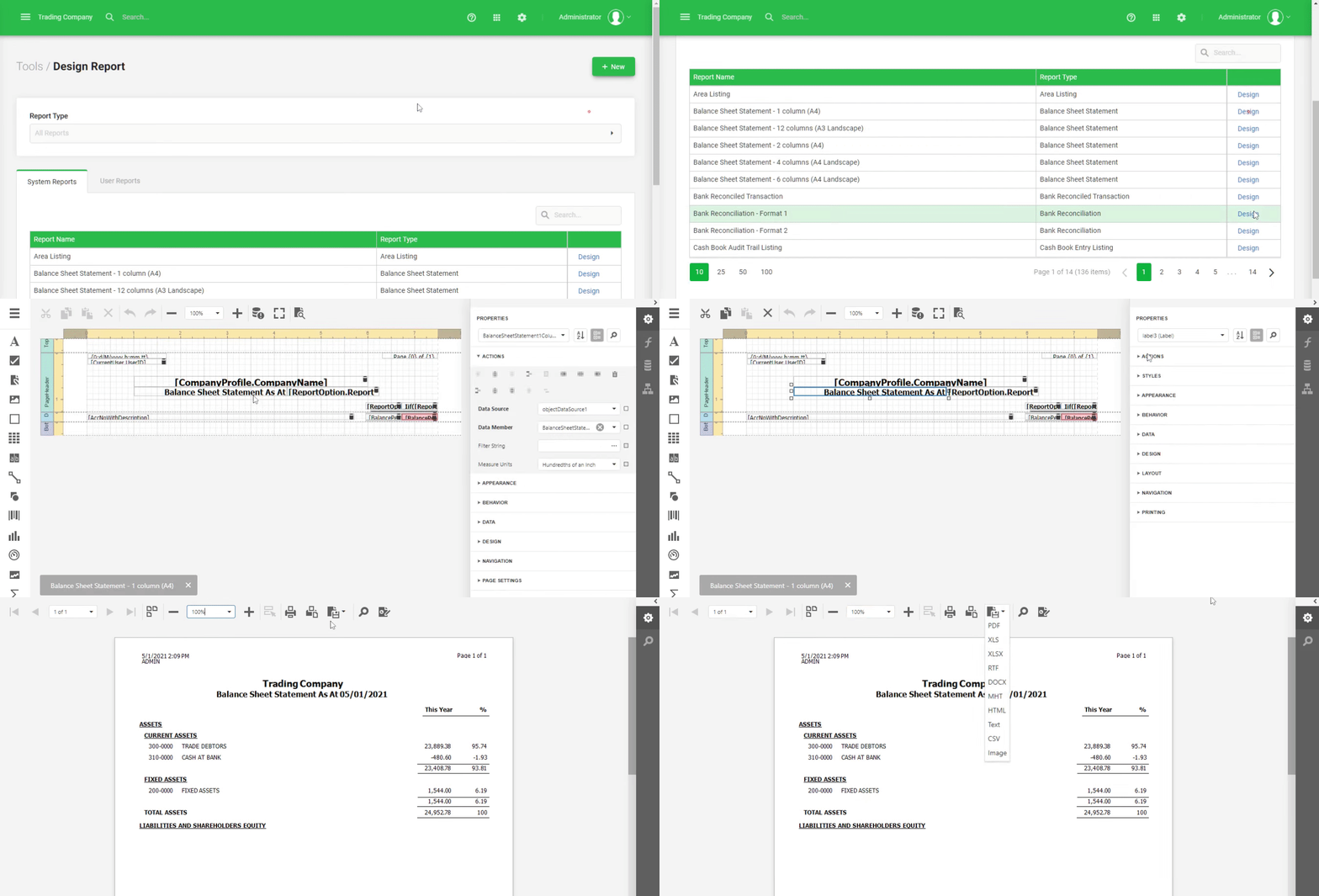
Enables item filtering in documents and listings based on the defined scope for quicker and more focused navigation. - Ideal for Multi-Outlet Businesses
Particularly useful for businesses with multiple outlets, franchises, or departments handling different product lines. - Improved Security & Control
Prevents unauthorized use or viewing of restricted inventory items, enhancing overall system security. - Easy Configuration
Flexible setup through user or group assignment, with options to manage scopes per module or transaction type. - Integrated with AutoCount Modules
Works seamlessly across Inventory, Sales, Purchase, and Reporting modules for consistent item visibility control.