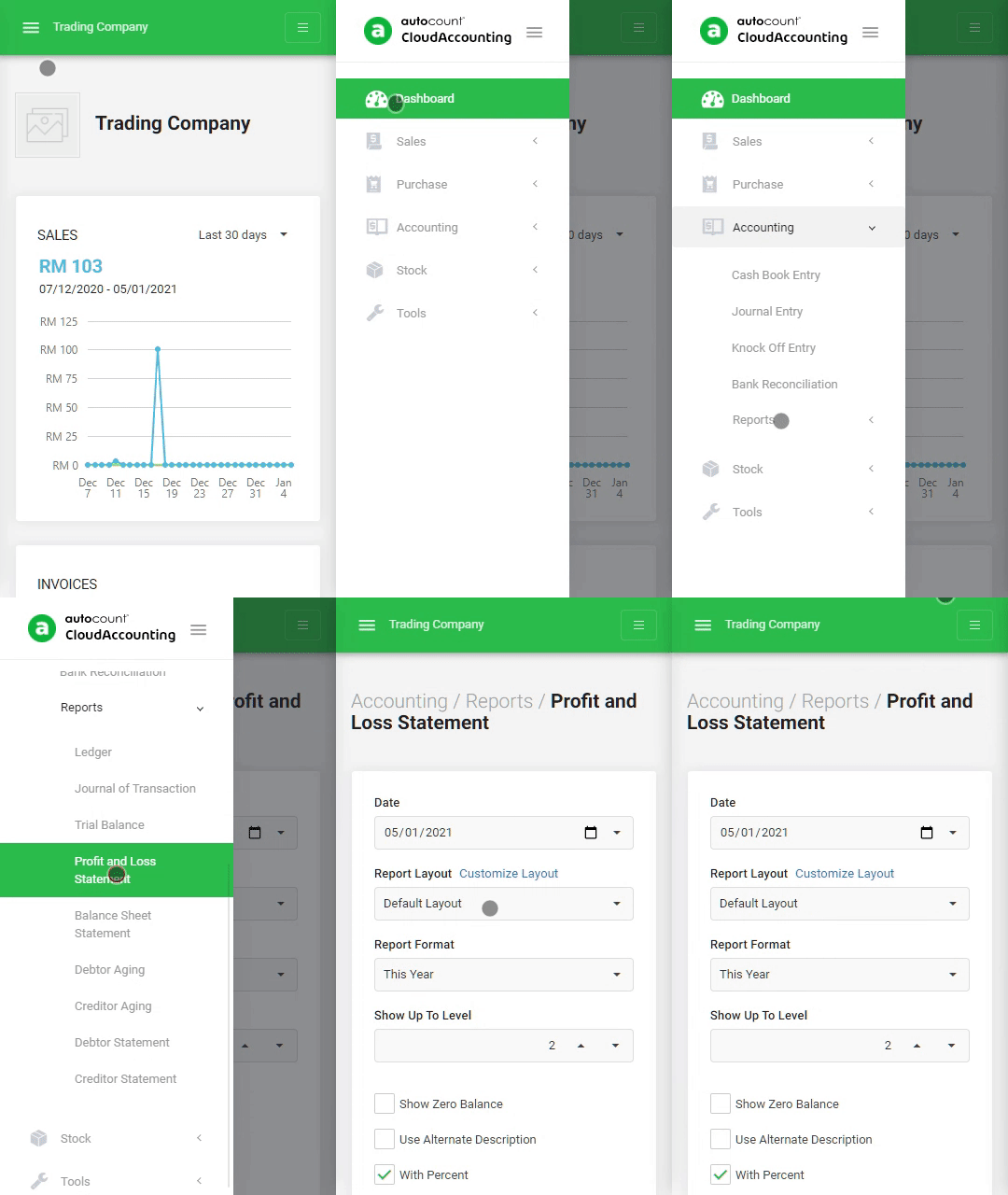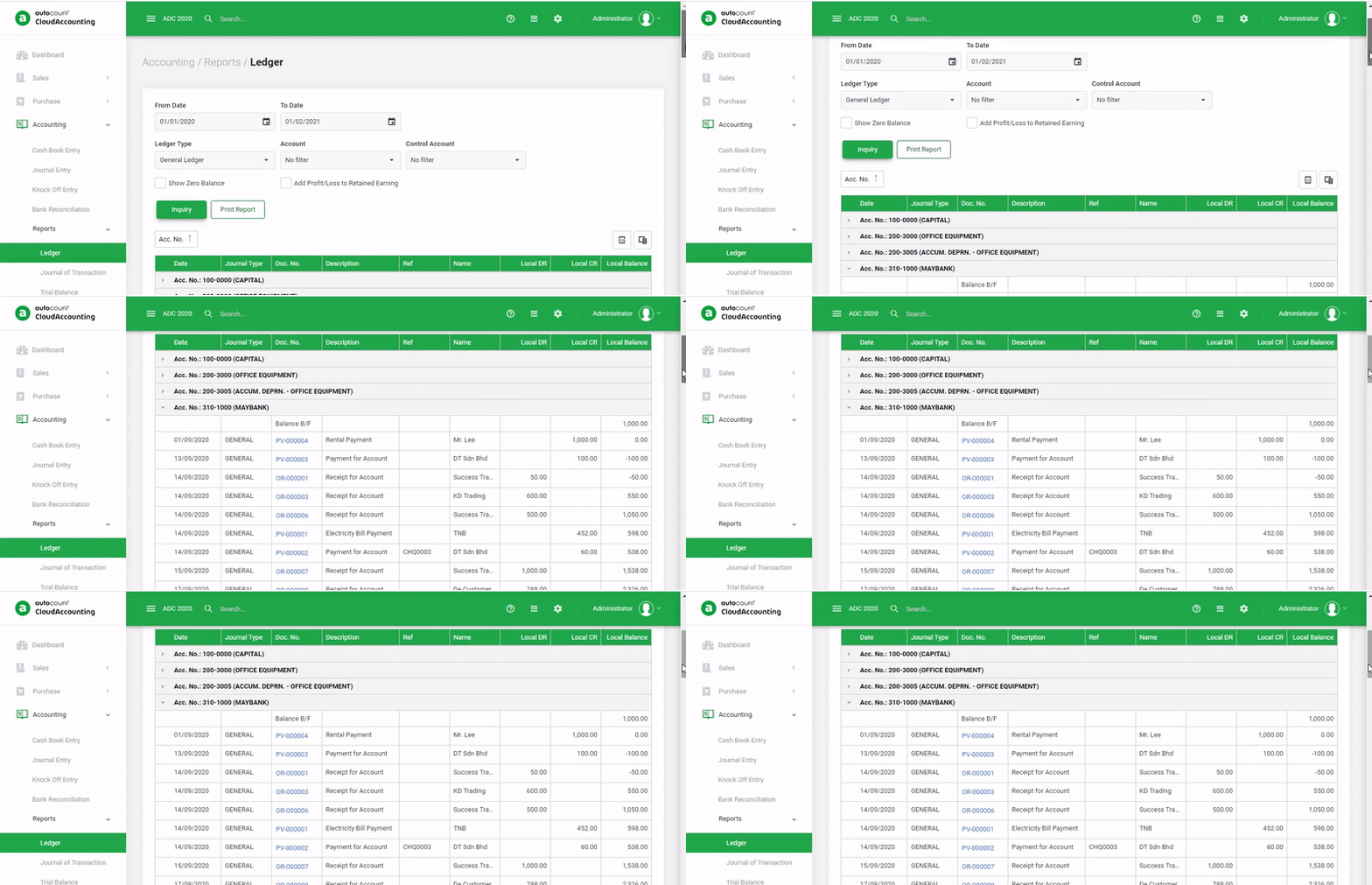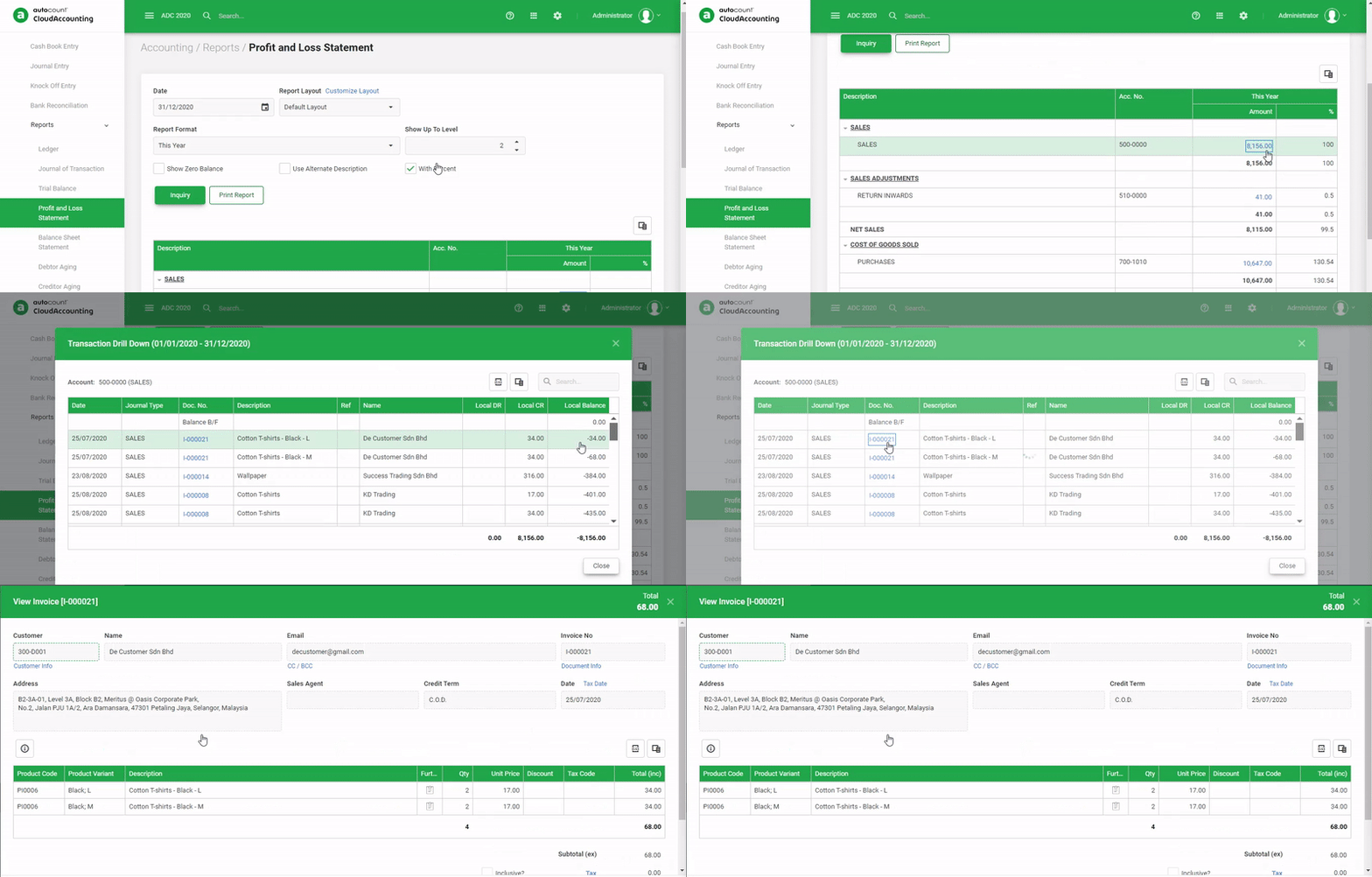
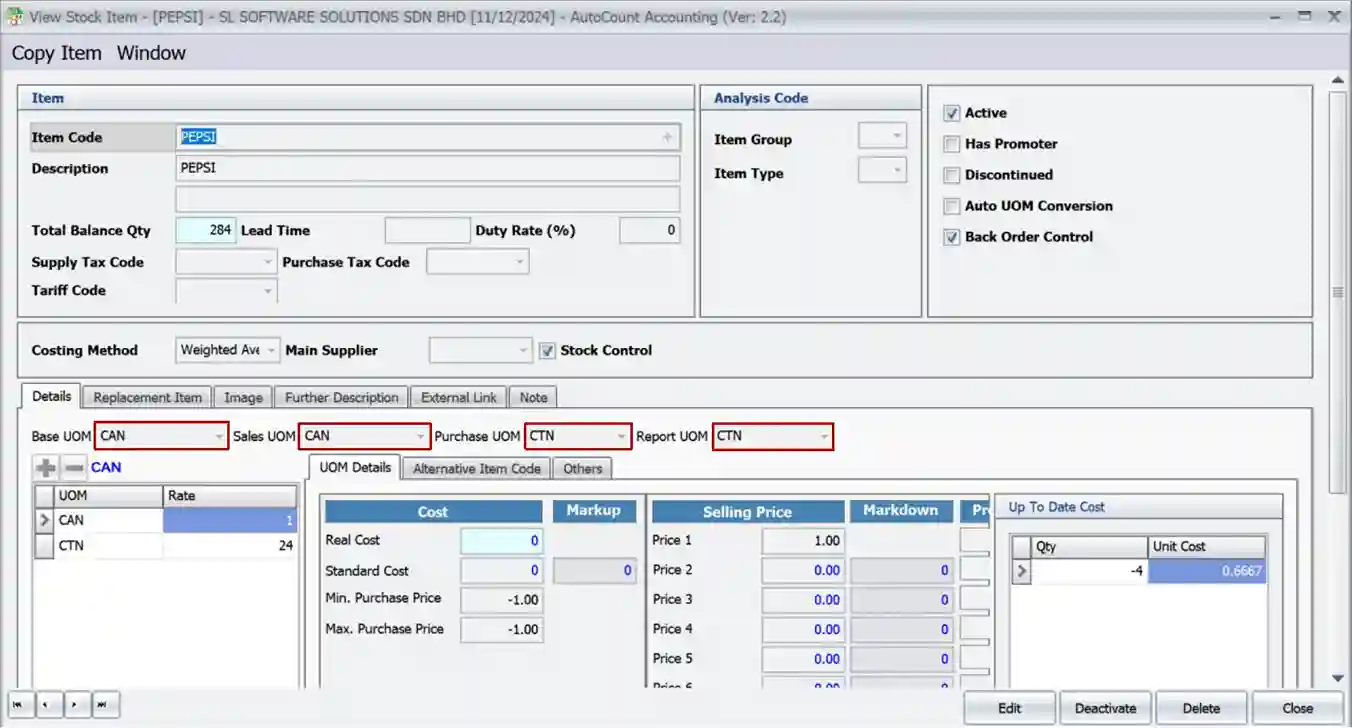
AutoCount Advanced Multi-UOM Module
Multi-Level UOM Structure
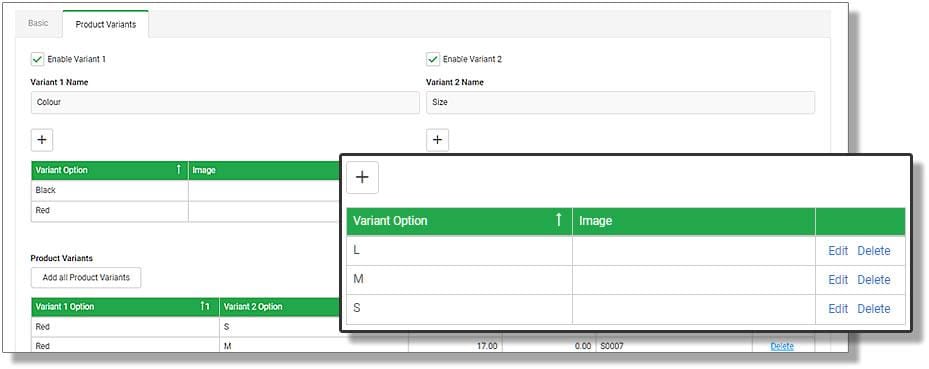
- Define Multiple UOM Levels per Item
Example: 1 pallet = 10 cartons = 100 boxes = 1,000 pieces. - Auto Conversion Between UOMs
Seamlessly switch between UOMs in sales, purchases, and inventory, with accurate stock reflection.
Transaction Flexibility and Accuracy
- UOM Selection in All Modules
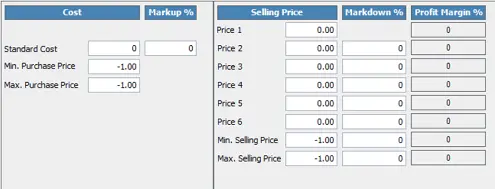
Choose any UOM during Sales, Purchase, POS, Stock Adjustments, or Transfers. - UOM-Based Pricing and Costing
Assign different prices, discounts, or costs based on selected UOM. - Invoice Printing Based on UOM
Print documents reflecting the exact UOM selected by customer or supplier.
Inventory Management
- Real-Time Stock Updates by Base UOM
All stock quantities are maintained in the base unit for consistency. - Stock Valuation Consistency
Ensures accurate costing and inventory value across UOM layers.
Advanced Barcode and Label Support
- Barcode Mapping Per UOM
Scan different barcodes for different UOMs like carton vs piece. - Labeling Support for Multiple UOMs
Print stock labels with corresponding UOMs for warehousing clarity.
Customization and Control
- Customer or Supplier Specific UOM
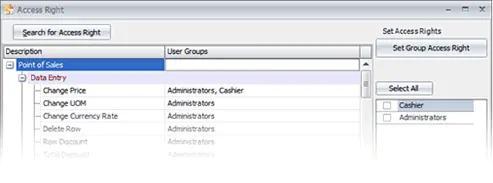
Assign preferred UOMs by partner to reduce confusion during transactions. - Role-Based Permissions
Control who can define or modify UOMs per item or transaction type. - UOM-Based Reporting
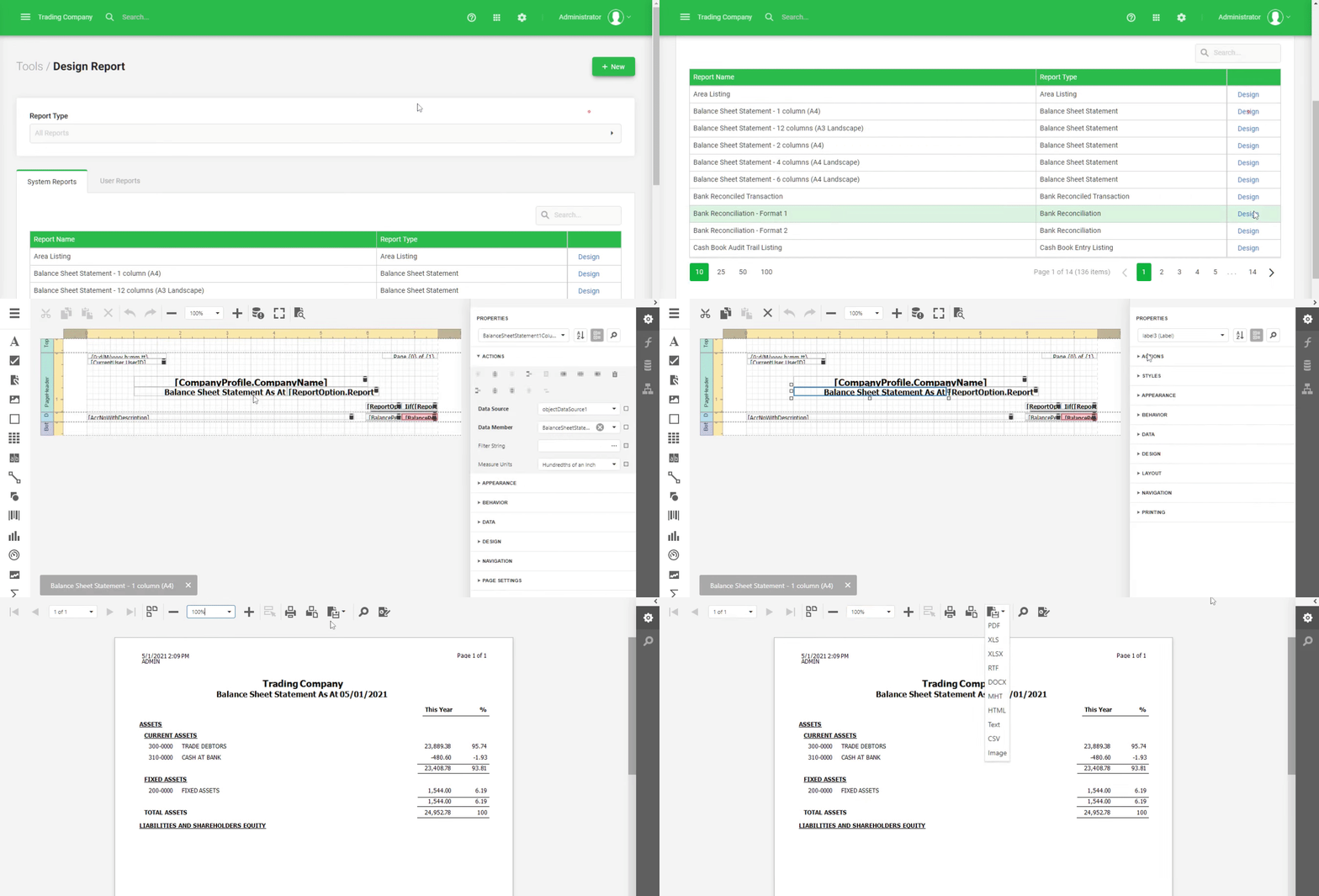
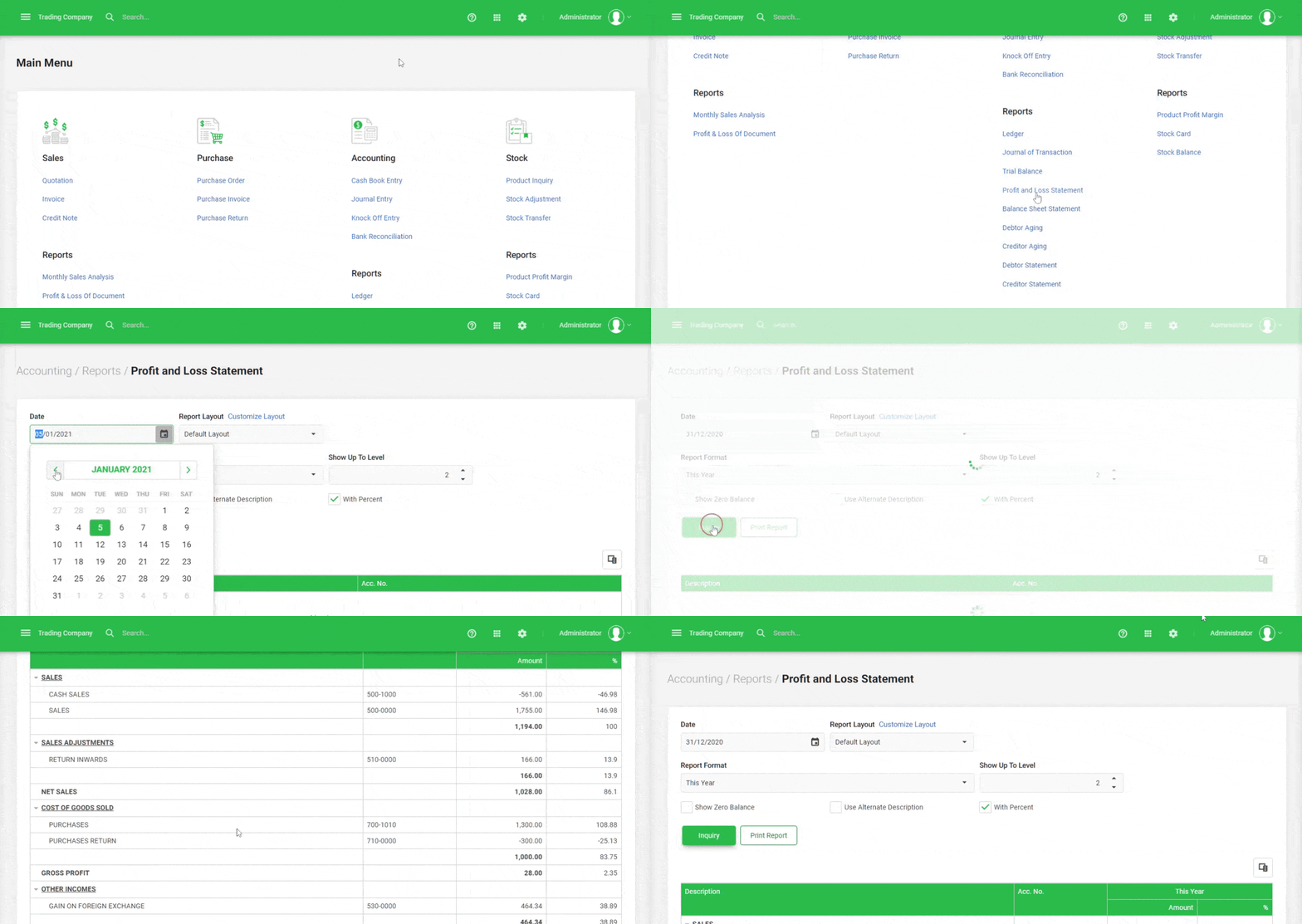
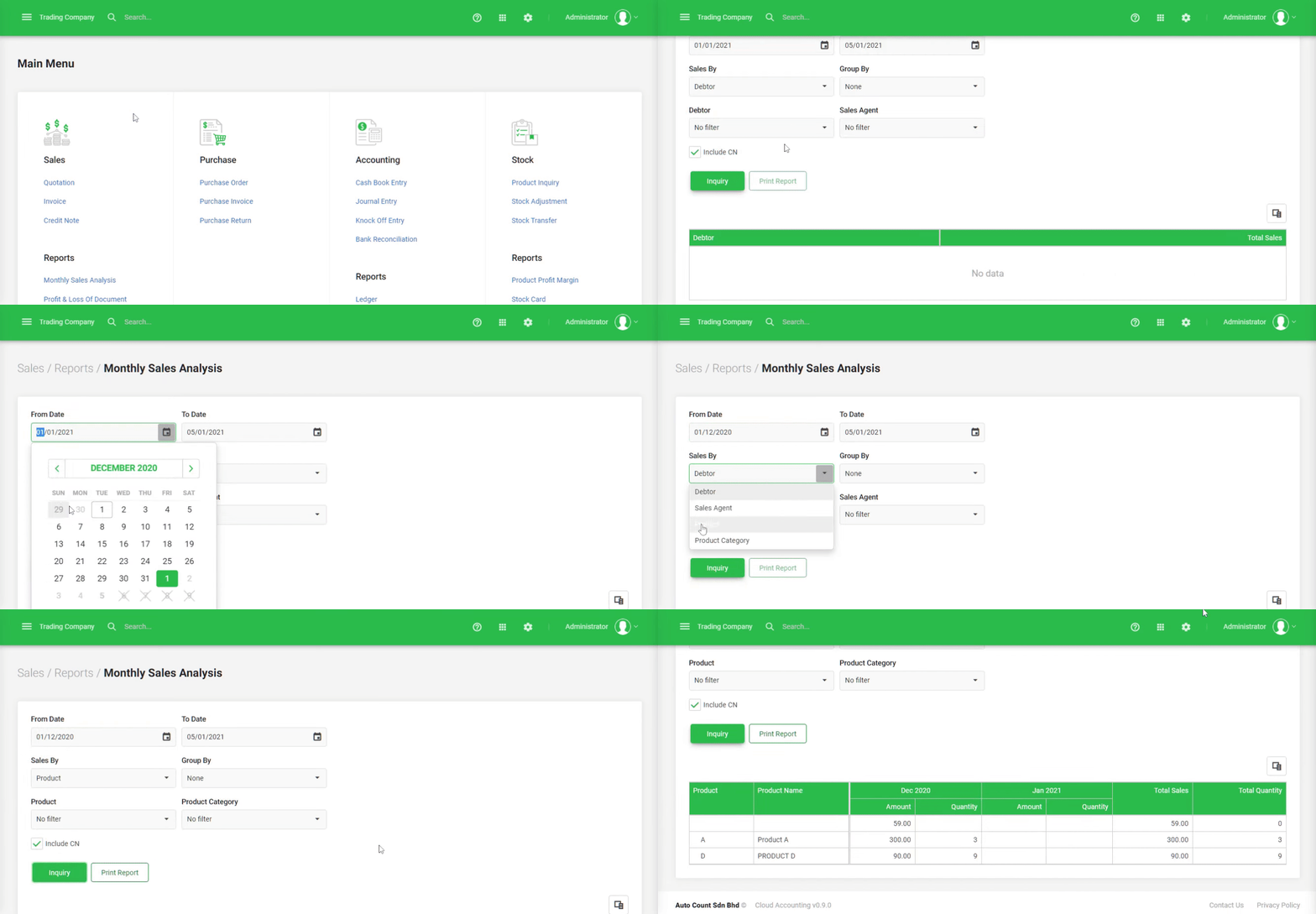
Generate stock reports, sales summaries, and movement histories using either transaction UOM or base UOM.