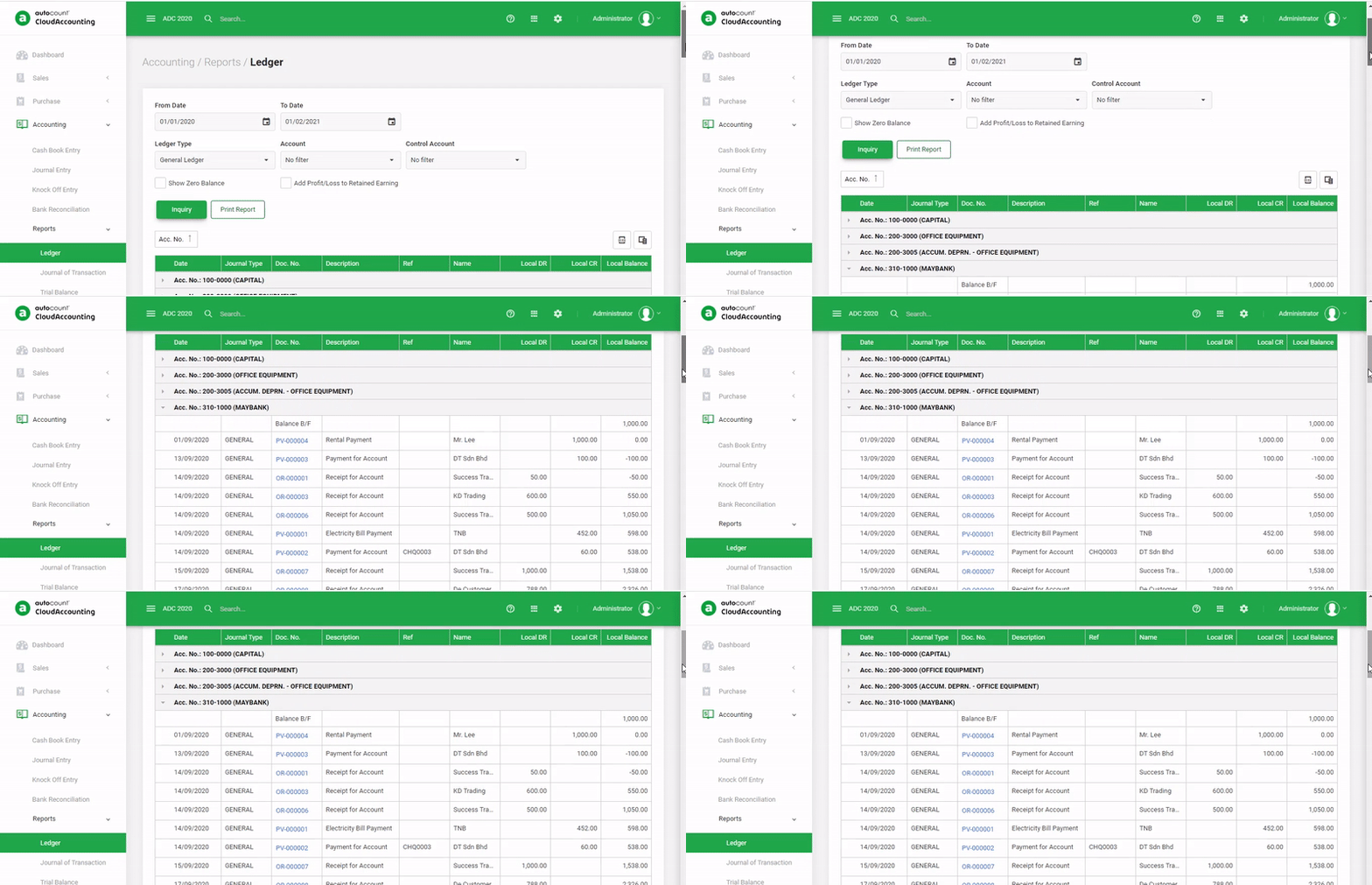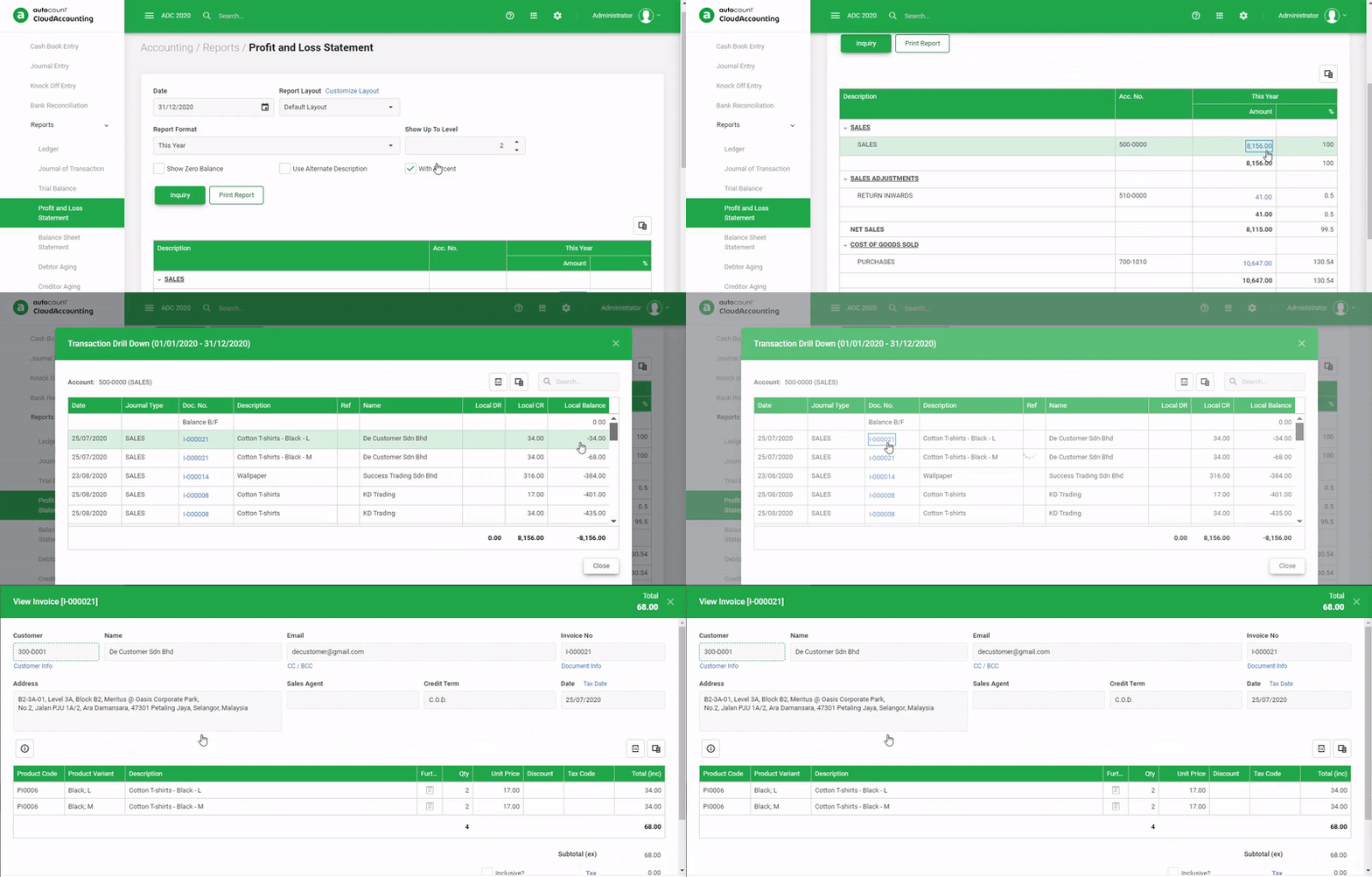
AutoCount Filter by Salesman Module
Sales Performance Tracking
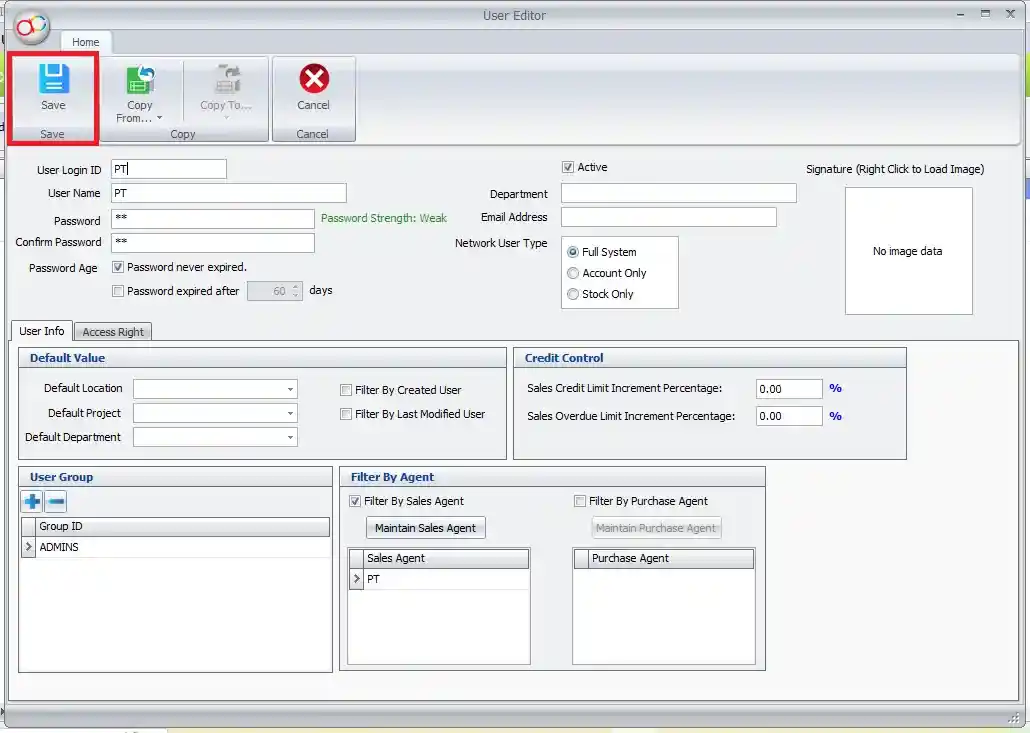
- Filter Sales Data by Salesman
Easily filter sales transactions, orders, and invoices by individual sales reps to assess performance. - Commission Tracking
Calculate and track commissions earned by each salesperson based on their sales performance, helping to ensure accurate payouts. - Sales Trend Analysis
Analyze sales trends by individual sales rep, identifying high performers and areas for improvement. - Target Achievement Monitoring
Set sales targets for each salesperson and monitor progress to motivate and improve team performance.
Reporting and Analytics
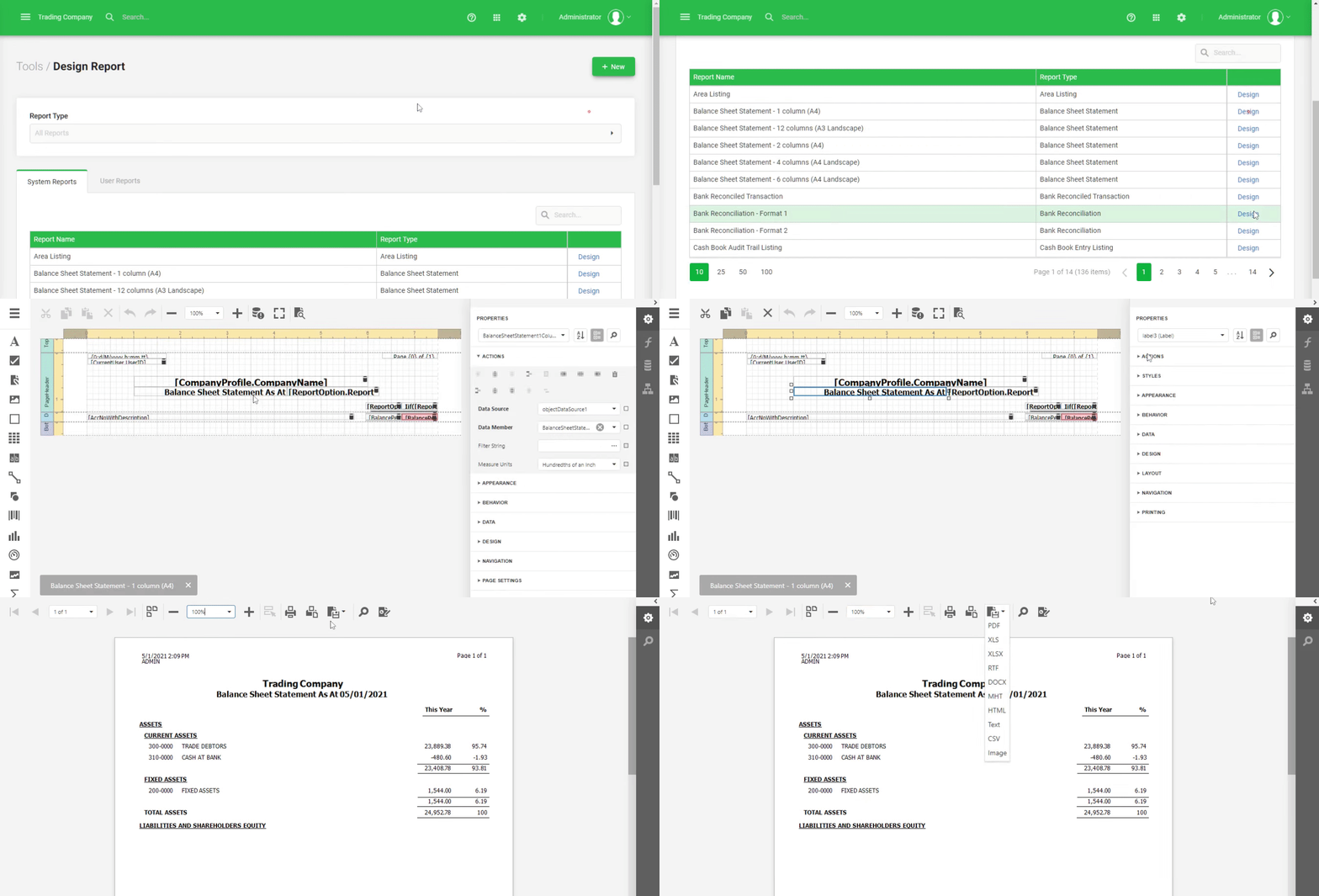
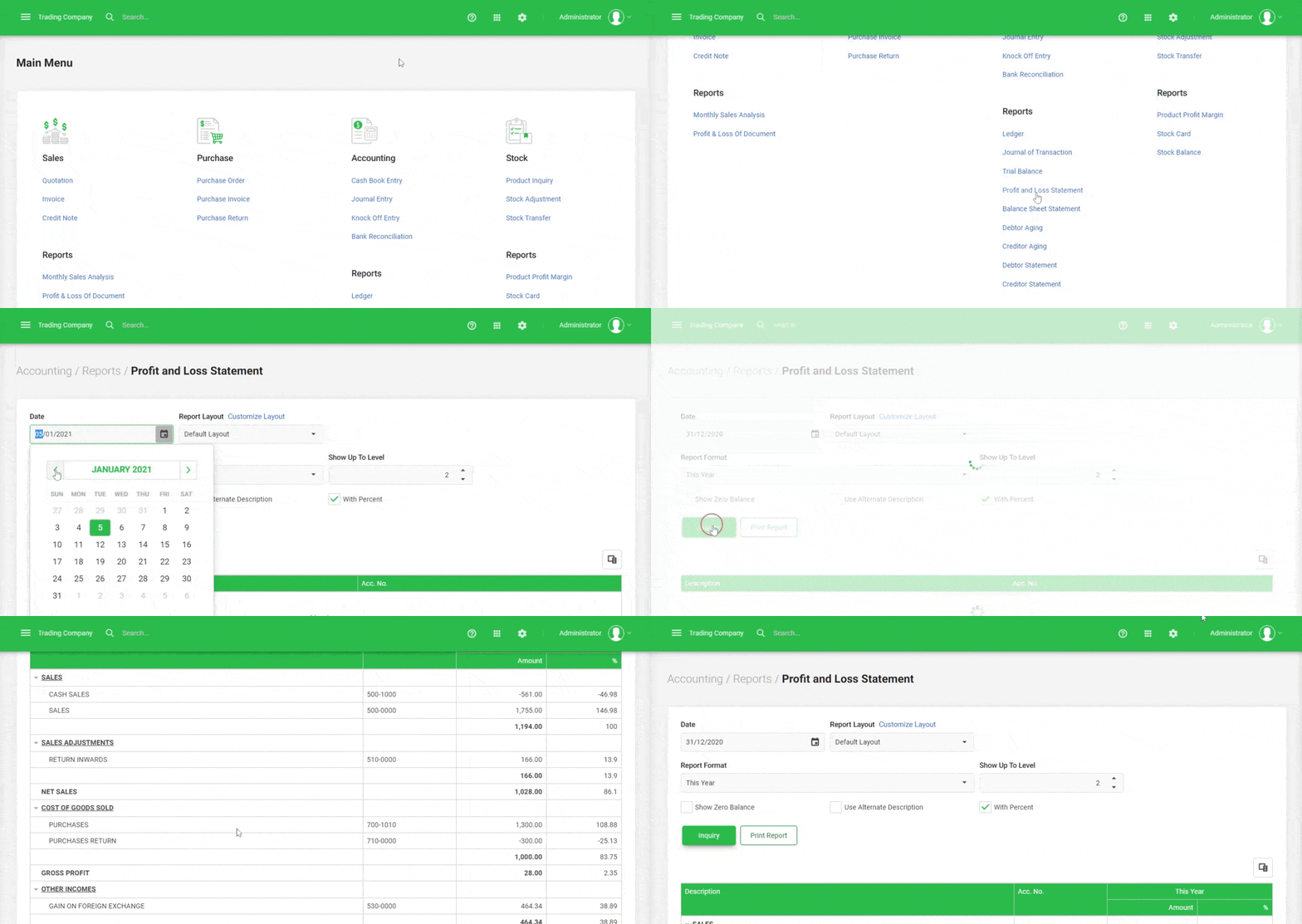
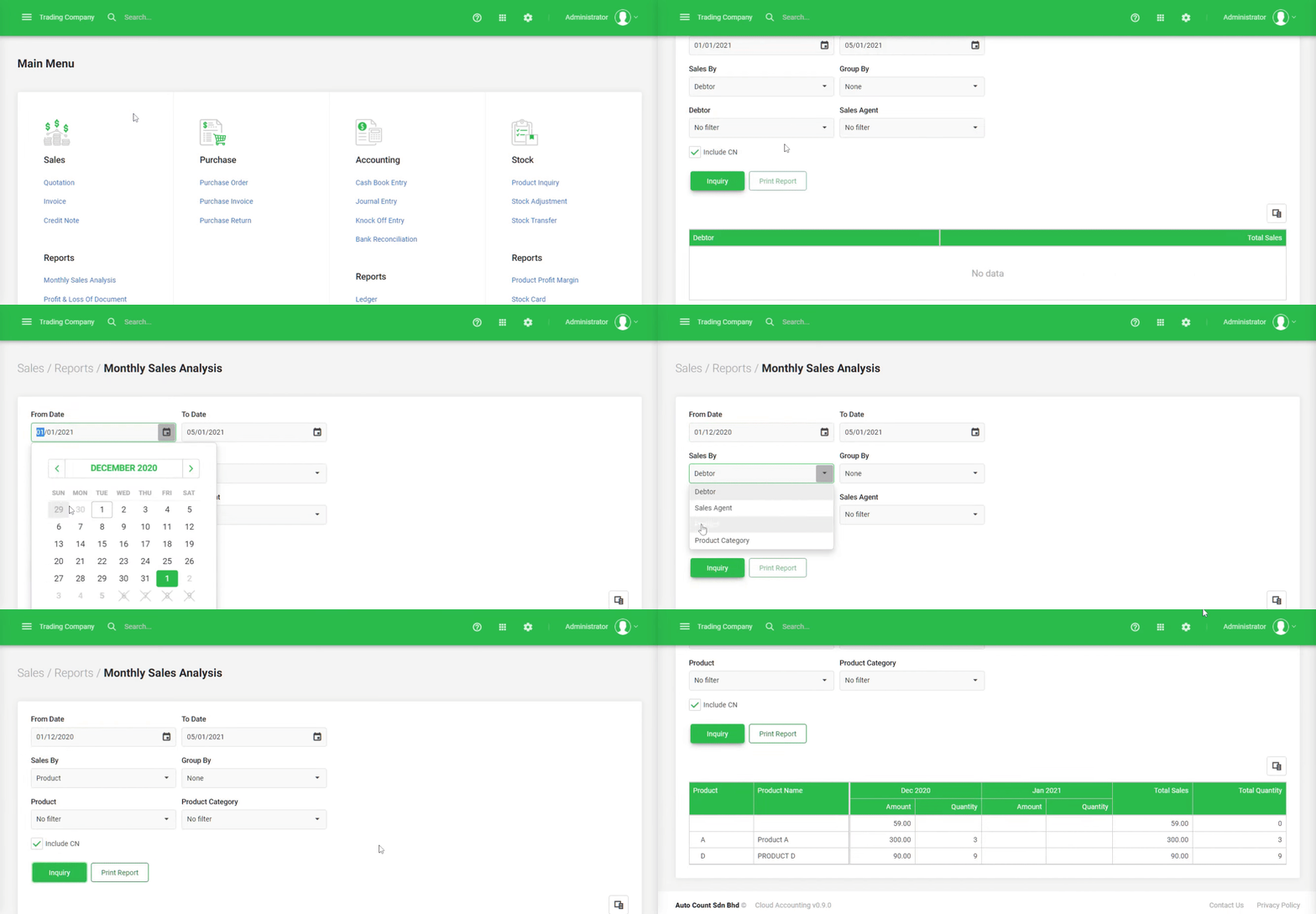
- Sales Performance Reports
Generate detailed reports showing sales activity for each salesperson, including sales volume, revenue, and profit margins. - Commission Breakdown Reports
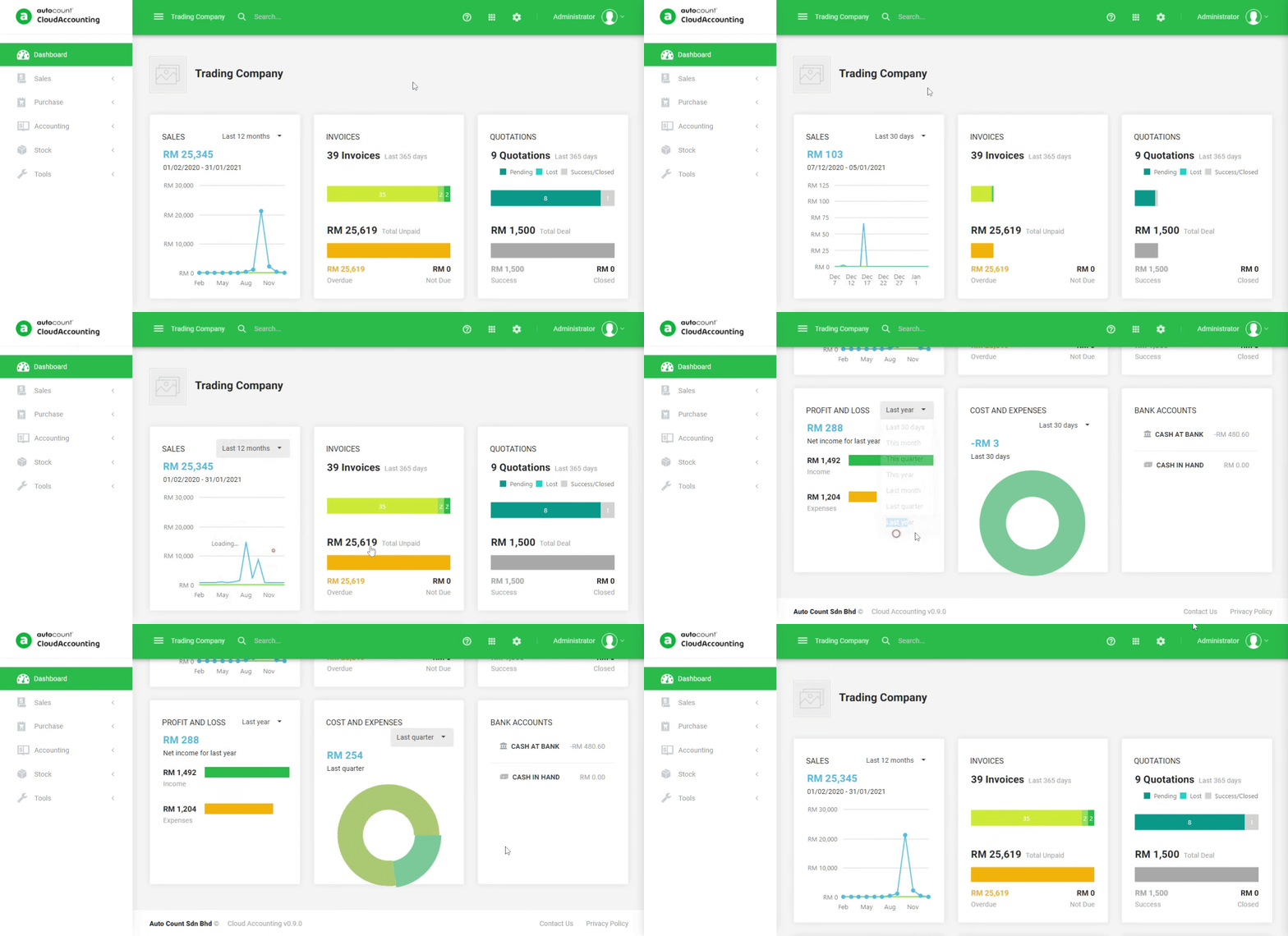
Create reports specifically for commission tracking, including both standard and bonus commissions for each sales rep. - Customizable Sales Dashboards
Set up personalized dashboards to view key performance metrics like sales volume, number of orders, and commission breakdown by salesperson.
Sales Process Integration
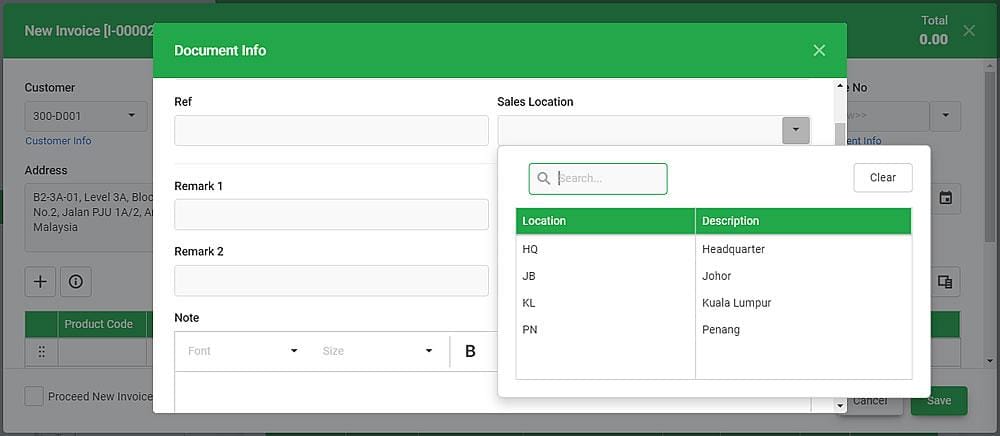
- Integrate with Sales Orders and Invoices
Link each sales order, delivery, and invoice directly to the respective salesperson, ensuring that their performance is accurately reflected. - Salesperson-Specific Pricing and Discounts
Apply custom pricing, discounts, or promotional rates based on the salesperson, providing flexibility for individual negotiations. - Sync with Other AutoCount Modules
Integrate seamlessly with other modules like Inventory and Accounting for comprehensive, real-time data on each salesperson’s transactions.
Customization and Control
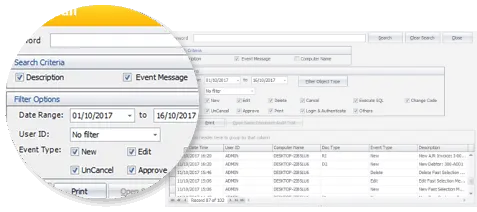
- Customizable Filters
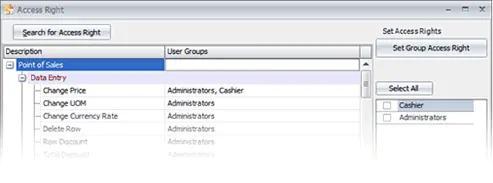
Set up custom filters to segment data by salesperson, date range, order type, or customer, allowing for detailed, focused analysis. - Role-Based Permissions
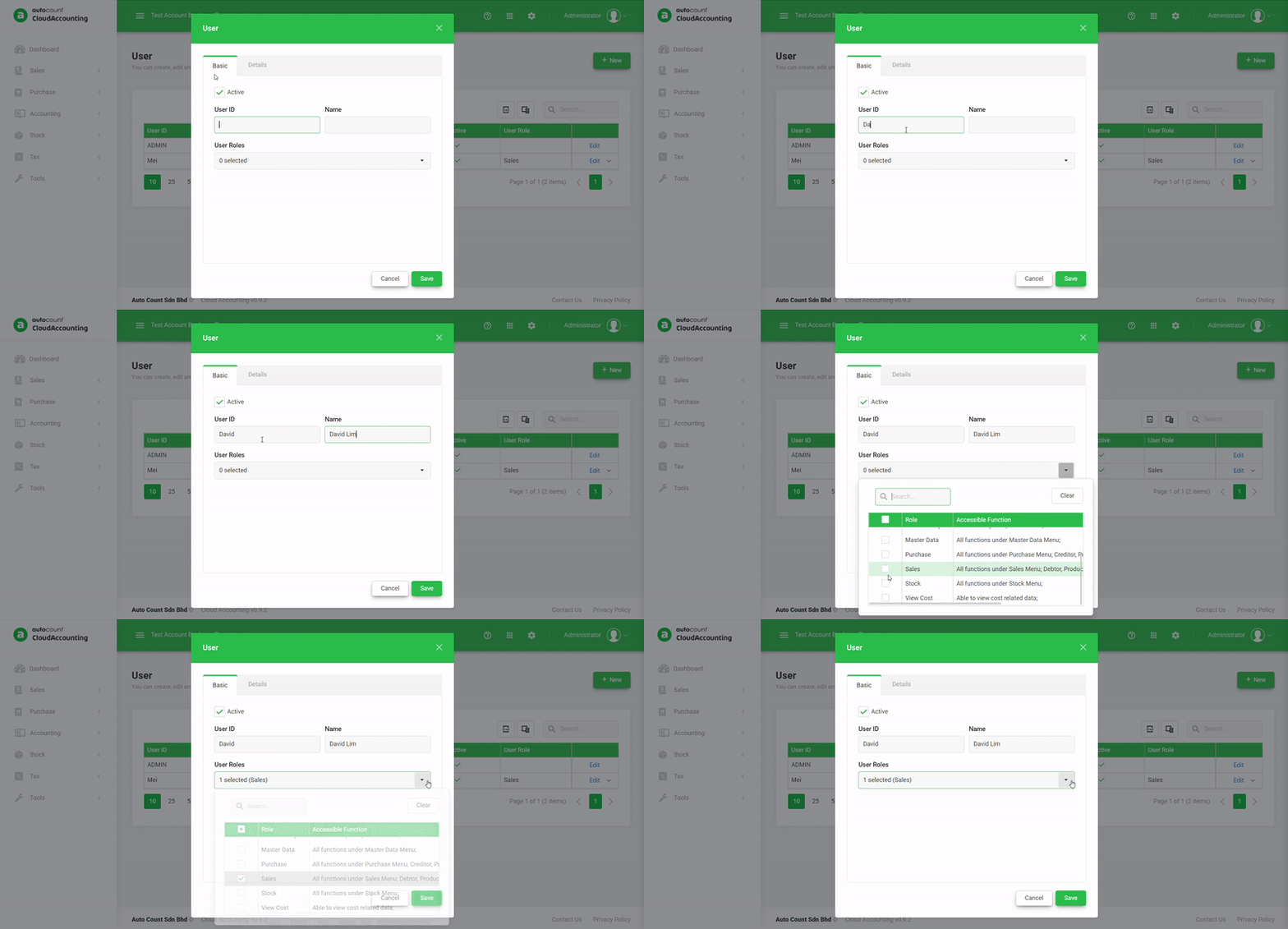
Set permissions to control access to sales data, ensuring only authorized personnel can view or edit performance metrics. - Sales Rep Profile Management
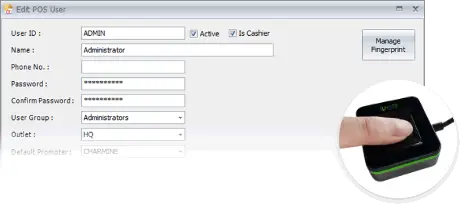
Manage detailed profiles for each salesperson, including their contact information, target goals, and sales territories.