AutoCount Budget or Advanced Financial Report Module
Budget Management Features
- Multi Level Budget Planning
Create budgets by account, department, project, or cost center. - Flexible Budget Periods
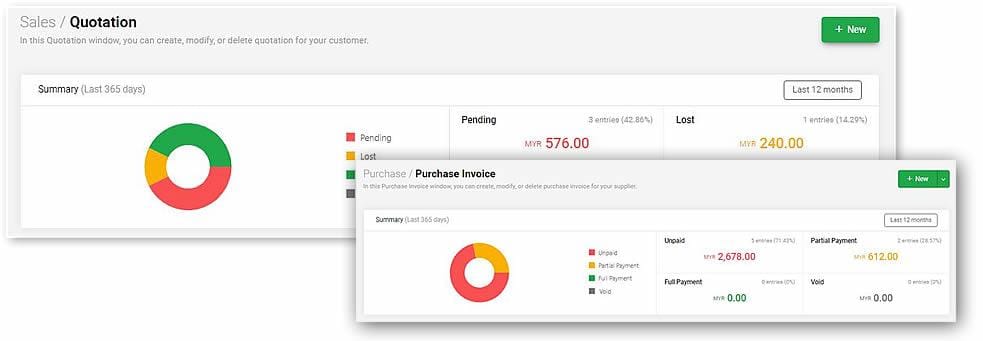
Define monthly, quarterly, or yearly budgets depending on business needs. - Budget vs Actual Comparisons
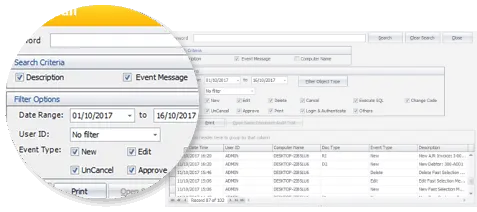
Instantly compare actual performance against budget with variance analysis. - Multiple Budget Versions
Save and compare different budget versions like Draft, Revised, Approved.
Advanced Financial Reporting Tools
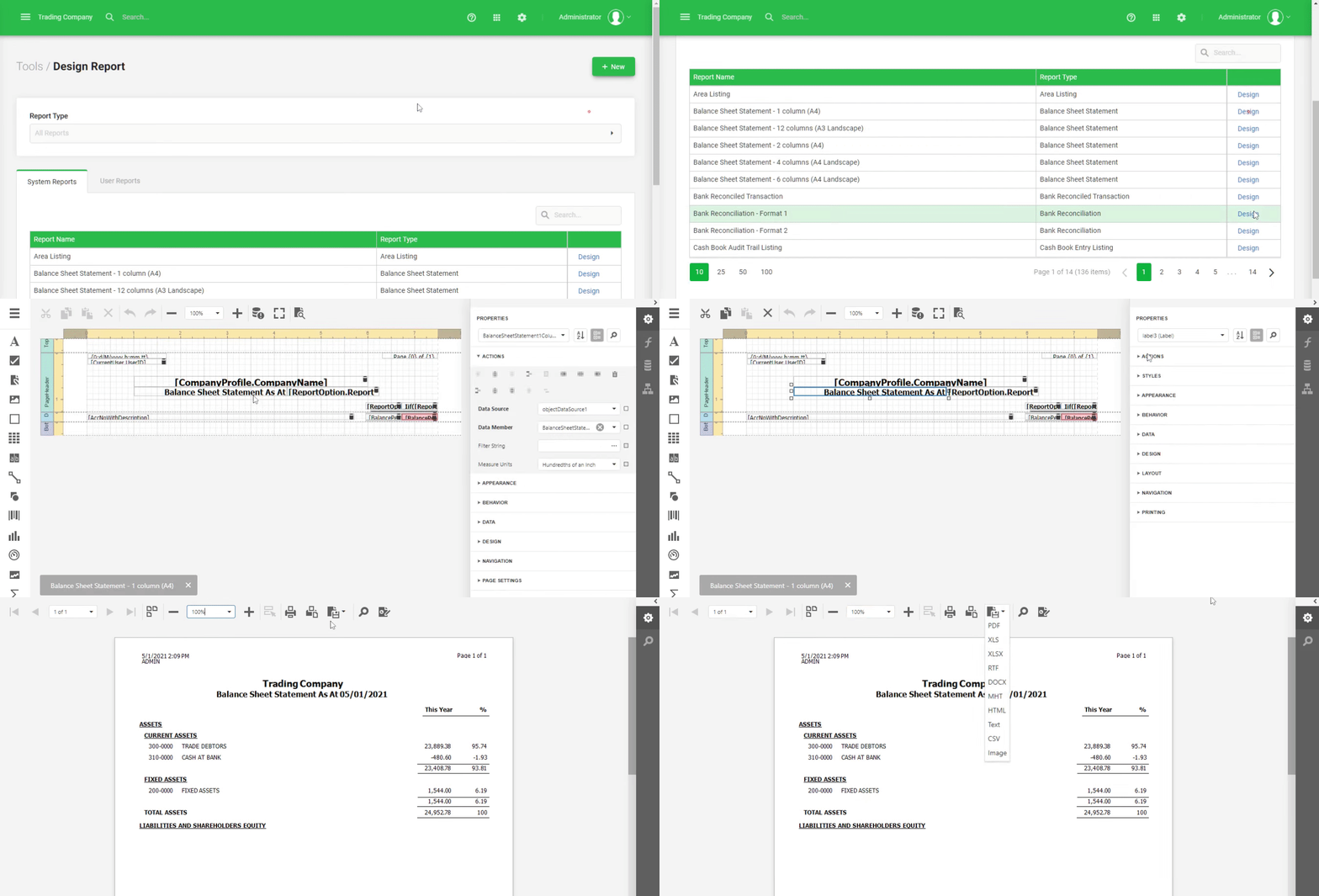
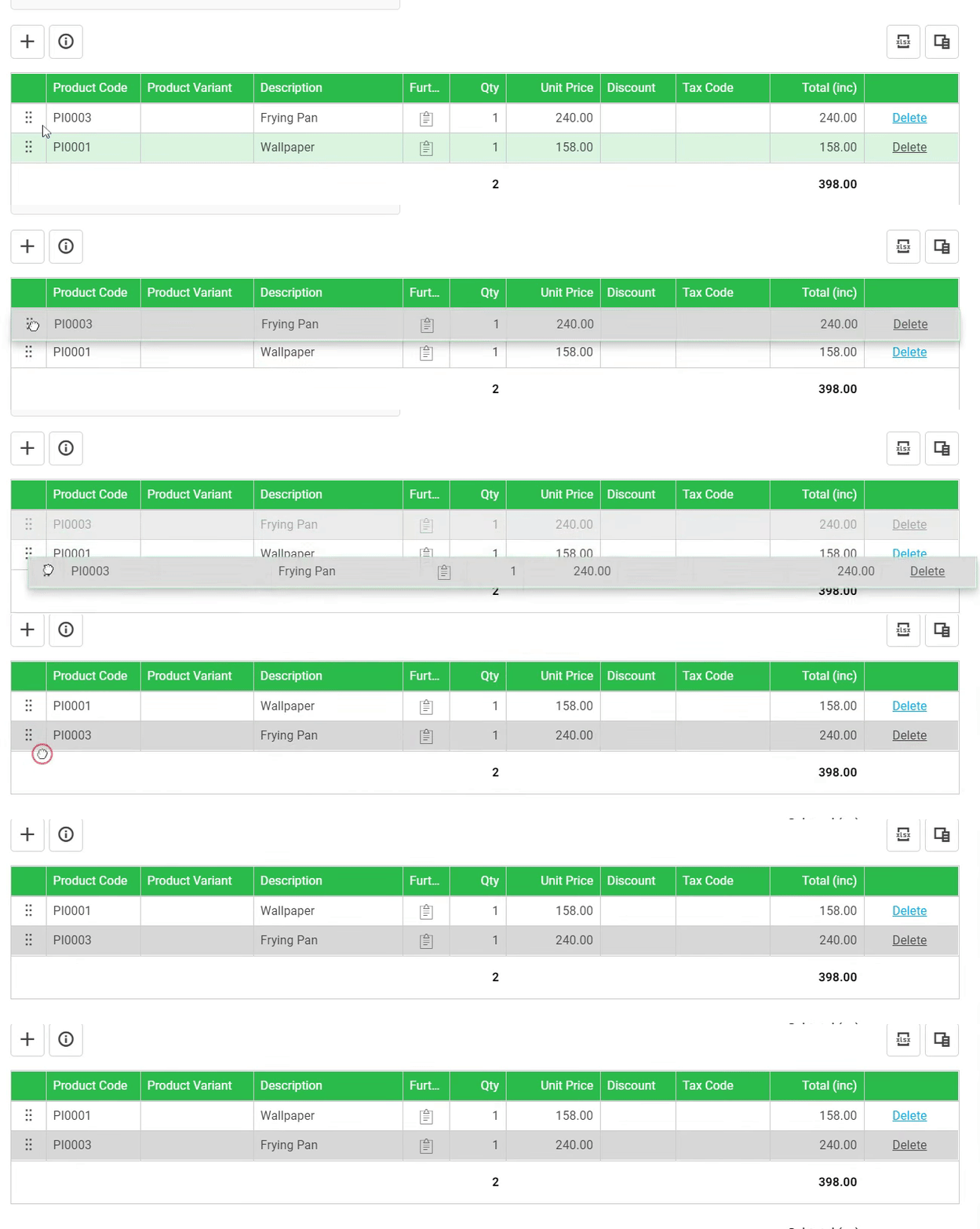
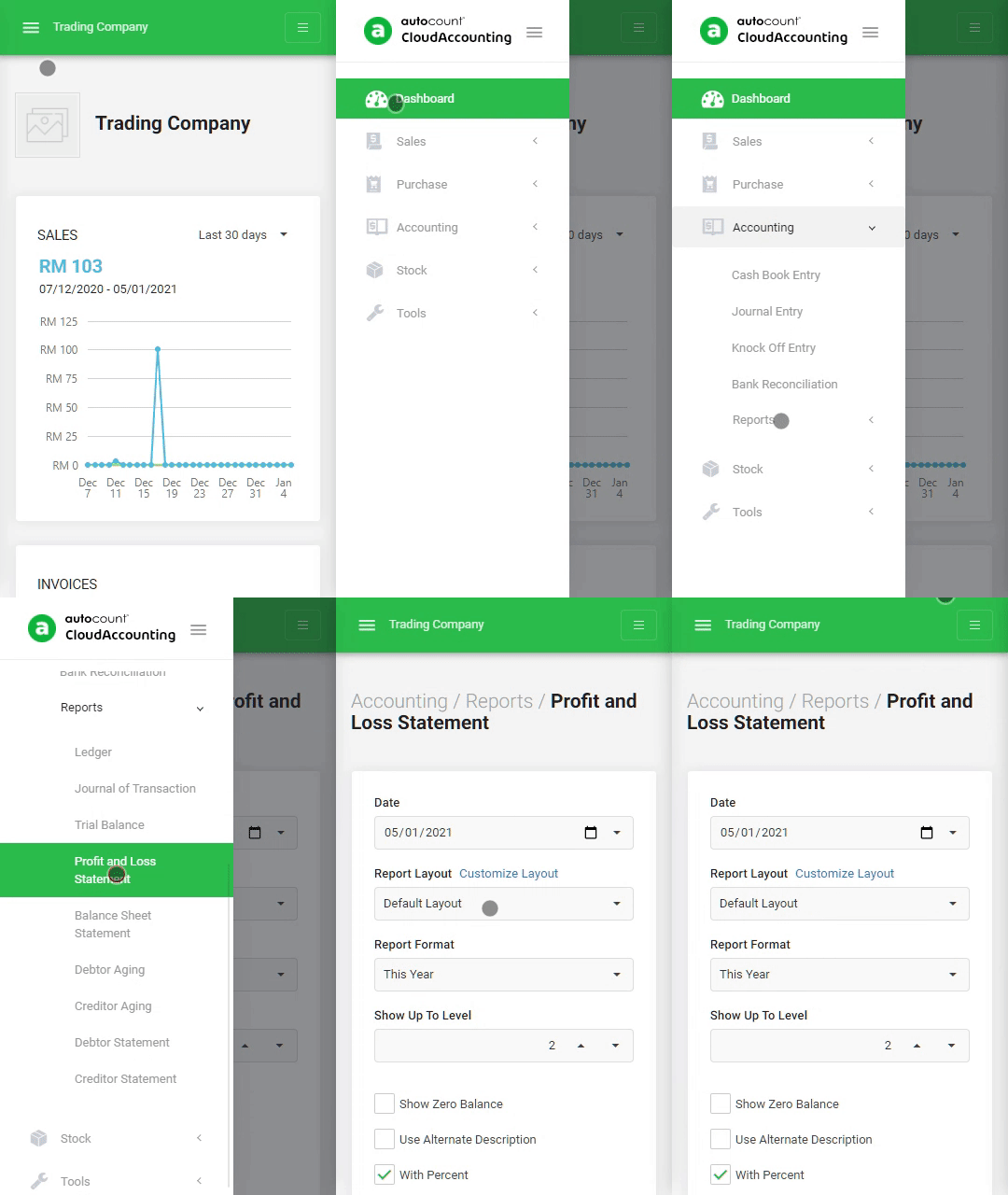
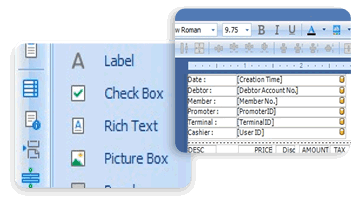
- Dynamic Report Builder
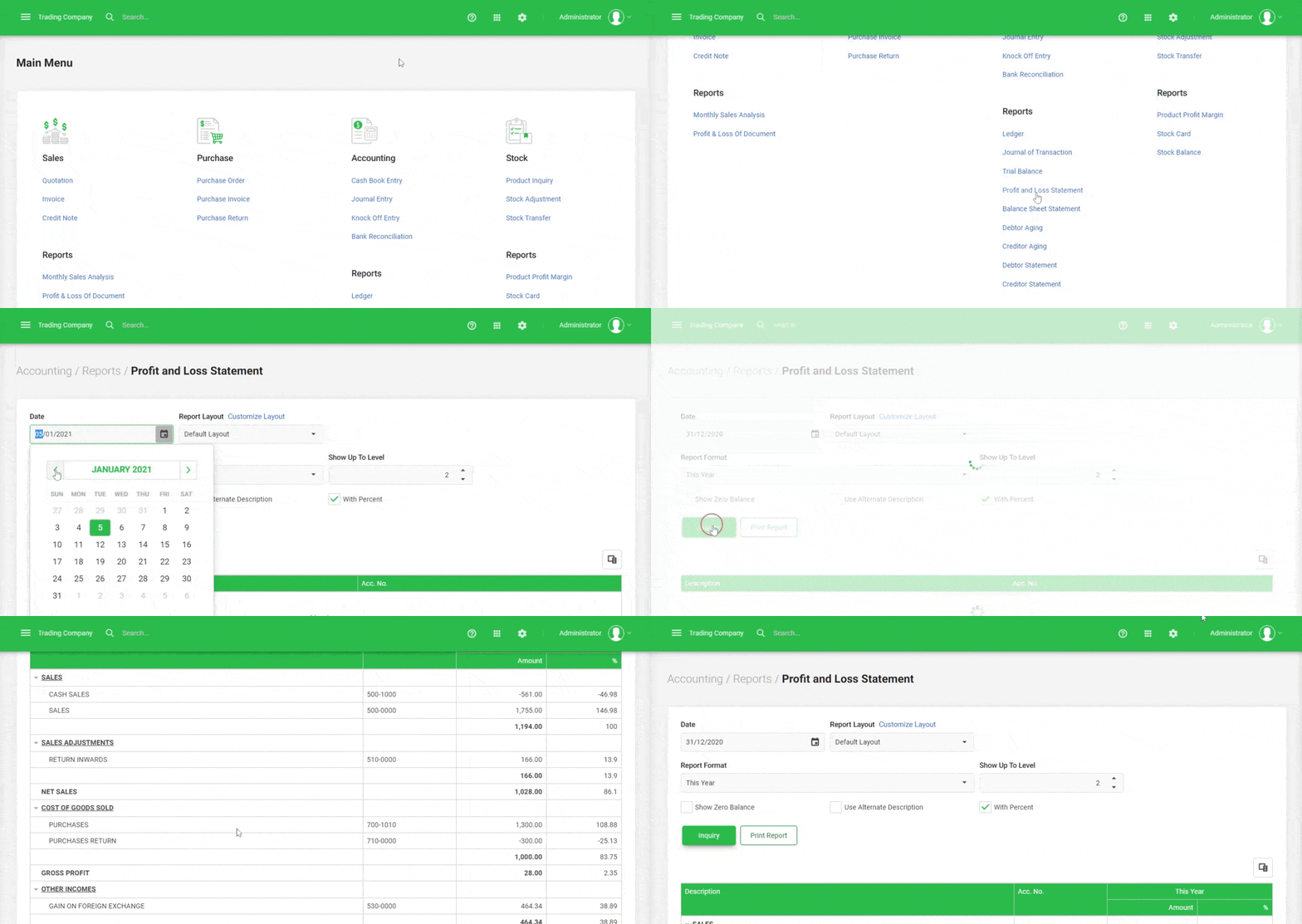
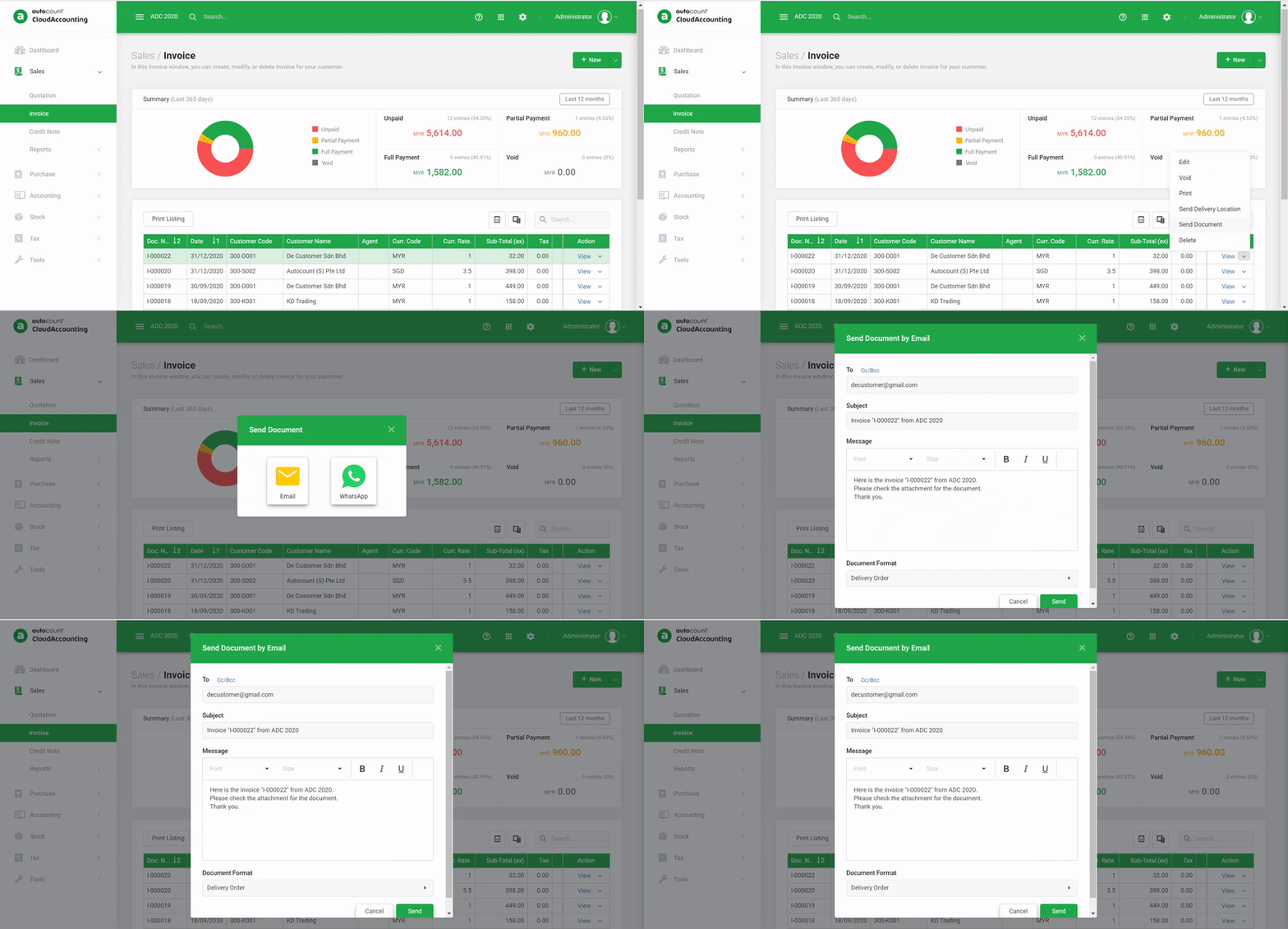
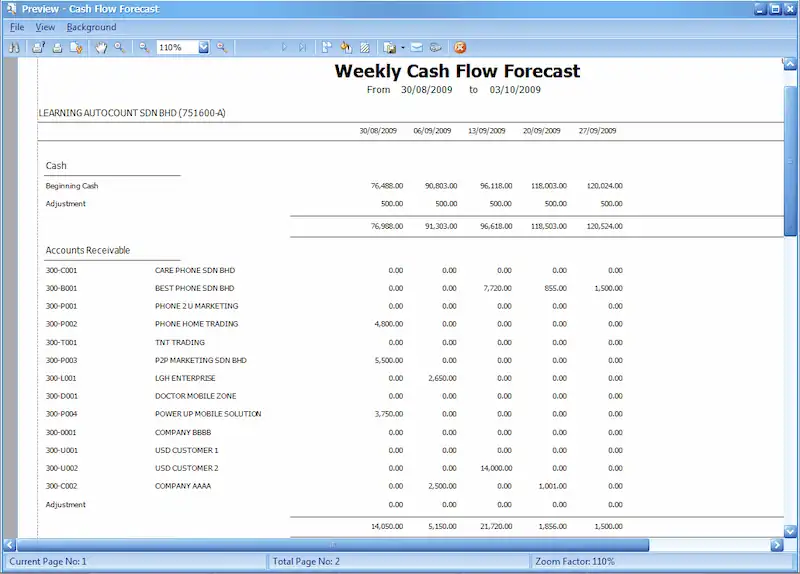
Customize profit and loss, balance sheet, trial balance, and cash flow reports with drag-and-drop layout tools. - Multi Format Output
Export reports in Excel, PDF, or print-ready formats. - Formula Fields and Custom Columns
Create calculated columns such as ratios, growth % , and projections. - Segmented Reporting
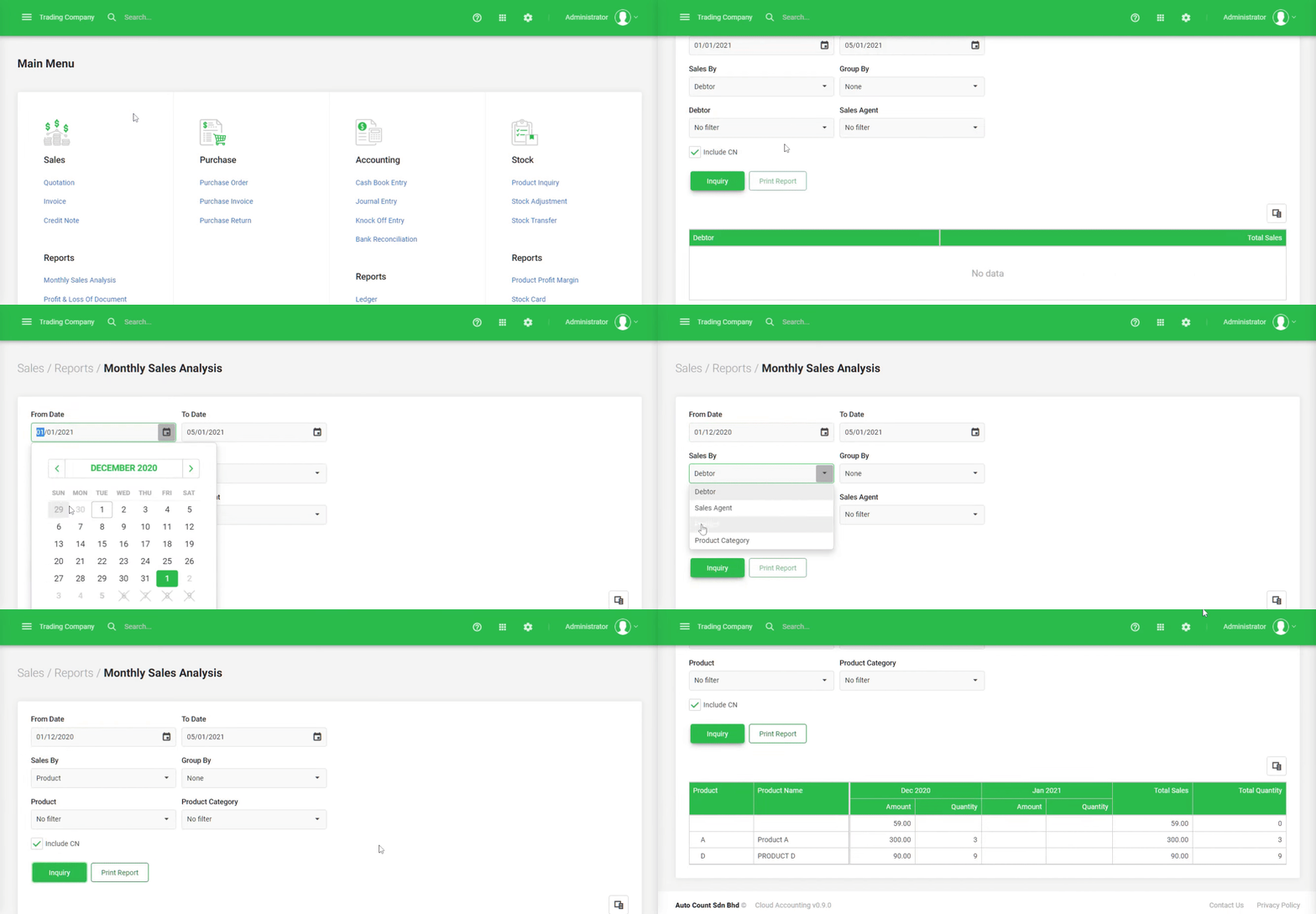
Generate reports by department, branch, project, or other analysis segments. - Multi Level Consolidation
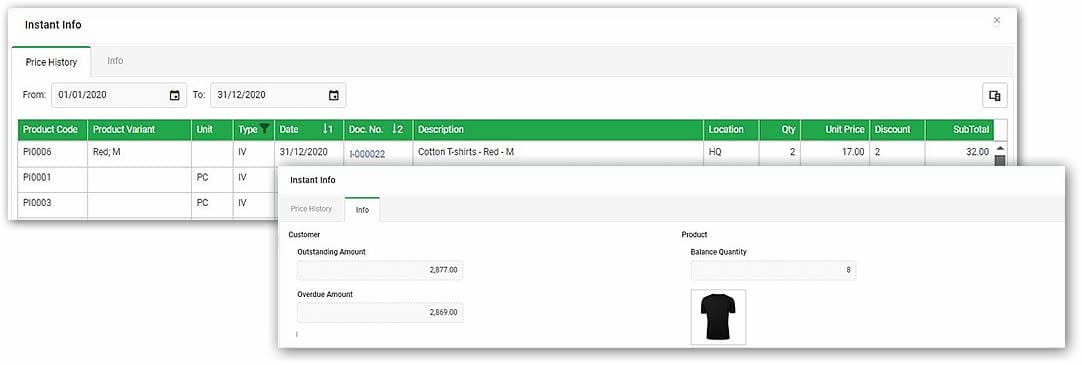
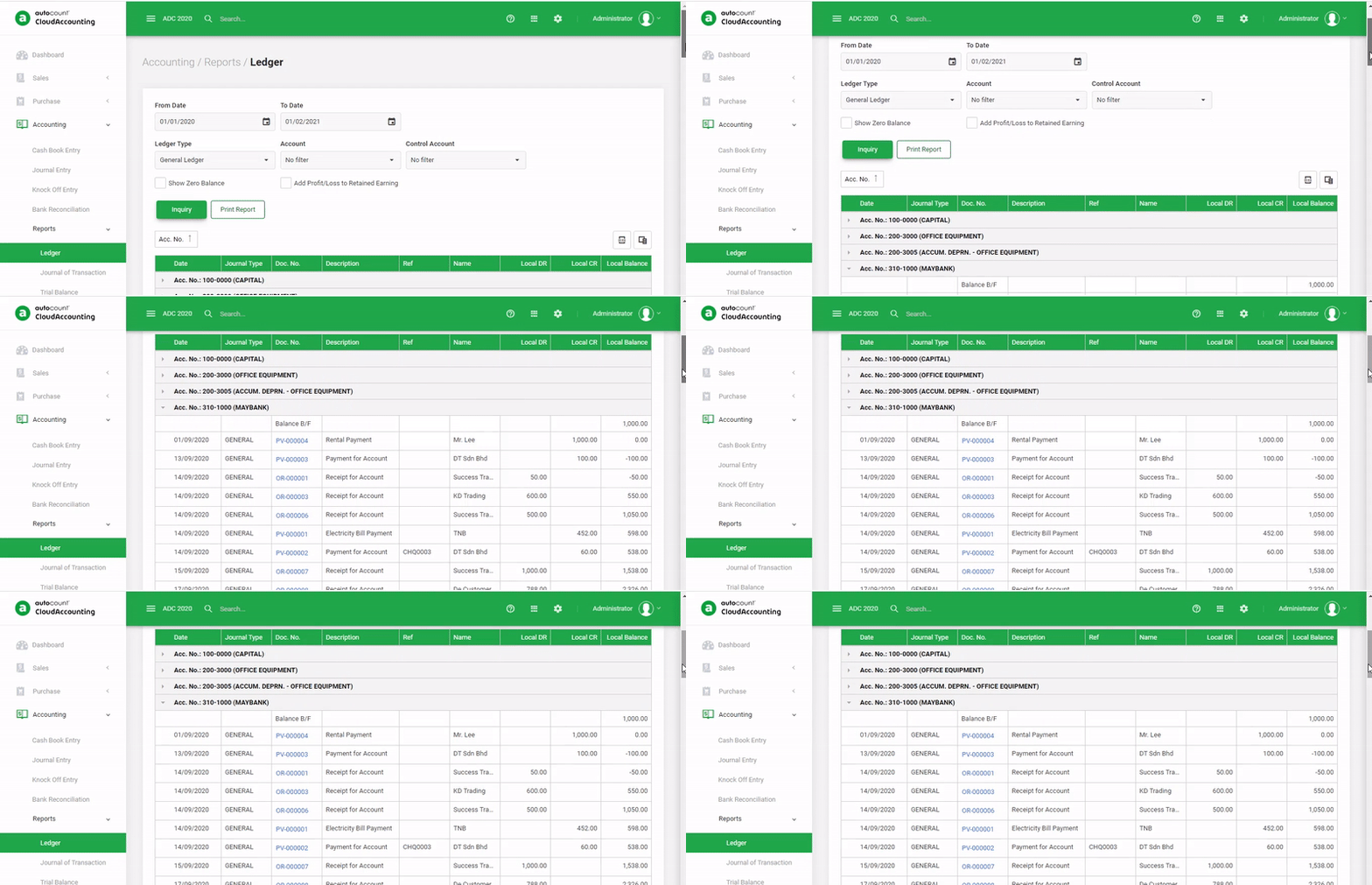
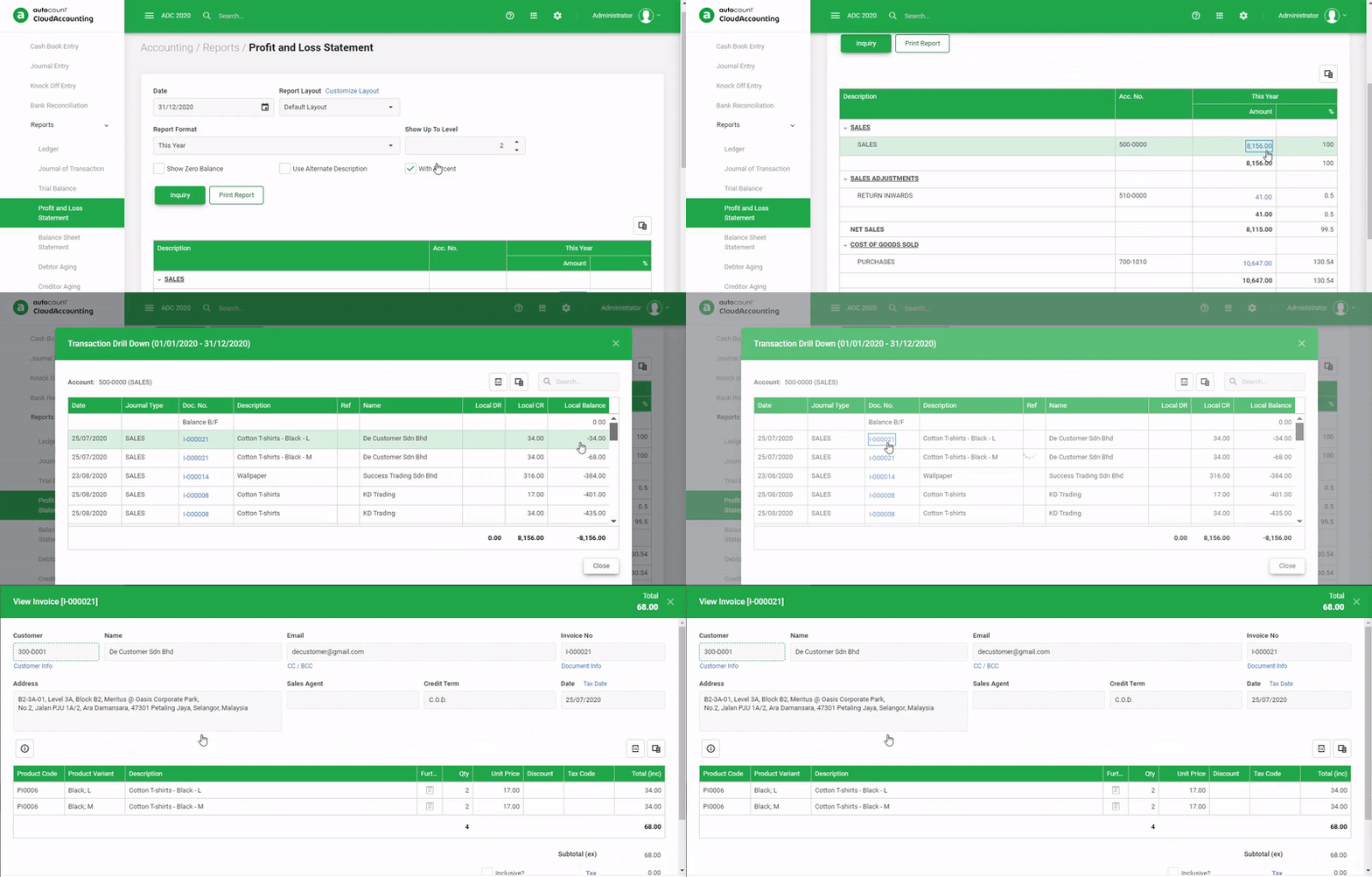
Consolidate financials across branches or companies if using multi-company setup. - Drill Down and Audit Trail
View detailed transactions directly from financial reports for audit and analysis. - Access Control and Approval Workflow
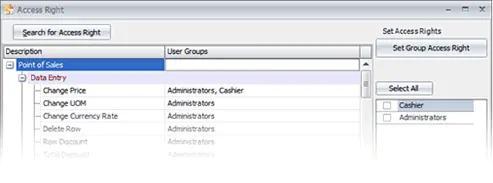
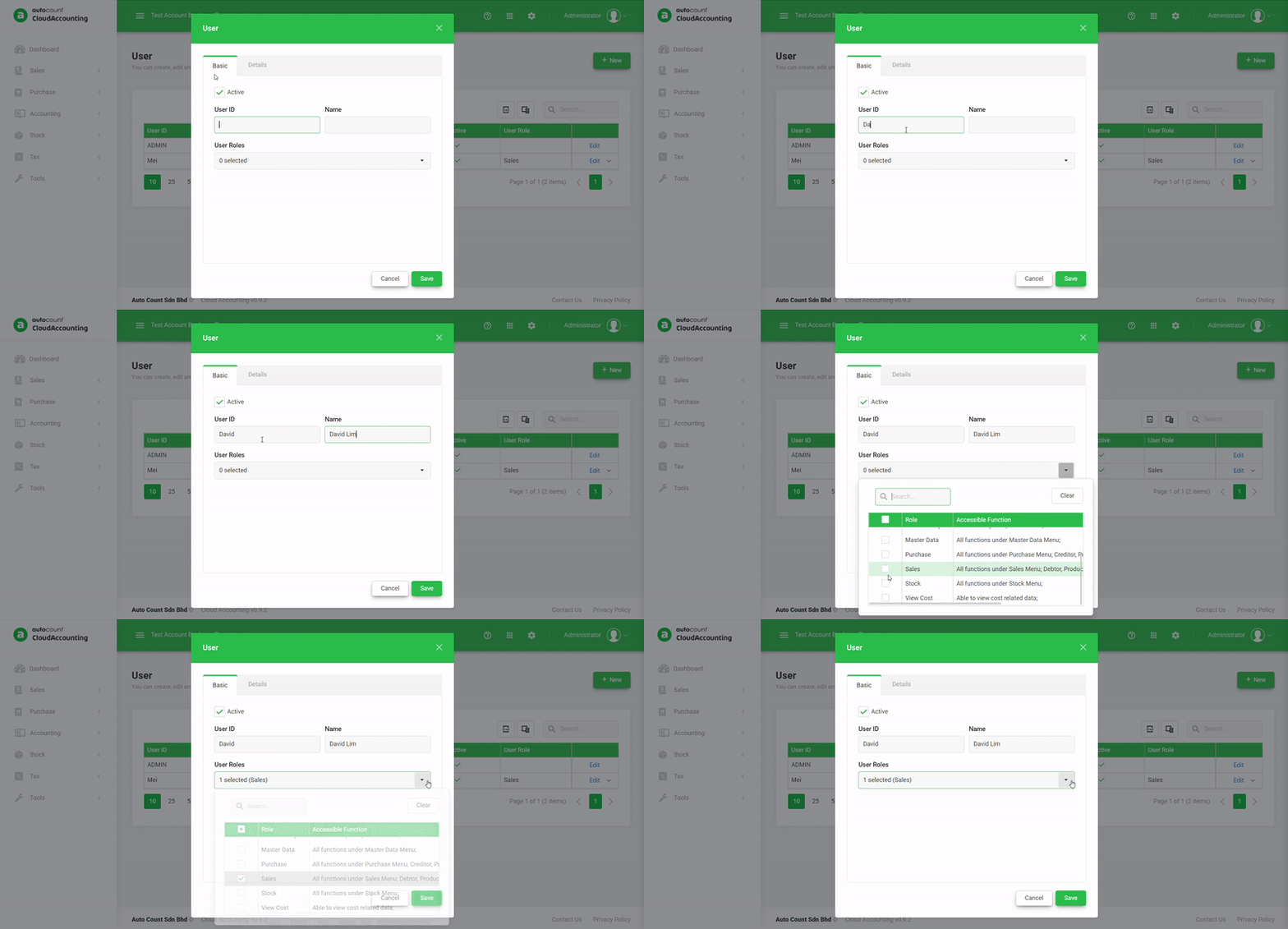
Limit who can view or edit budgets and financial layouts.