AutoCount Universal Import
- Flexible Data Import
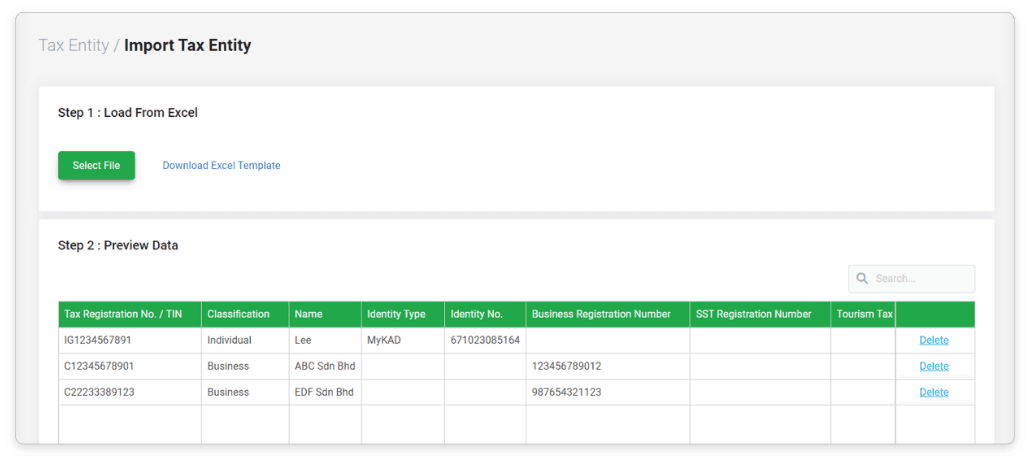
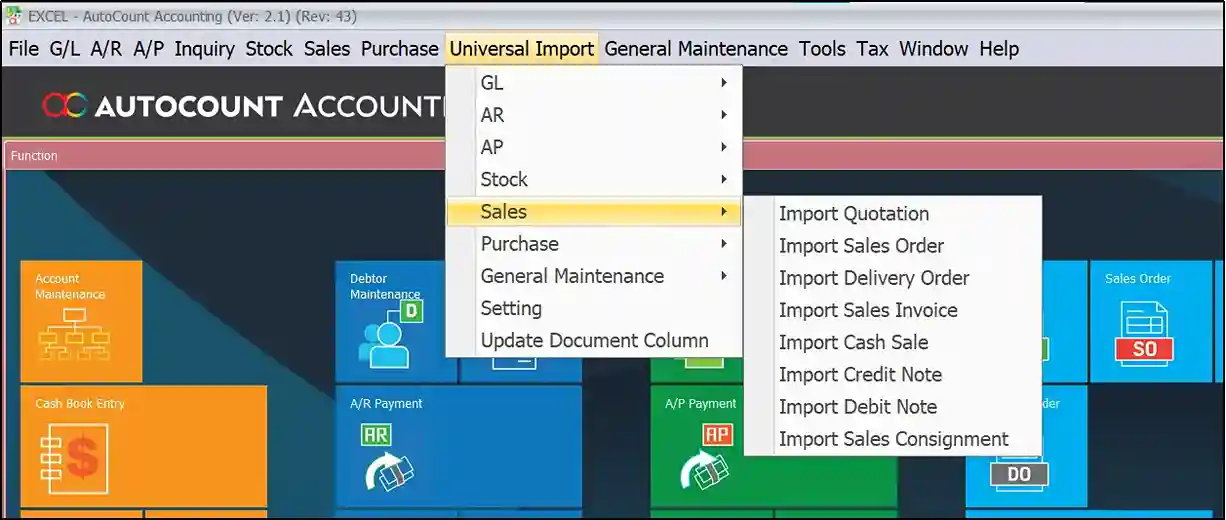
Supports importing of data from Excel or CSV files into multiple AutoCount modules such as Inventory, AR, AP, GL, Sales, and Purchase. - Custom Mapping
Users can map file columns to AutoCount fields, ensuring data is imported correctly without manual adjustments. - Time-Saving Tool
Speeds up bulk data entry and eliminates repetitive manual input, especially useful during system setup, migrations, or large updates. - Supports Multiple Modules
Can be used to import customers, suppliers, items, opening balances, transactions, and more—making it a versatile tool for various departments. - Error Validation
Provides error checks and validation before import, allowing users to identify and fix issues before committing the data. - User-Friendly Interface
Designed for non-technical users with a simple and intuitive interface, requiring minimal training. - Batch Importing
Handles large volumes of data in one go, helping businesses save time when updating or onboarding large datasets. - Custom Templates
Supports reusable import templates for recurring tasks, maintaining consistency and reducing setup time. - Integration Ready
Works seamlessly with third-party systems by allowing imports of exported data, improving cross-platform compatibility. - Improved Data Accuracy
Reduces human error by automating data transfer, ensuring cleaner and more reliable records in the system.