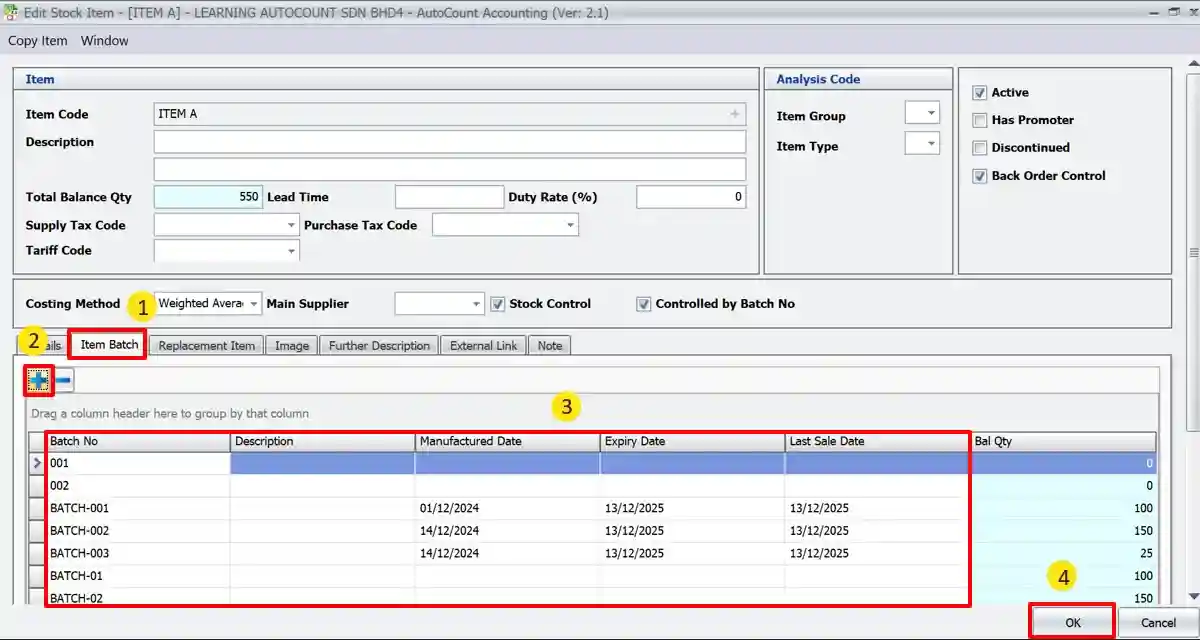
AutoCount Item Batch Module
Batch Number Tracking
- Track by Batch or Lot Number
Assign batch numbers to products during purchase, production, or receiving processes for easy traceability. - Batch Selection in Transactions
Select specific batches during sales, delivery, or issue processes to control stock movement at the batch level. - Batch Lookup Tool
Quickly locate batches across stock locations, orders, and transactions with smart filters.
Expiry and Recall Management
- Expiry Date Tracking
Record and monitor expiry dates per batch to manage perishable or time-sensitive goods. - Expiry Alerts
Set alerts for soon-to-expire batches to take timely actions like promotions or disposal. - Batch Recall Support
Identify and trace affected batches during recalls, including linked invoices and customers.
Stock Management and Control
- FIFO or LIFO by Batch
Control inventory costing using batch-level FIFO, LIFO, or other methods for accurate valuation. - Stock by Batch View
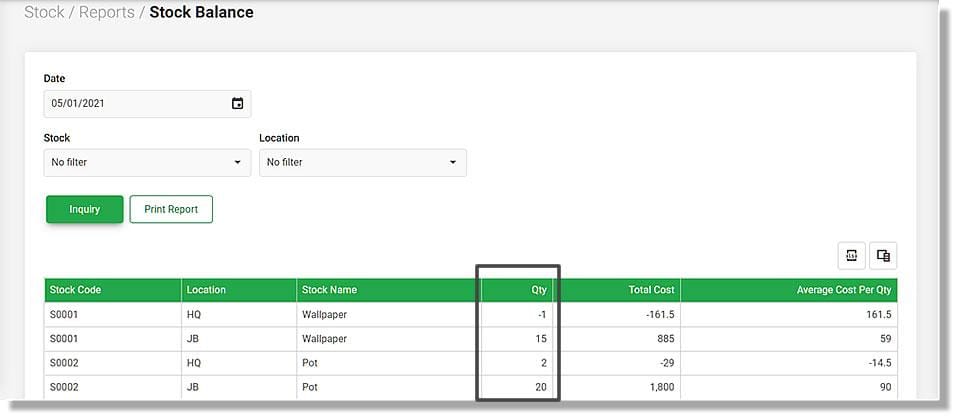
Monitor stock availability, movement, and batch balances with complete clarity and control.
Reporting and Auditing
- Batch Aging and Usage Reports
Monitor usage patterns and batch turnover for better inventory decisions. - Batch Movement History
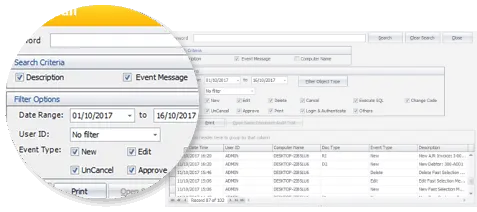
View every transaction for a specific batch with a complete audit trail.
Integration and Controls
- Seamless Integration
Works with AutoCount Sales, Purchase, Stock, and POS modules to ensure batch tracking across the system. - Mandatory Batch Input Option
Enforce batch number entry on relevant transactions to ensure no stock movement goes untracked.