AutoCount Multi-Location Module
Inventory Management Across Locations
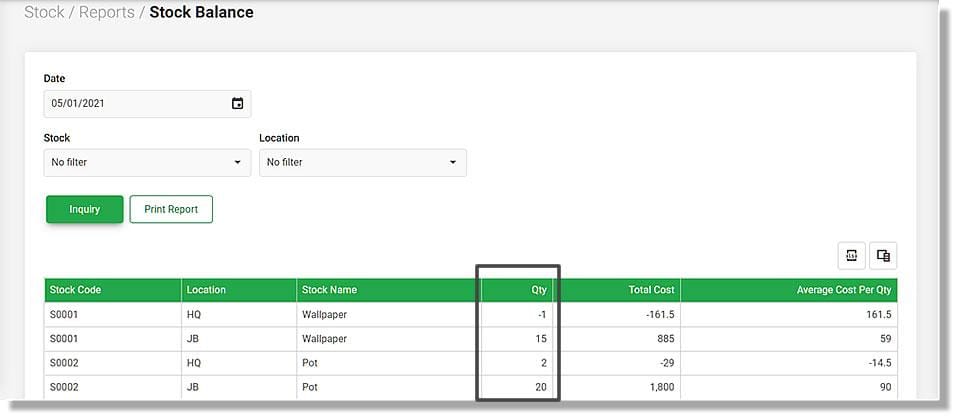
- Track Inventory by Location
Maintain separate inventory records for each warehouse or store, providing full visibility of stock levels by location. - Real-Time Stock Updates
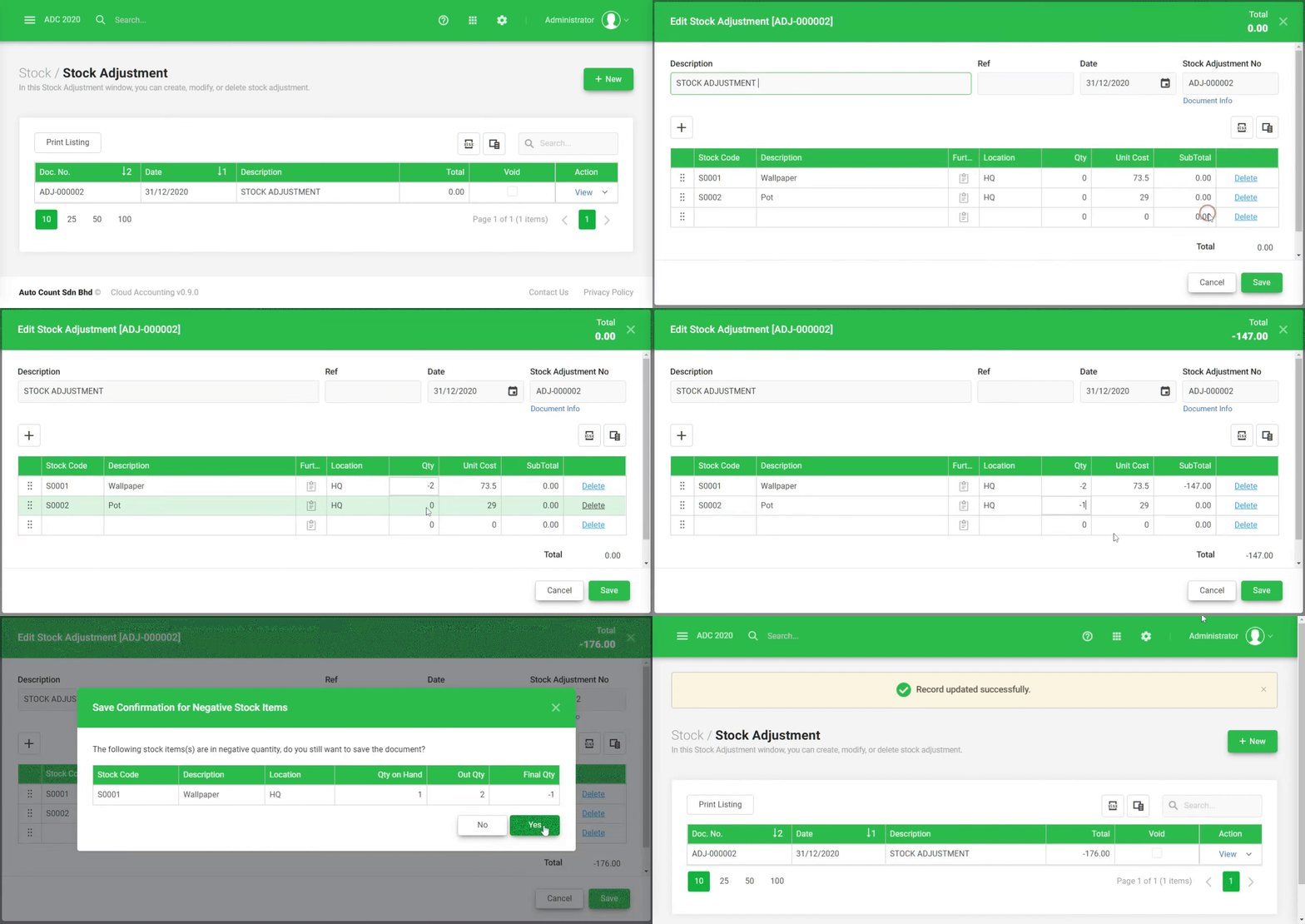
Automatically update inventory levels across all locations to reflect purchases, sales, transfers, and stock adjustments in real-time. - Multi-Location Stock Valuation
Ensure accurate inventory valuation for each location, reflecting purchase costs, stock adjustments, and transfers. - Location-Specific Reporting
Generate reports on sales, inventory, and stock movements specific to each location, making it easier to monitor performance.
Sales and Transfer Integration
- Seamless Stock Transfers
Facilitate easy stock transfers between locations with automatic updates to inventory at both source and destination locations. - Sales Tracking by Location
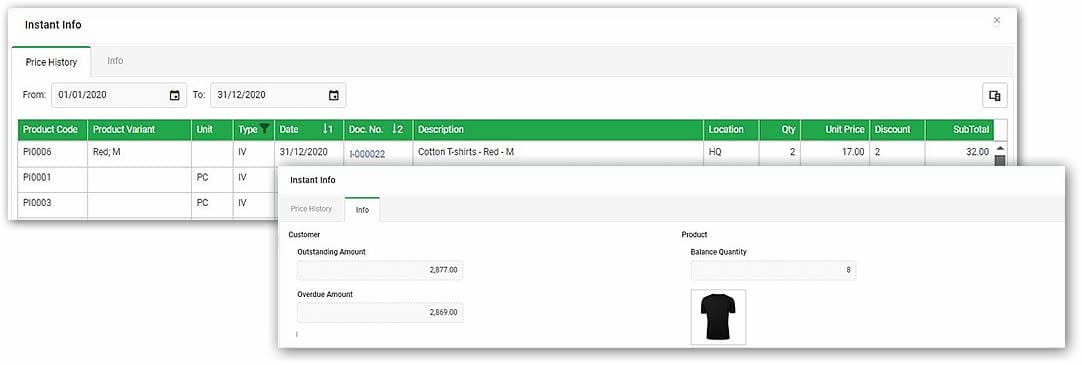
Track sales and revenue per location to evaluate performance and make location-based adjustments. - Location-Specific Pricing & Discounts
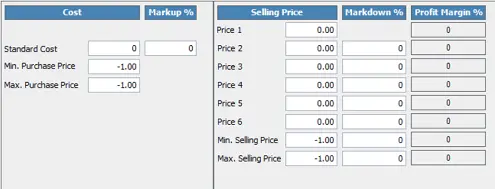
Set location-specific pricing, promotional discounts, or loyalty programs, tailoring offers based on location. - Location-Based Order Fulfilment
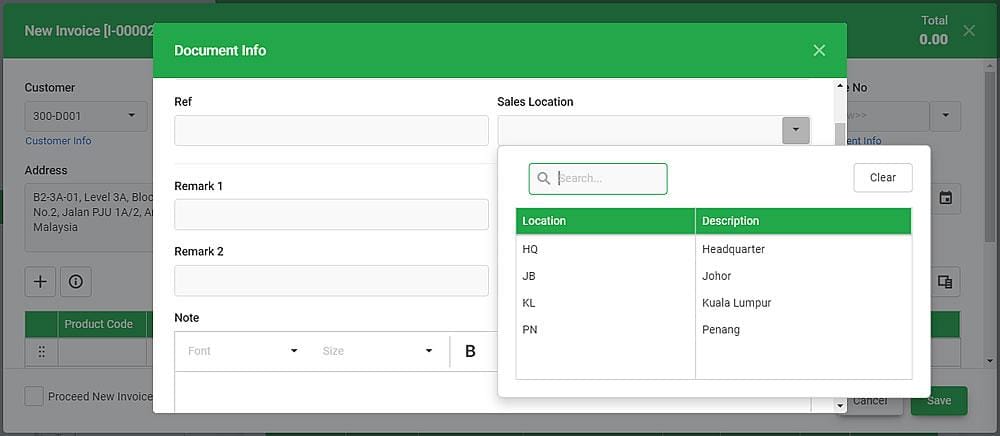
Assign sales orders to specific locations for fulfilment, ensuring that stock is taken from the appropriate warehouse or store.
Reporting and Analytics
- Location Performance Analytics
Monitor sales, stock levels, stock aging, and stock turnover across all locations for performance analysis. - Consolidated Multi-Location Reports
View consolidated reports that combine data from all locations for a comprehensive overview of overall business performance. - Detailed Stock Movement Reports
Track and report on stock movements between locations, including stock transfers and returns.
Customization and Control
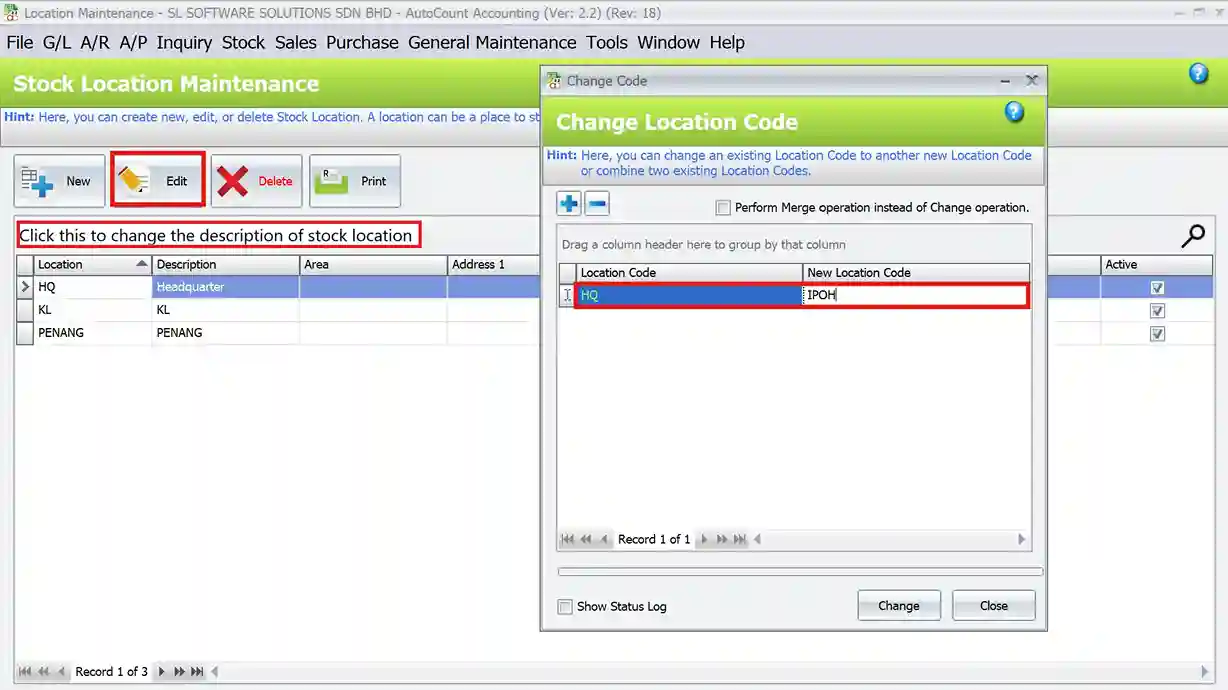
- Flexible Location Setup
Easily configure new locations, warehouses, or stores with customizable settings for inventory, pricing, and reporting. - Role-Based Permissions
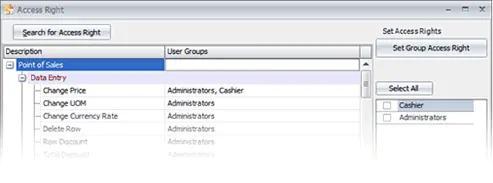
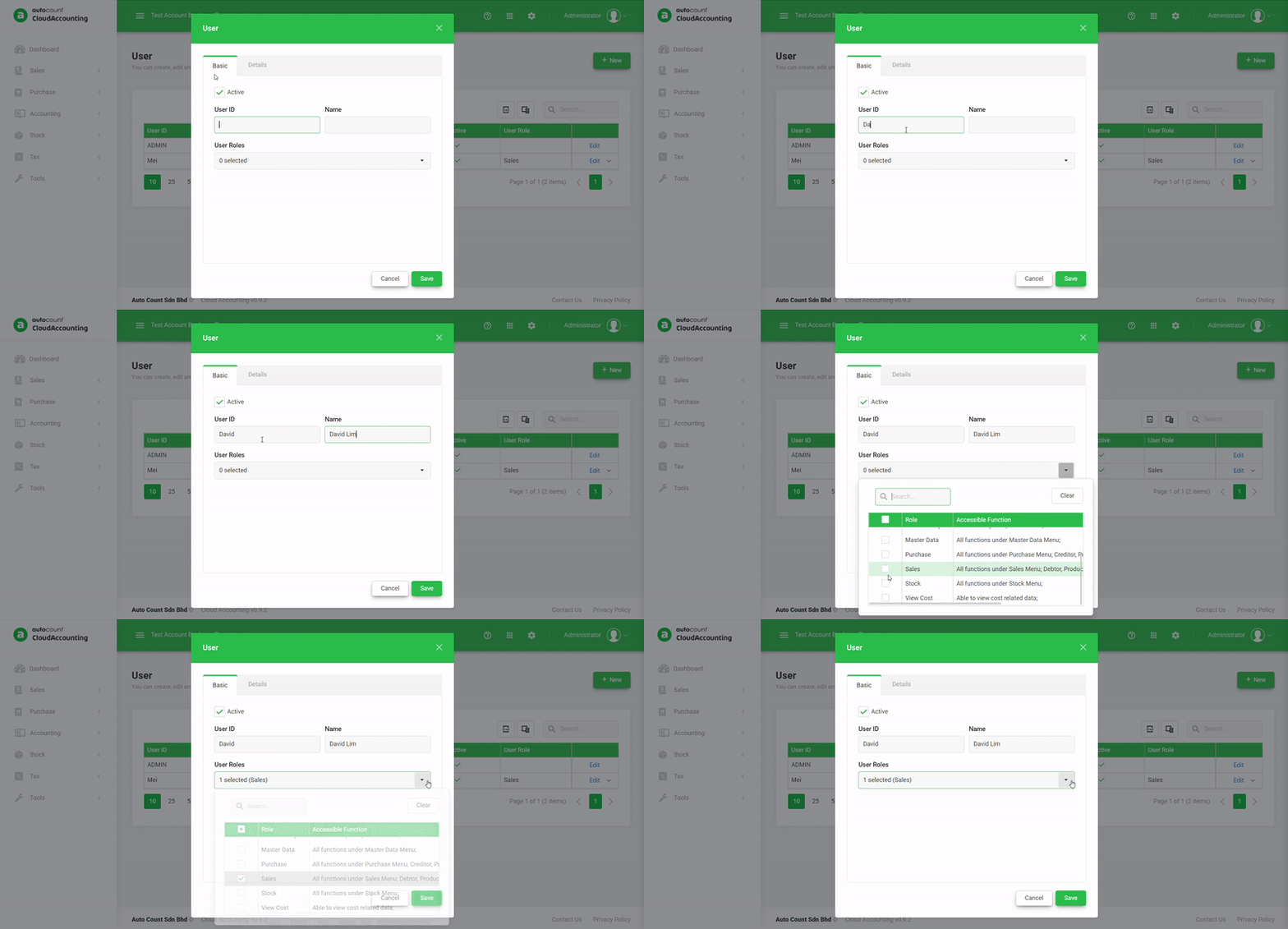
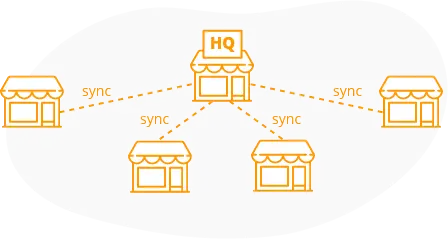
Restrict user access to specific locations, allowing staff to only view or manage the relevant location’s data. - Multi-Location Data Synchronization
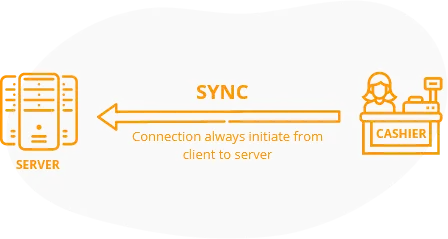
Ensure synchronization of inventory and sales data across all locations, eliminating the risk of discrepancies.