AutoCount Stock Assembly Module
Assembly and Disassembly Process
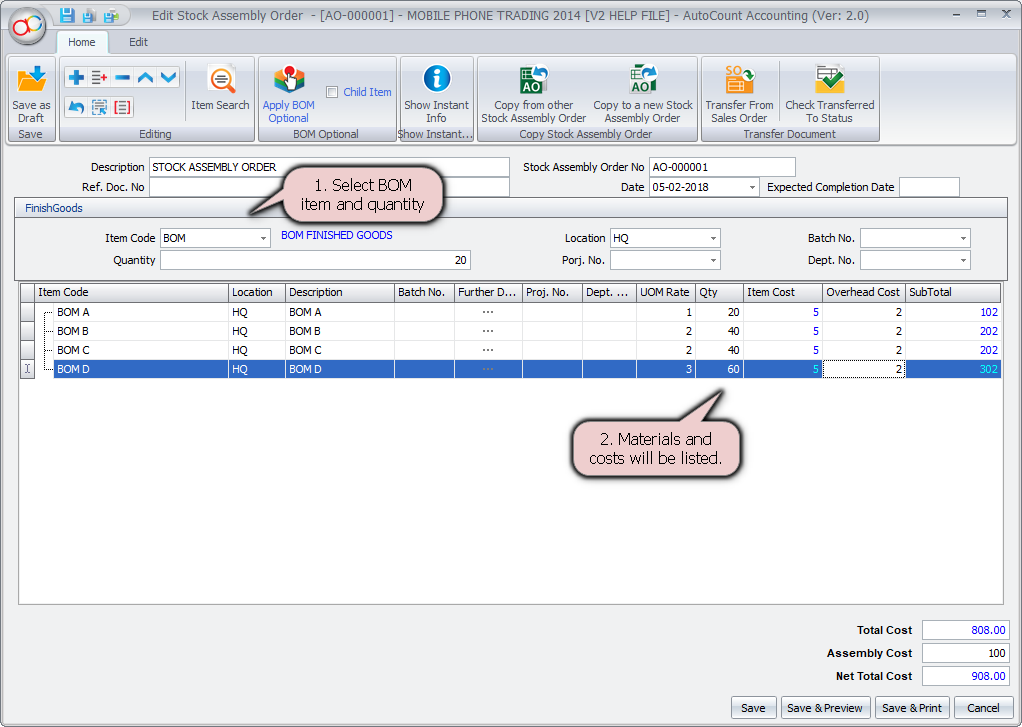
- Build Finished Goods from Components
Combine multiple items into one finished product using the Stock Assembly function. - Reverse Assembly (Disassembly)
Break down finished goods back into component parts if needed, with correct stock adjustments. - Auto Stock Deduction and Addition
Deduct raw materials and increase finished goods in stock automatically after each assembly.
Inventory and Cost Control
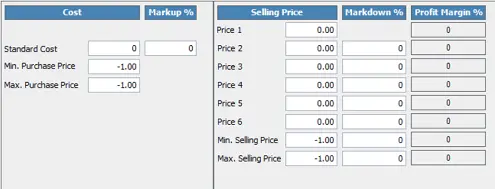
- Cost Calculation Options
Choose between average cost, standard cost, or component-based cost for assembled items. - Real-Time Stock Updates
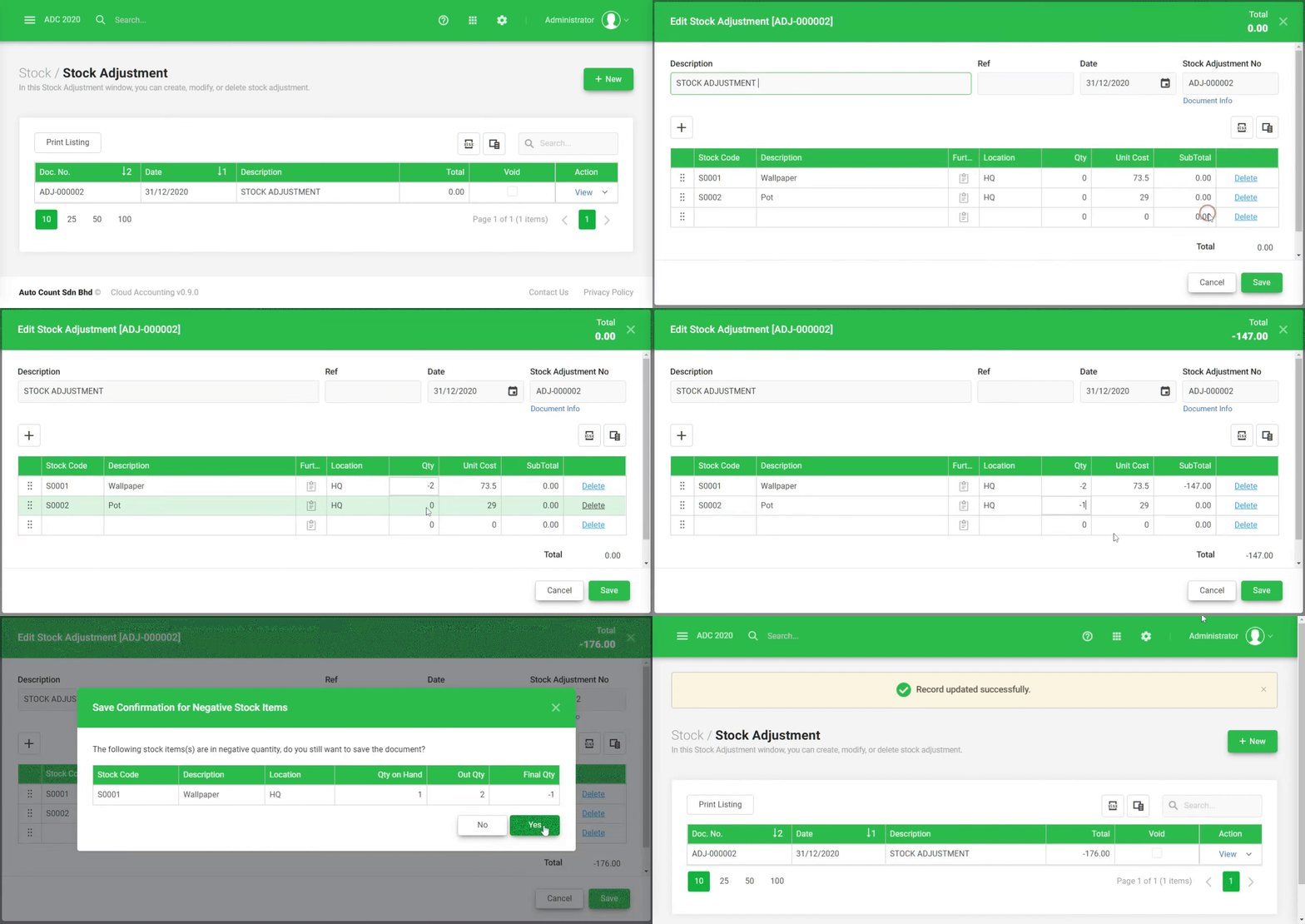
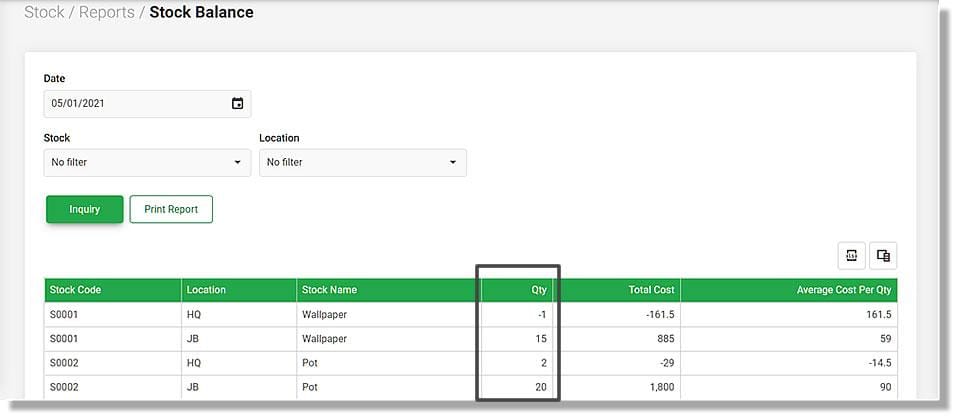
Inventory balances update immediately for both components and finished goods post-assembly. - Component Availability Check
Prevent incomplete assemblies by verifying if enough stock exists for all required components.
Assembly Instructions & Templates
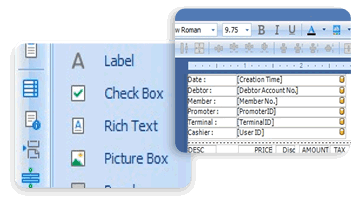
- Predefined Bill of Materials (BOM)
Set up BOM templates for frequently assembled products to save time and reduce data entry errors. - Manual or Template-Based Assembly
Use flexible input methods: build from scratch or apply existing templates per product. - Optional Items or Substitutions
Customize each assembly with optional add-ons or replaceable components if allowed.
Integration and Automation
- Works with AutoCount Inventory, Sales, and Accounting Modules
Assembled items can be sold, tracked, and accounted for seamlessly across modules. - Supports Sales-Driven Assembly
Trigger assemblies based on sales orders, if configured, to produce goods just-in-time. - Batch and Serial Number Support (if applicable)
Compatible with Batch or Serial tracking modules for traceable components.