AutoCount Fixed Assets
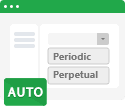
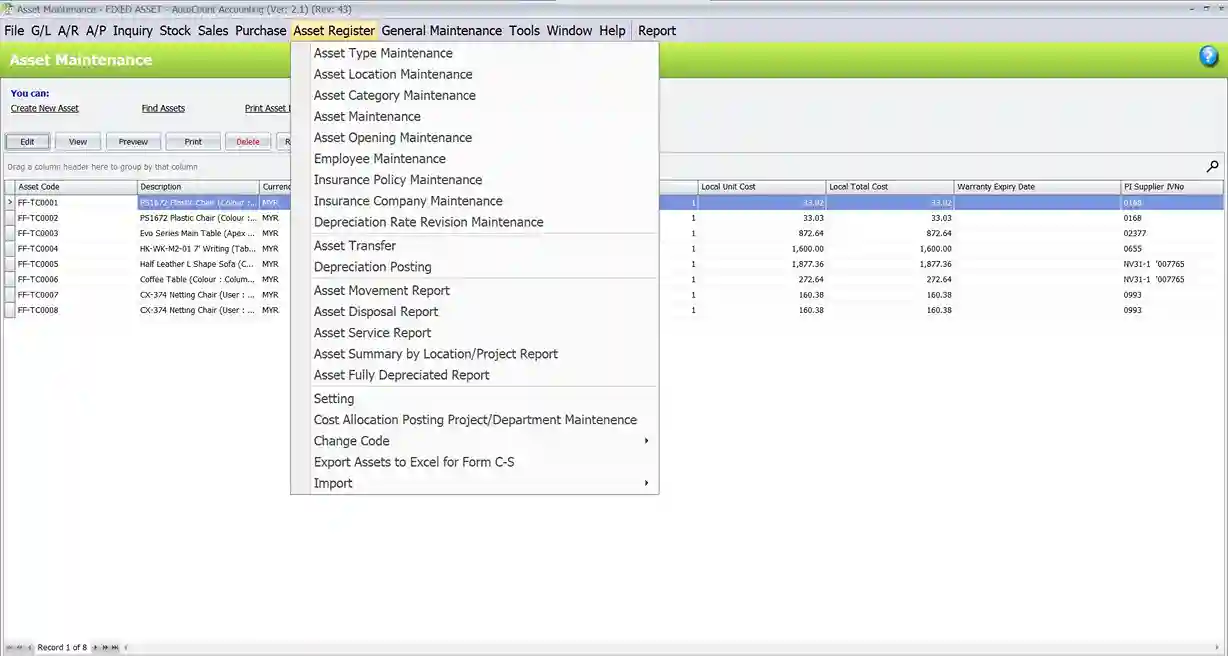
This plugin adds a full Fixed Assets Management module into AutoCount. It allows your team to maintain an accurate asset register and produces monthly depreciation automatically based on your depreciation method (straight line or reducing balance). All generated depreciation and disposal entries will post directly to your AutoCount GL so your asset list always matches your accounts.
This is useful for SMEs that want to stop managing fixed assets in Excel and avoid mistakes in depreciation and asset book value tracking.
Main Capabilities
- Create and classify fixed assets (office equipment, machinery, tools, vehicles, renovation, IT devices)
- Assign asset code, location, custodian, purchase cost and useful life
- Automated monthly depreciation posting to GL
- Handle transfer, adjustment, write-off, scrap, disposal
- View asset net book value and depreciation history anytime
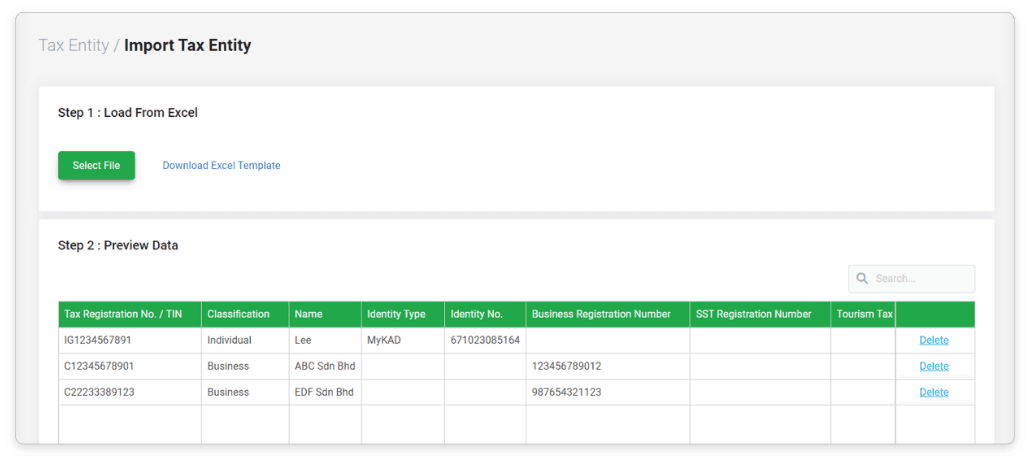
- Import existing asset lists from Excel
Example Use Case
A company buys a new laptop.
They register it in the plugin with cost RM3,500 and useful life 3 years.
The plugin auto-calculates monthly depreciation and posts it to GL without manual formula or Excel errors.
- Centralized Asset Management
Maintain a complete registry of fixed assets including machinery, vehicles, office equipment, furniture, and more. - Automatic Depreciation Calculation
Supports various depreciation methods like straight-line, reducing balance and auto-calculates depreciation monthly or yearly. - Customizable Asset Categories
Group assets into categories with specific depreciation rules, useful life, and residual values. - Integrated with General Ledger
Automatically posts depreciation entries into the GL, ensuring accurate and timely accounting without manual entry. - Asset Lifecycle Tracking
Manage the full lifecycle of assets from acquisition to disposal including adjustments, transfers, revaluations, and retirements. - Supports Partial Disposal and Transfers
Easily handle complex scenarios such as partial asset disposal or transferring assets between departments or locations. - Barcode and Asset Tagging Support
Use barcodes or asset tags for physical tracking and inventory validation. - Multi-Location & Multi-Department Tracking
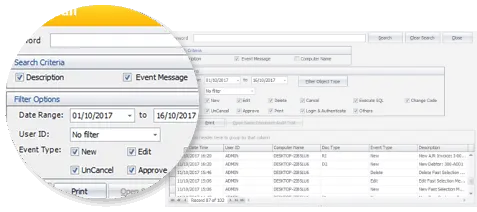
Track asset ownership, location, and responsibility across multiple branches or departments. - Audit Trail and Reporting
Maintain full audit logs of changes to asset records and generate detailed reports for audits, budgeting, and compliance. - Financial Compliance
Complies with common accounting standards for depreciation and asset handling, supporting regulatory and internal reporting requirements.